
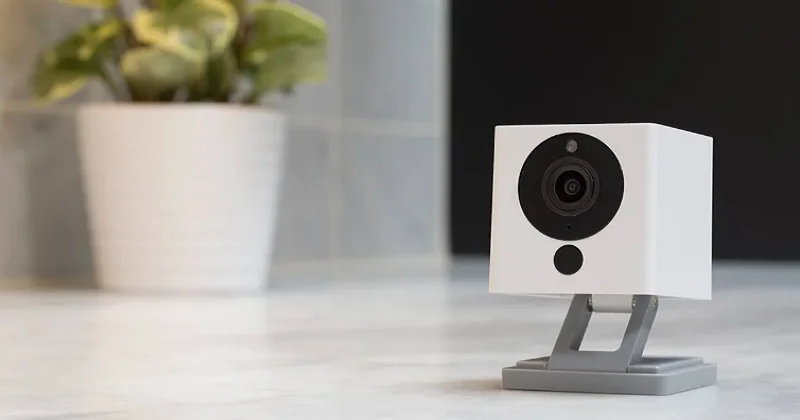

Wyze Cam V1 Outdoor Security Camera
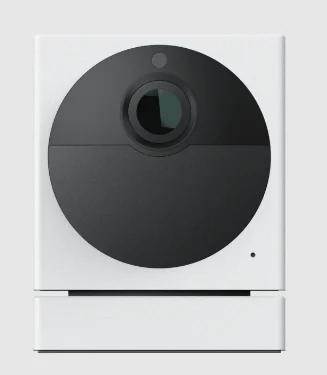
IN THE BOX
- Wyze Cam x1
- USBCable x1
- Power Adapter x1
- Quick Start Guide x1
- Wall Plate x1
- Mounting Tape x1
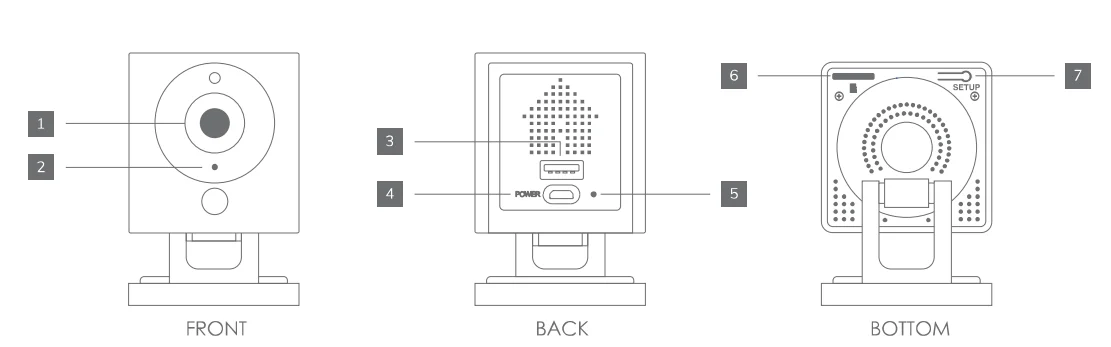
- Lens
- Microphone
- USB Output
- Power Input
- Status Light
- MicroSD Slot
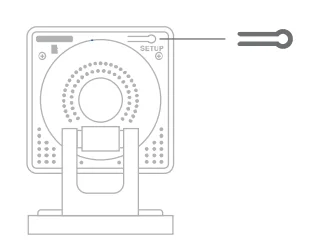
(SD card not included) - SETUP Button
SETUP
- Download the Wyze app and create an account

- Connect the camera to a power outlet and wait for 20 seconds until the yellow status light flashes

- Press the SETUP button for 3 seconds until you hear a voice prompt

- Follow the Wyze app to finish setup

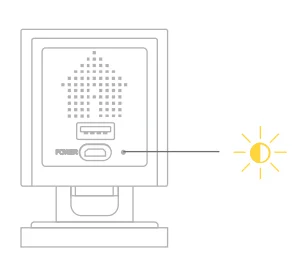

LIGHT INDICATIONS
 Solid yellow light
The device is powered on and initializing Flashing yellow light
The device is ready to connect Flashing yellow & blue lights
Connection is in progress Flashing blue light
The device is connected and finishing setup Solid blue light
The device is working properly
 Solid yellow light
 Flashing yellow light
 Flashing yellow & blue lights
 Flashing blue light
 Solid blue light
NEED HELP?
Tutorial Videos
Troubleshooting & FAQs
Community
Contact Us
[email protected]
1-844-WYZECAM
For more manuals by Wyze Labs, visit ManualsLibraryy
Wyze Cam V1 Outdoor Security Camera- FAQs
What is Wyze Cam Outdoor?
Wyze Cam Outdoor is a battery-powered, wire-free security camera for outdoor use. It provides motion detection, HD video, and night vision to monitor your home.
Is Wyze Cam V1 still supported?
No, the original V1 cameras are discontinued and no longer receive updates.
How does a Wyze camera work?
Wyze cameras detect motion or sound, then send alerts to your phone and record video to the cloud or local storage (if a microSD card is used).
Do Wyze cameras need Wi-Fi?
Yes, they require a 2.4GHz Wi-Fi connection for setup and cloud recording. Some models can record locally with a microSD card without Wi-Fi.
Is Wyze Cam private and secure?
Yes, all video streams are encrypted during transfer. Wyze employees cannot view live feeds, and data is stored securely on Wyze servers.
How far can Wyze Cam Outdoor be from its Base Station?
The camera can be up to 300 feet from the Base Station in an open area.
Can I view Wyze Cam on my TV?
No, Wyze cameras cannot connect directly to TVs. They are designed for monitoring via the Wyze app.
How much does Wyze cost per month?
Wyze cameras can work without a subscription. Optional plans like Cam Plus or Cam Unlimited start at $9.99/month for additional features like extended cloud storage.
Can multiple phones connect to one Wyze Cam?
Yes, multiple users can access the camera through the Wyze app by sharing account access.
How do I install Wyze Cam Outdoor?
Mount the camera in a suitable outdoor spot, connect it to the Base Station, and set it up through the Wyze app following the on-screen instructions.