
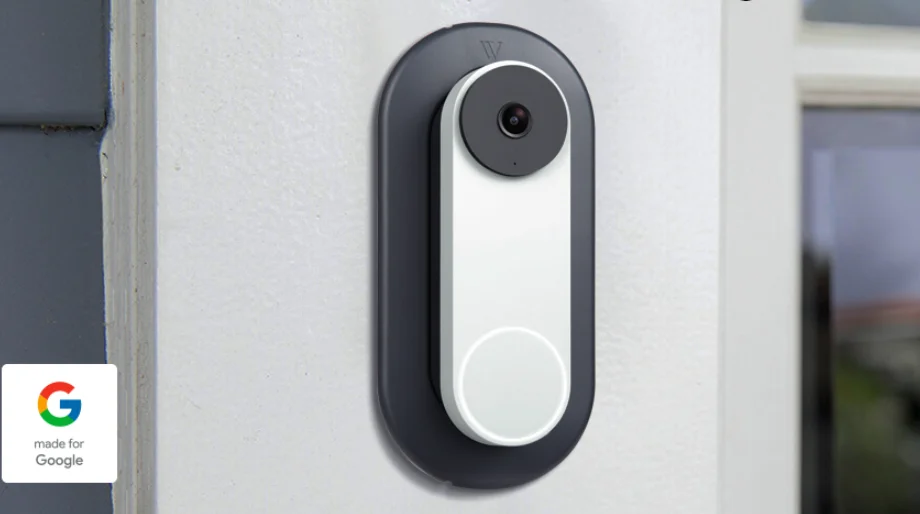

Google Nest Doorbell Wired-Wall Plate
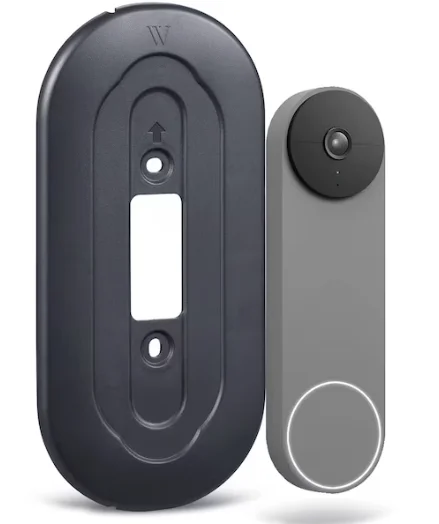
In the Box
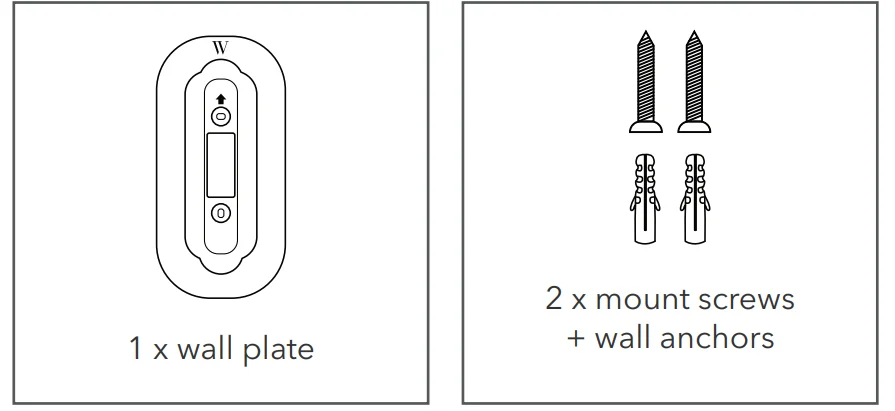
Compatibility:
- Google Nest Doorbell (Wired, 2nd Gen)
Pre-Installation
- We recommend that you use a magnetic screwdriver.
- Make sure the arrow on the wall plate is facing up.
Installation
- Turn off the power to your doorbell at the electrical panel. Note: Always consult a professional electrician before working with electrical wires.
- If a doorbell was previously installed on your wall, take it down and disconnect the wires.

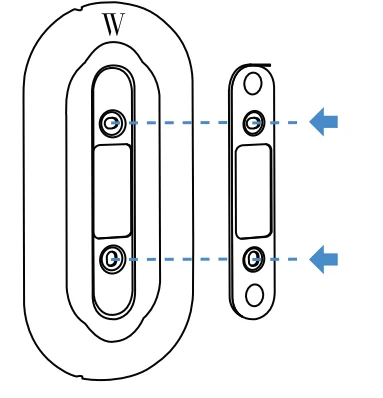
- Align the doorbell backplate with the wall plate.

- Feed the wires through the cutout as shown below. Mount the wall plate along with the backplate to the wall using the screws and wall anchors provided (the drill bit size is 1/8 in).

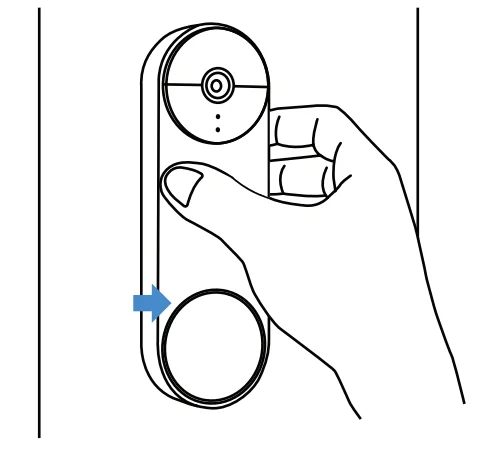
- Connect the wires to the doorbell. Then, attach the doorbell to the wall plate as shown.

- Secure the doorbell with the screw that came with your doorbell. Turn on the power and check the app to make sure the doorbell has been installed properly.



Installation with the Doorbell Wedge
- Repeat Steps 1–2 from the last section.

- Feed the wires through the cutout as shown below.

- Attach and screw in the doorbell backplate onto the doorbell wedge together with the wall plate.

- Connect the wires to the doorbell. Then, attach the doorbell to the wall plate as shown.

- Secure the doorbell with the screw that came with your doorbell. Turn on the power and check the app to make sure the doorbell has been installed properly.


Get More Support
Scan the QR code below or email us at: [email protected].
This product has been certified by Wasserstein to meet Google’s compatibility standards. Google is not responsible for the operation of this product or its compliance with any applicable safety or other requirements. Learn more at g.co/madeforgoogle. Google’s “Made for” badge, Google Nest Cam, and related marks are trademarks of Google LLC.
For More Manuals By Google Nest, Visit ManualsLibraryy.
Google Nest Doorbell Wired-Wall Plate-FAQs
Can the Google Nest Doorbell be wired?
Yes, the Nest Doorbell can be connected to existing doorbell wiring that provides between 8–24V AC. Make sure your transformer meets this requirement to avoid power issues.
What type of transformer is required for the Nest Doorbell?
You’ll need a transformer rated 8–24 VAC, 10 VA, 50/60Hz for proper operation. This ensures stable power and reliable performance.
How do I mount the Google Nest Doorbell on a wall?
Attach the provided wall plate to your wall using the included screws. Then, connect the wires and snap the doorbell onto the plate. Ensure the surface is flat and secure before installation.
Can I install the Nest Doorbell without drilling?
Yes. You can use a no-drill wall mount or Wasserstein Wall Plate, which covers old holes and provides a clean look without damaging your walls.
Can the Nest Doorbell (wired) work without a chime?
No. The wired Nest Doorbell must be installed with the included chime connector to function correctly. The battery version, however, can work with or without a chime.
Why isn’t my wired Nest Doorbell ringing inside?
This usually happens if a wire is loose or not connected properly. Turn off power at the breaker, tighten the connections, and make sure the chime connector is correctly installed.
Can someone steal the Nest Doorbell?
While theft is possible, you can reduce the risk by using an anti-theft wall mount or security screw mount. Google may also replace stolen units if registered and reported.
Does the Google Nest Doorbell record continuously?
Only the wired Nest Doorbell supports 24/7 video recording with a Nest Aware Plus subscription. The battery version records only event-based clips.
Can the Nest Doorbell work without wiring?
Yes, the Nest Doorbell (battery) works without wiring, but the wired version requires a constant power source through your existing doorbell wires.
Is the Nest Doorbell better than Ring?
Both are excellent options. The Nest Doorbell offers a sleek design and seamless Google Home integration, while Ring provides more flexible app controls and features for Alexa users.