
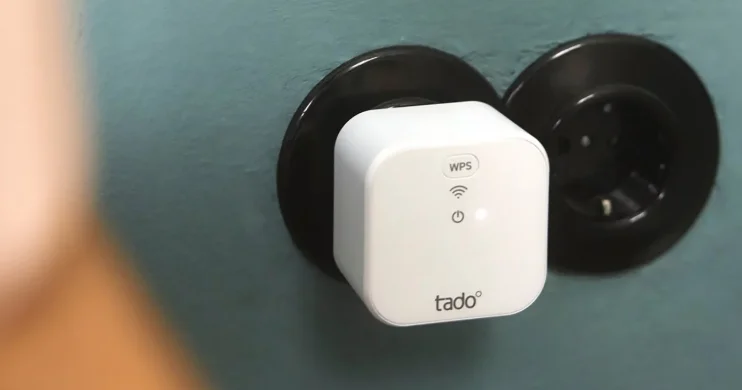
tado Professional Bridge X
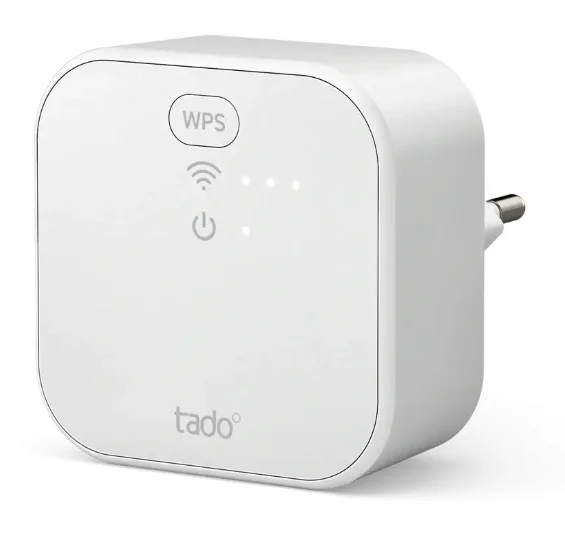
Introduction
The tado Professional Bridge X is an essential component in modern smart heating systems, designed to seamlessly connect your tado° X devices and bring intelligent climate control to your home. Acting as a central communication hub, it links thermostats, sensors, and other heating devices to your home network, enabling smooth interaction through a single, user-friendly platform. Bridging the gap between your heating system and the internet, it allows users to monitor and control temperature settings remotely via a smartphone app or smart home ecosystem. Built with advanced Thread and Matter technology, the tado Professional Bridge X ensures reliable, energy-efficient communication between devices, making it a future-ready solution for connected homes. It is easy to install and typically requires only one unit per household, though additional units can enhance connectivity in larger spaces. Beyond connectivity, the device plays a crucial role in optimizing heating performance. Enabling features like scheduling, remote access, and intelligent automation, it helps users maintain comfort while reducing energy consumption. With growing demand for smart home integration and sustainability, the tado Professional Bridge X stands out as a powerful tool for transforming traditional heating systems into smart, efficient, and eco-friendly solutions.
Power the Bridge X
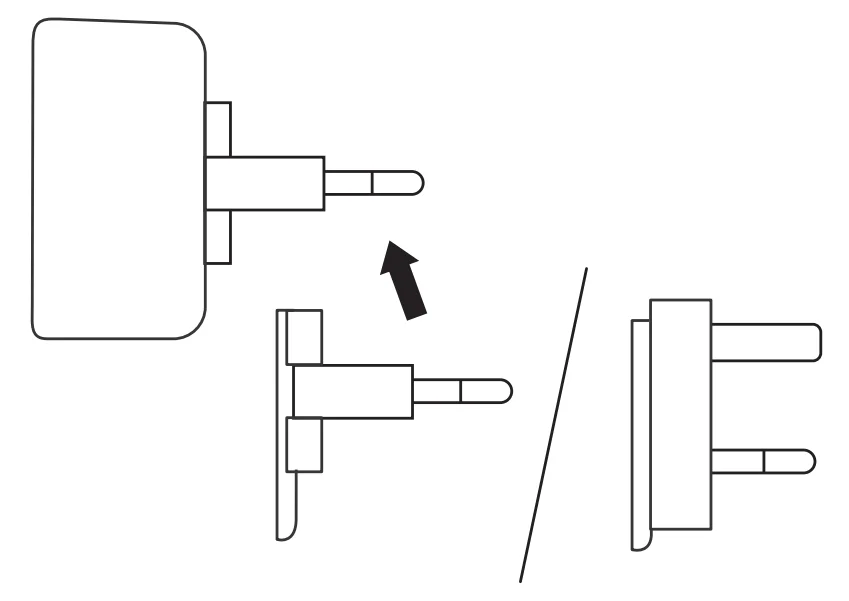
- A. Add one of the adapters.

- B. Plug the device into a power source.
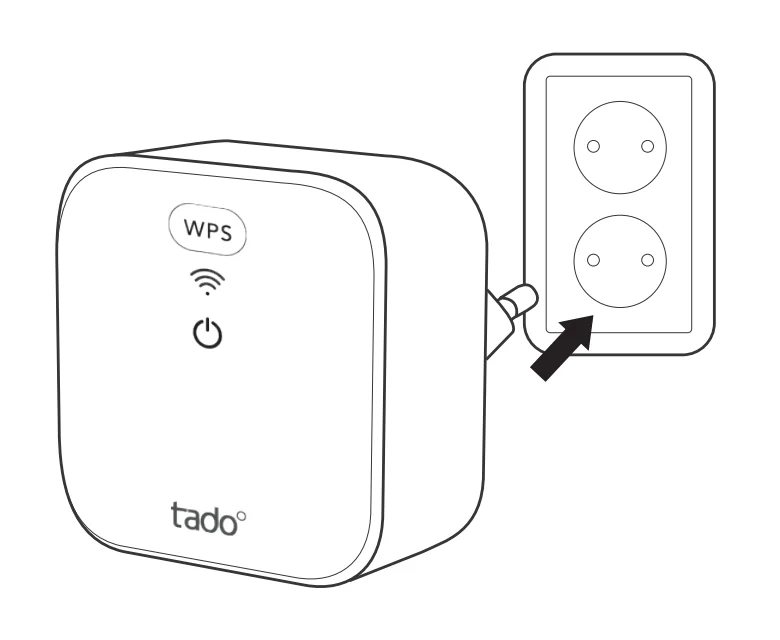
Note: Choose a central location within range of the customer’s Wi-Fi network.
Connect to Wi-Fi
Note: Connecting to Wi-Fi is optional. Proceed to Step 4 to skip.
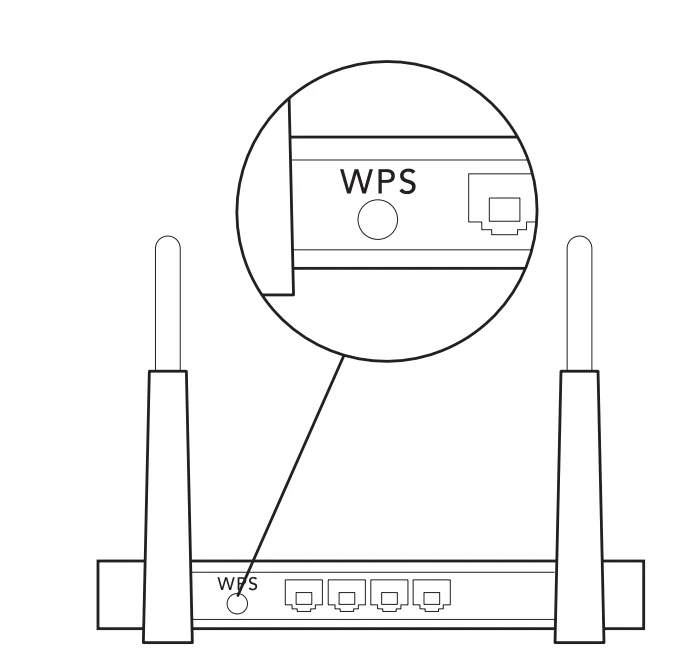
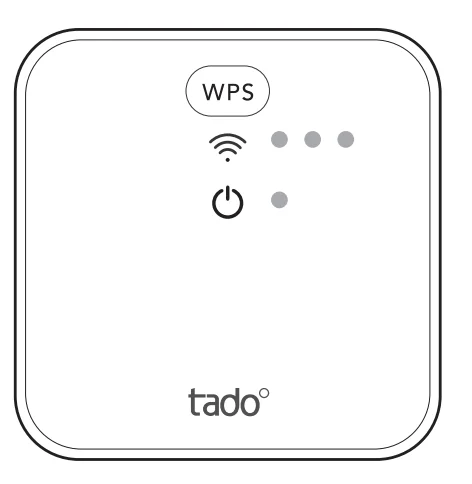
- A. Press the WPS button on the customer’s Wi-Fi Router.

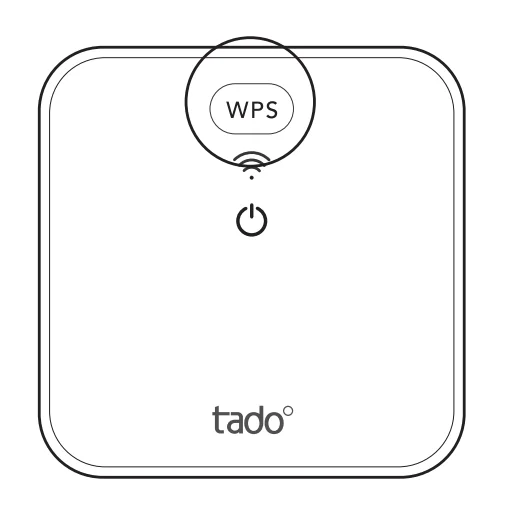
- B. Press the WPS button on the Bridge X.
Test the system
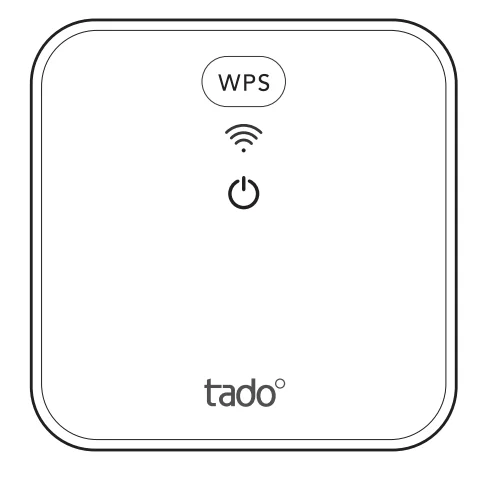
- A. Press the WPS button on the Bridge X to wake up the device.

- B. If the Bridge X is connected, the three Wi-Fi LEDs will indicate the signal strength.

- C. Your tado° installation is complete.
Handover to the customers
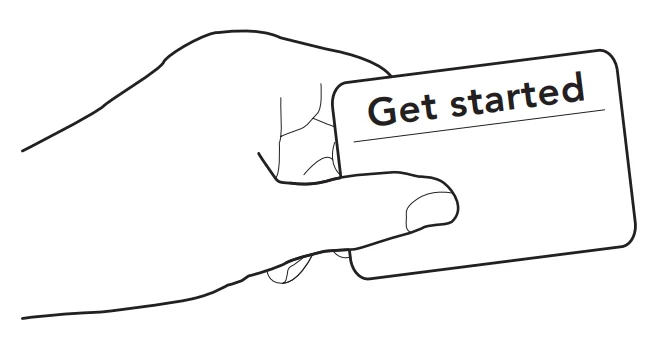
- Provide customers with the “Get started” card that includes instructions for setting up the device in the tado° app.
Need help?
- Need help?
+44 20 3893 2159
For more manuals by tado˚, visit ManualsLibraryy
tado Professional Bridge X-FAQs
What is the tado Professional Bridge X used for?
The tado Professional Bridge X connects your smart heating devices to the internet. It also works as a Thread border router, allowing different smart home devices to communicate smoothly. Additionally, it helps extend signal coverage, making it ideal for larger homes.
Do I really need a Bridge X for my tado system?
You typically need one Bridge X to link your tado devices to the internet. However, some starter kits already include a built-in Thread border router, so an extra bridge may not always be required depending on your setup.
Can tado X devices work without an internet connection?
Yes, tado X devices can still operate without internet access. They store schedules locally, so your heating system will continue working. However, you won’t be able to control or monitor it remotely through the app.
Does the Bridge X improve signal strength?
Yes, the Bridge X helps boost communication between devices. It ensures a stable and reliable connection across larger areas, reducing connectivity issues in multi-room homes.
Do I need tado thermostats on every radiator?
No, it’s not mandatory to install thermostats on every radiator. But for better temperature control and energy efficiency, it’s recommended to use them in frequently used rooms.
What happens if the internet goes down?
If your internet connection stops working, your tado system will still follow its pre-set schedule. However, remote access, app control, and smart features may be temporarily unavailable.
Does tado X require Wi-Fi to function?
tado X does not rely solely on Wi-Fi. It uses low-power wireless communication protocols like Thread or similar technologies, which offer better range and efficiency inside buildings.
Can tado X control both heating and hot water?
Yes, but this depends on your setup. When used with a compatible wireless receiver, tado X can manage both heating and hot water schedules efficiently.
How many Bridge X devices are needed in a home?
Usually, one Bridge X is enough for an average home. For larger properties, adding more units can improve coverage and ensure consistent connectivity throughout all rooms.