
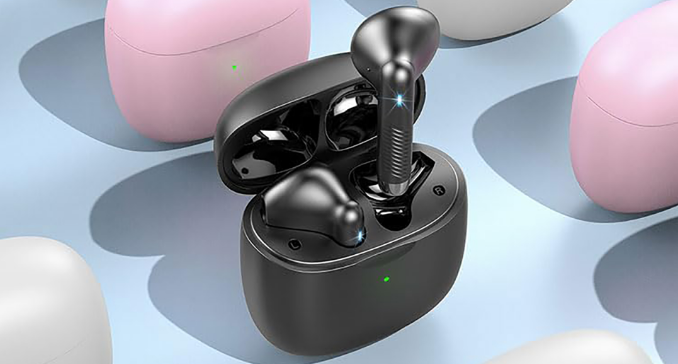

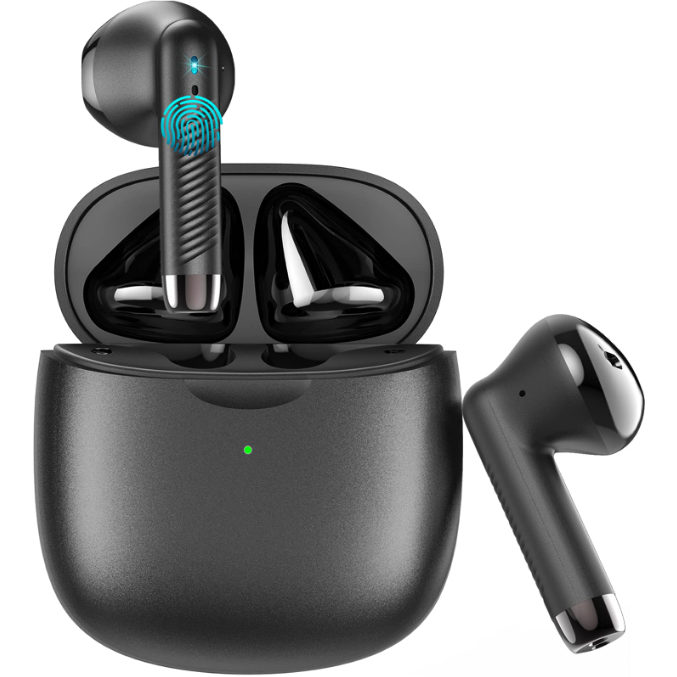
Amazon J51 Wireless Bluetooth Earbuds
ACTIVATE WARRANTY
Permanent replacement of damaged, defective items, or missing components. Please activate via the email below within 15 days: [email protected].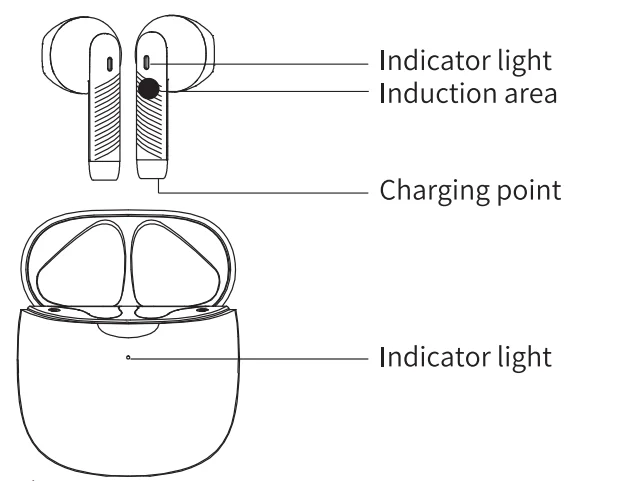
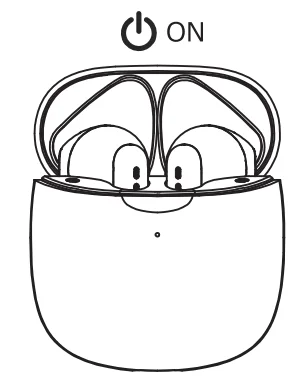
Connect
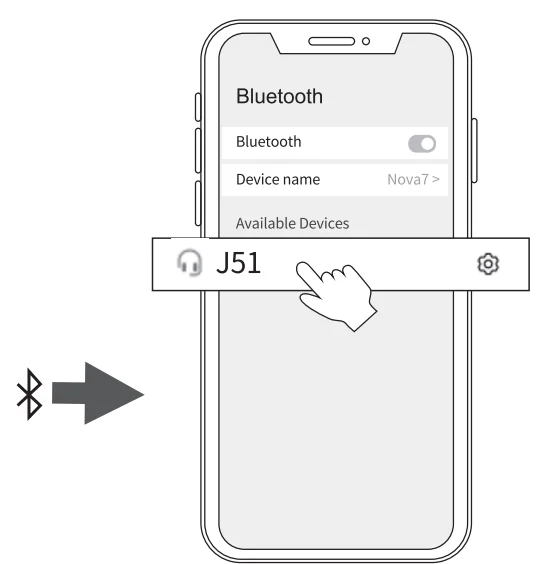
- Open the lid (earbuds auto power on).

- After opening the phone Bluetooth, click the <J51> to pair.

Reset
- Delete the BT pairing information on the phone.
- Take the earbuds into the charging case.
- Close the lid to charge the earbuds.
- Take out the earbuds and wait for 20 seconds. (If the above operation does not work, please try again.)
Operation
Problem handling
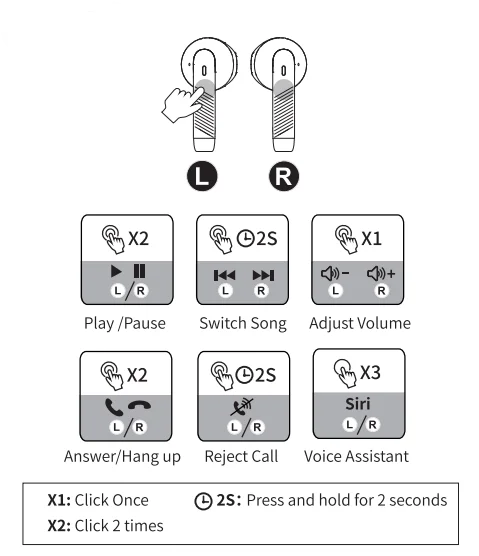
- Can be connected, but there is no sound: click the right earbud to increase the volume.
- One of the earbuds cannot be charged: clean the charging contact of the earbuds and the charging case.
- One of the earbuds cannot be connected: reset the earbuds.
If you cannot solve the problem, please contact us in time.
 Please clean the charging contacts of the earbuds and charging case frequently to avoid charging failures.
Specifications
- Bluetooth version: V5.3
- Maximum transmission range: <15M
- Working temperature range: -10°C~45°C
- RF Sensitivity: -90dBm
- Operating frequency: 2.40-2.48
- Bluetooth profiles supported: HFP, HSP, A2DP, AVRCP
- Music playing time: about 6-8h
- Charge time: around 1 hour
- Battery capacity: 2*3.7V/30mAh
Package
- 2*Bluetooth Earbuds
- 1*Charging Case
- 1*Type-C Cable
- 1*User Manual
For More Manuals By Amazon Basics, Visit ManualsLibraryy.
Amazon J51 Wireless Bluetooth Earbuds-FAQs
How do I set up my J51 TWS wireless earbuds?
Remove the earbuds from the charging case — they will power on automatically. Enable Bluetooth on your device and select “J51” from the list of available devices. Once connected, you’ll hear a voice prompt confirming successful pairing.
How do I put the J51 earbuds in pairing mode manually?
If the earbuds don’t connect automatically, press and hold the touch buttons on both earbuds until the LED flashes red and blue. Then, open your device’s Bluetooth settings and tap “J51” to pair.
How do I turn on my J51 earbuds?
Simply open the charging case or press and hold the touch button on each earbud until the LED lights up. The earbuds will automatically power on and enter pairing mode.
How can I reset my J51 wireless earbuds?
Place both earbuds in the charging case. Press and hold both touch sensors for about 10 seconds until the LEDs flash, indicating a reset. Then reconnect them to your device via Bluetooth.
How do I know if my J51 earbuds are charging?
When placed in the charging case, the LED on the earbuds will glow red. Once fully charged, the red light will turn off. The charging case’s indicator also shows its own battery status.
Are J51 wireless earbuds waterproof?
Yes, the J51 earbuds are IP7 waterproof, making them resistant to sweat and light rain. However, they are not suitable for swimming or submersion in water.
How long does it take to fully charge the J51 earbuds?
It takes about 1.5 hours to fully charge the earbuds. A quick 15-minute charge provides roughly 1 hour of playback time.
How do I activate TWS mode on the J51 earbuds?
After pairing the first earbud, power on the second one. They’ll automatically sync to each other. If not, press and hold both earbuds until they connect. Once synced, only one earbud needs to be paired with your phone.