
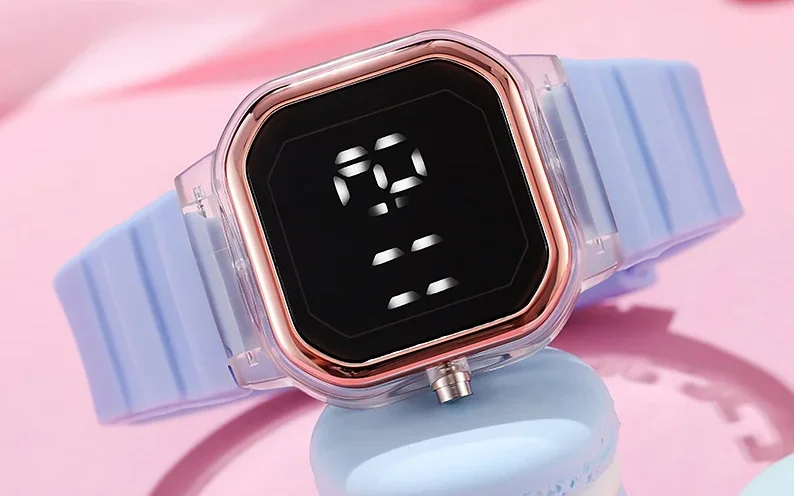
Justice JSE40062WM LED Watch
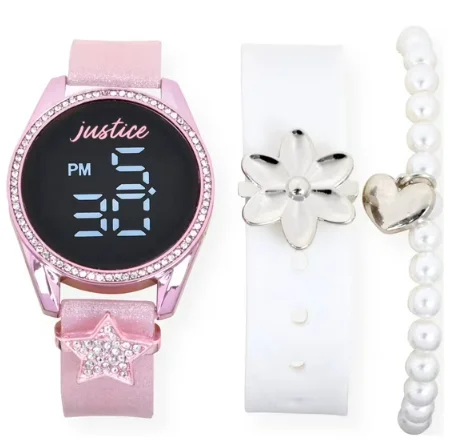
LED Watch Instructions
Function
- Under normal time display mode, the LED watch shows: Hours, Minutes. Can set: Years, Months, and Dates.
- Operate the push button.

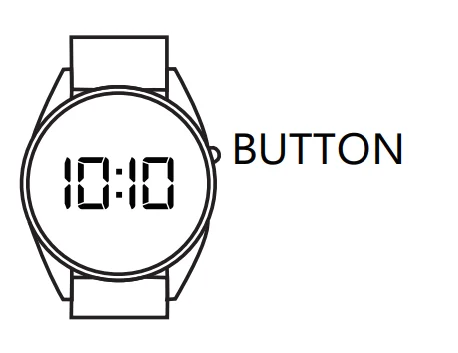
Setting the Time and Date
Push the button once, and it will show the hour, minute. Push the button for 2 seconds, and the watch will enter setting mode.
- Push the button for 2 seconds, setting the Hours. Morning means “A”, afternoon means “P”
- Push the button for 2 seconds, setting the Minute
- Push the button for 2 seconds, setting the Year
- Push the button for 2 seconds, setting Month
- Push the button for 2 seconds, setting the Date. When finishing the setting mode, pressing the push button for 2 seconds will enter the time display mode. become standby mode after 2 seconds
Battery:1 X Maxell CR2016(3V)
- DO NOT MIX OLD AND NEW BATTERIES
- DO NOT MIX ALKAUNE, STANDARD(CARBON-ZINC), OR RECHARGEABLE(NICKEL-CADMIUM) BATTERIES.
- DO NOT IMMERSE IN WATER
- DO NOT WEAR IF THE CASEBACK IS MISSING OR DISASSEMBLED
Removing the Band from Your Watch:
- Lay your watch face down (preferably on a cloth to prevent scratching your watch).

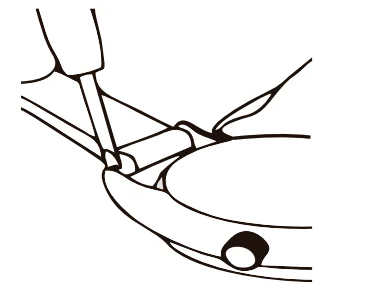
- You will need a sharp point or “spring bar tool” to perform the following steps.

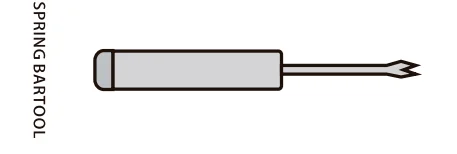

Changing Your Strap on Your Watch:
- Insert the sharp point between the strap and watch lug to release the strap from the case.

- Once the spring bar is detached, you can remove your strap. To reattach, depress the spring bar and insert it into the hole on the inside of the watch case lug.
For More Blogs, Visit ManualsLibraryy.
Justice JSE40062WM LED Watch-FAQs
How do I connect my Justice watch to my phone?
Download the iTime Smartwatch app, turn on Bluetooth on your phone, search for your watch, and pair it. Some Android phones may require GPS to be on for proper detection.
How do I set the time and date?
Press the button once to display the time. Hold the button for 2 seconds to enter setting mode, then set hours, minutes, year, month, and date sequentially.
How do I charge the Justice watch?
Use the provided USB charging cable and connect it to a power source. Charging usually takes 1–2 hours.
Is the Justice LED watch waterproof?
Yes, it is IP68 rated, which means it can handle splashes, rain, and short immersion in water. Avoid pressing buttons underwater.
Can kids use this watch to make calls?
Yes, if supported by the model, the watch can make Bluetooth calls via a paired smartphone.
Can the Justice watch track fitness activities?
Yes, it supports features like step counting, heart rate monitoring, sleep tracking, and multiple sports modes.
How do I know if the watch is charging?
The screen usually shows a battery icon or a charging animation when connected to power.
Does the Justice watch have a camera?
Some models support a camera, but check your specific version before use.