
Elgato Stream Deck Neo
PRODUCT DESCRIPTION
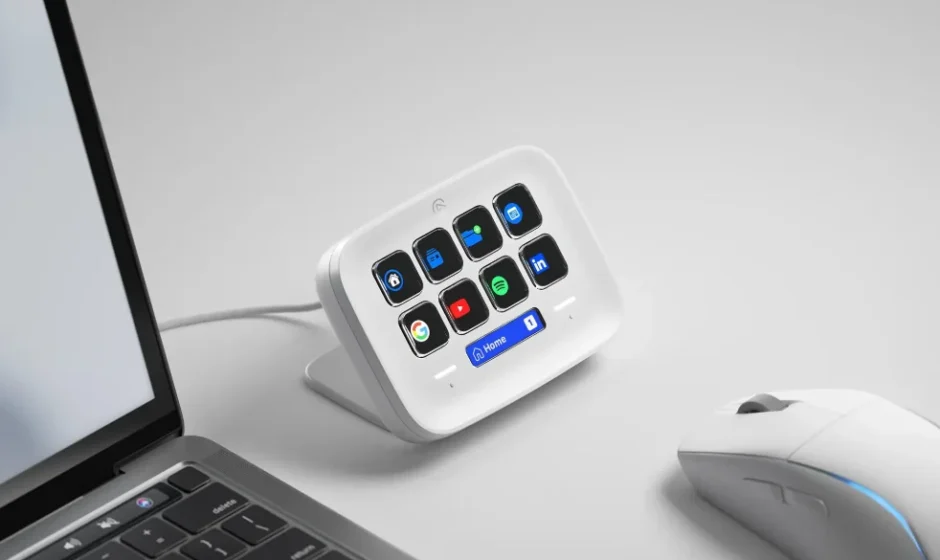
The Elgato Stream Deck Neo is a powerful and customizable control center designed to streamline your creative workflow, whether you’re streaming, producing content, gaming, or managing live presentations. Featuring a grid of programmable keys with crisp displays, the Stream Deck Neo lets you assign macros, shortcuts, and actions to each button — giving you instant control over apps, scenes, audio settings, and more. With just one tap, you can switch scenes, launch media, adjust lighting, trigger sound effects, or automate complex sequences, making it an indispensable tool for creators and professionals alike.
Its intuitive software makes customization effortless, allowing you to design personalized icons and organize functions into folders for quick access. The device integrates seamlessly with popular platforms like OBS, Twitch, YouTube, Zoom, and more, while also supporting custom integrations for enhanced versatility. Compact and sleek in design, the Stream Deck Neo fits neatly on your desk without clutter, yet offers the power and flexibility needed to handle even the most demanding tasks.
Whether you’re a streamer looking to elevate production value or a multitasker aiming to simplify your digital setup, the Elgato Stream Deck Neo transforms routine actions into instant commands, saving time and enhancing creativity.
Download and install the Stream Deck app.
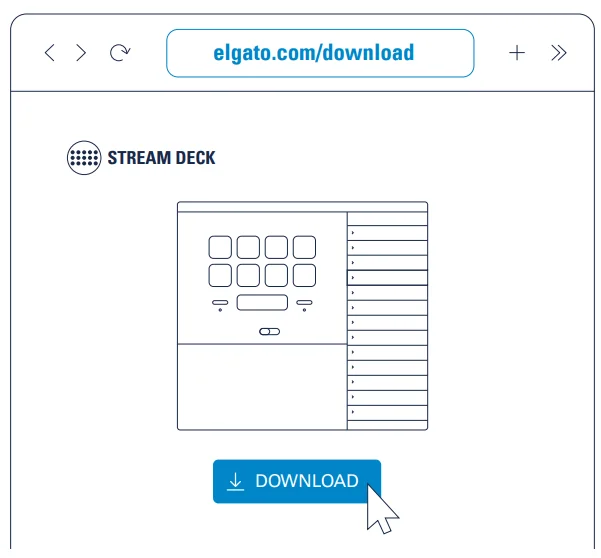
Connect Stream Deck Neo directly to a USB-C port on your PC or Mac.
Do not use a USB hub.
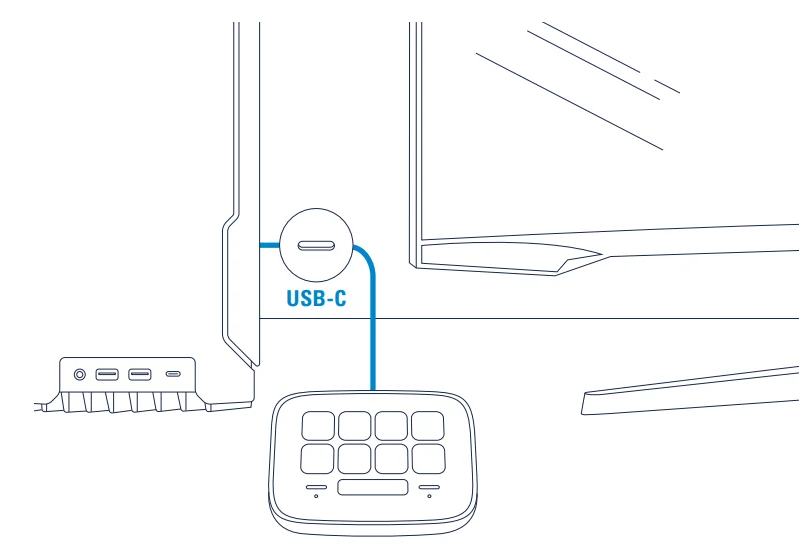
Touch left or right sensor keys to turn pages up/down.
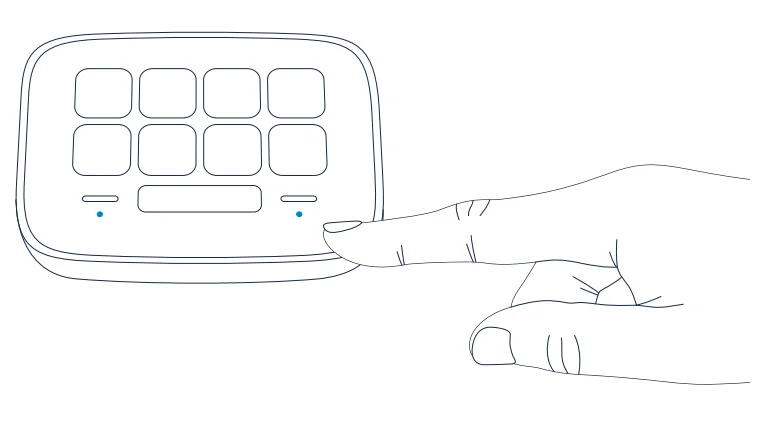
Launch the app to customize Stream Deck Neo.
Drag actions from the right panel and drop them onto your desired keys on the left.
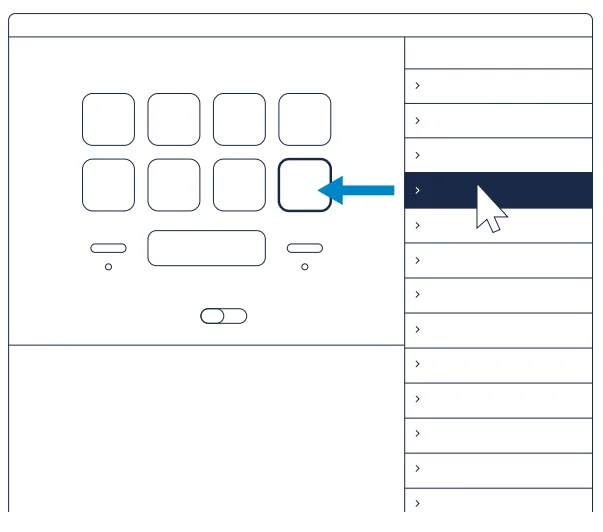
Drag and drop “Create Folder” onto a key.
Then drag and drop actions into that folder.
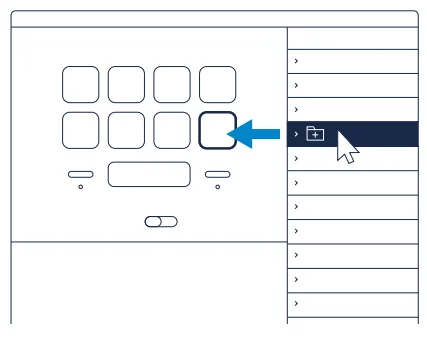
Tap the back key to exit a folder and return to your main configuration.
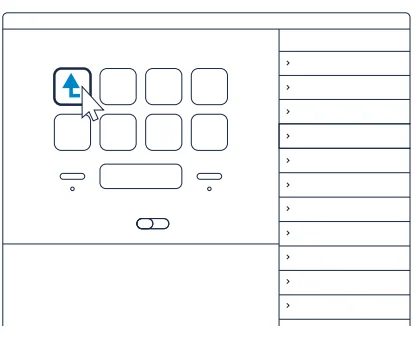
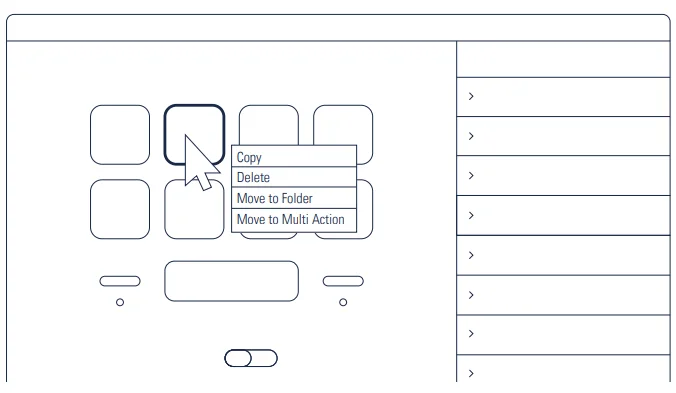
Right-click keys to copy, delete,e or move them.
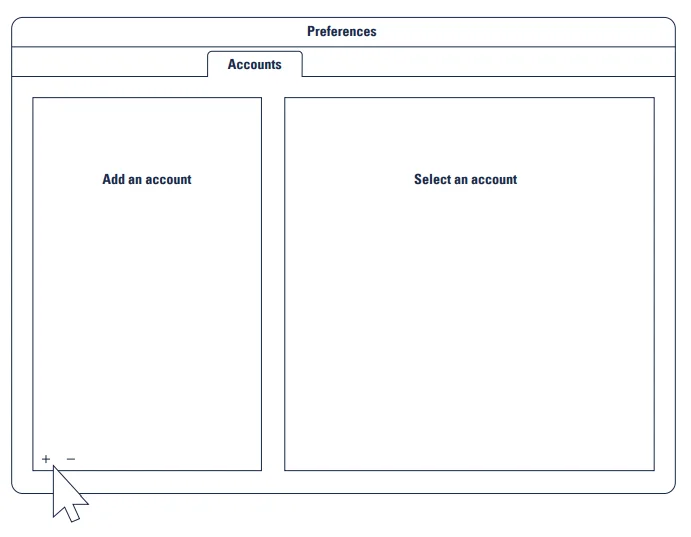
Enter your social media accounts to connect with your fans.
Get tapping and unleash your creative geni.us

Federal Communication Commission Interference Statement
This device complies with Part 15 of the FCC Rules. Operation is subject to the following two conditions:
- This device may not cause harmful interference, and
- This device must accept any interference received, including interference that may cause undesired operation.
This equipment has been tested and found to comply with the limits for a Class B digital device, pursuant to Part 15 of the FCC Rules. These limits are designed to provide reasonable protection against harmful interference in a residential installation. This equipment generates, uses, and can radiate radio frequency energy and, if not installed and used in accordance with the instructions, may cause harmful interference to radio communications. However, there is no guarantee that interference will not occur in a particular installation. If this equipment does cause harmful interference to radio or television reception, which can be determined by turning the equipment off and on, the user is encouraged to try to correct the interference by one of the following measures:
- Reorient or relocate the receiving antenna.
- Increase the separation between the equipment and receiver.
- Connect the equipment into an outlet on a circuit different from that to which the receiver is connected.
- Consult the dealer or an experienced radio/TV technician for help.
FCC Caution
Any changes or modifications not expressly approved by the party responsible for compliance could void the user‘s authority to operate this equipment. This equipment complies with FCC radiation exposure limits set forth for an uncontrolled environment. This equipment should be installed and operated with a minimum distance of 20 cm between the radiator and a human body.
For questions about Elgato product compliance with FCC regulations, please contact: Compliance Officer, Corsair Memory Inc., 115 North McCarthy Blvd, Milpitas, CA 9503.USA
This device complies with Industry Canada license-exempt RSS standard(s).
Operation is subject to the following two conditions: (1) this device may not cause interference, and (2) this device must accept any interference, including interference that may cause undesired operation of the device.
The declaration of conformity for Elgato products is available at www.elgato.com/doc
Rating: 5 V, 500 mA
Applicant Name: Corsair Memory, Inc.
Product Name: Stream Deck Neo
Model No: 20GBJ9901
Manufactured Year & Month: Please refer to the gift box sticker
Manufacturer & Origin: Corsair Memory, Inc./Please refer to gift box sticker
For more manuals by Elgato, visit ManualsLibraryy
Elgato Stream Deck Neo- FAQs
What is the Elgato Stream Deck Neo?
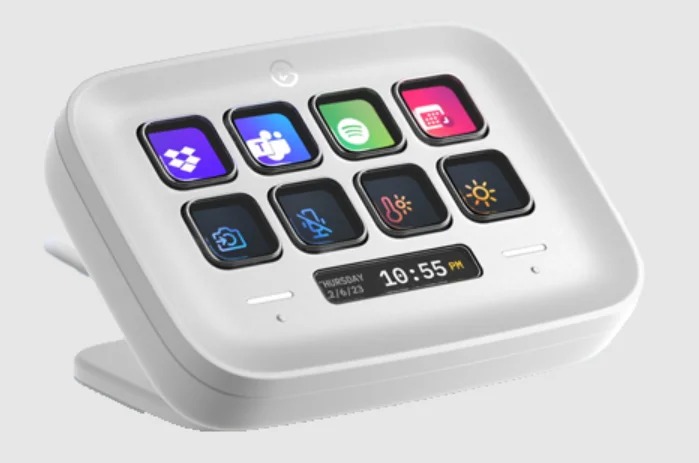
The Stream Deck Neo is a compact control pad with eight customizable keys and a smart Info Bar that helps you automate tasks, control apps, and switch profiles quickly.
What does the Stream Deck Neo do?
It lets you launch apps, control audio, manage streaming tools, trigger shortcuts, and automate everyday actions with a single tap.
Is the Stream Deck Neo easy to set up?
Yes. Setup is beginner-friendly and only takes a few minutes using Elgato’s official software.
How do I set up the Elgato Stream Deck Neo for the first time?
Plug it into your computer via USB, download the Stream Deck software, open the app, and drag actions onto the keys to customize them.
How do I connect the Stream Deck Neo to a PC or Mac?
Connect it directly to a USB port on your computer. Avoid using USB hubs for the best performance.
Do I need to download software to use Stream Deck Neo?
Yes. The Stream Deck software is required to customize keys, profiles, and actions.
Can I use Stream Deck Neo without streaming?
Absolutely. It’s useful for productivity, video editing, music control, app shortcuts, and everyday workflow automation.
Can Stream Deck Neo control audio or mute my microphone?
Yes. You can assign keys to mute microphones, adjust volume, or control audio software.
Can I use Stream Deck Neo as an audio mixer?
Yes. With supported software, it can function as a simple audio controller for volume levels and audio sources.