Blog Post

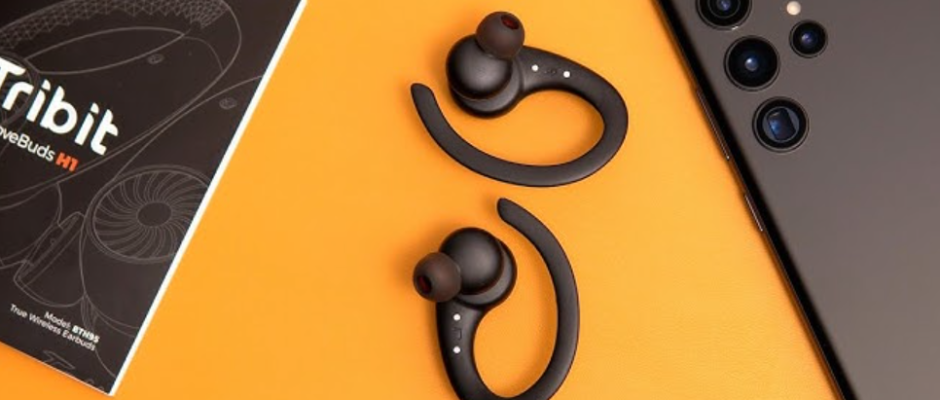
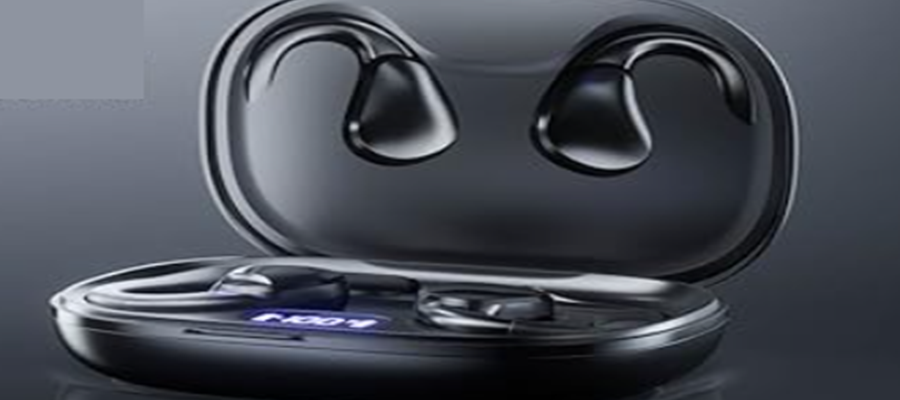
TRIBIT MoveBuds H1 BTH95 Earbuds featured image

TRIBIT MoveBuds H1 BTH95 Earbuds Instructions

TRIBIT MoveBuds H1 BTH95 Earbud Package Contents Power ON / Power OFF Bluetooth Connection Instructions Setting up your MoveBuds H1 for the first time Turn on the MoveBuds H1, activate the Bluetooth function on your desired device, and search for other Bluetooth-enabled devices. Find the device name “Tribit MoveBuds H1” to initiate the connection. Future […]
Read More
TRIBIT OpenGo BTH99 True Wireless Earbuds featured image

TRIBIT OpenGo BTH99 True Wireless Earbuds Instructions

TRIBIT OpenGo BTH99 True Wireless Earbuds Package Contents Product Parts How to Wear the Earbuds On/ Off The first time you use the earbuds, please tear off the insulation sticker. Then place them in the charging case and close it. Bluetooth Connection Guidelines Connect the earbuds with a Bluetooth device. Open the top cover of […]

Read More
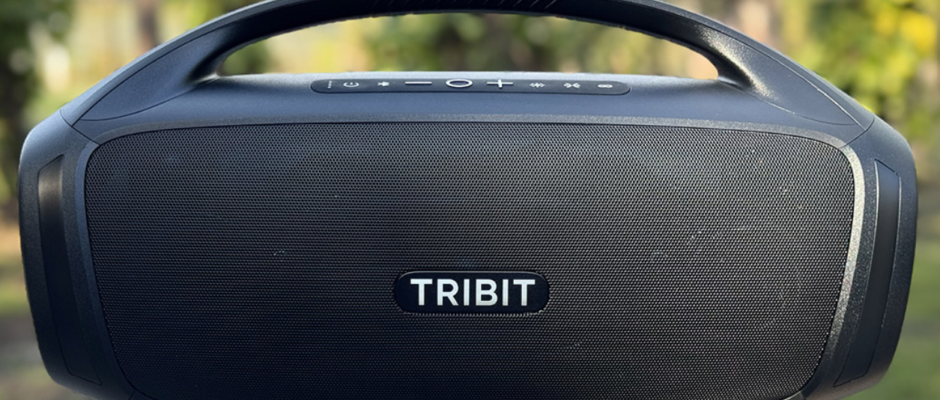
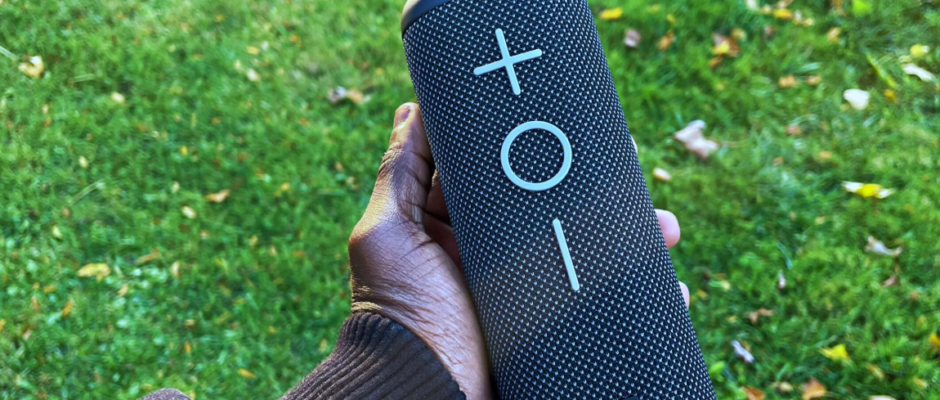
Tribit Stormbox 2 Portable Bluetooth Speaker featured image

Tribit Stormbox 2 Portable Bluetooth Speaker User Guide

Tribit Stormbox 2 Portable Bluetooth Speaker Hereby, Thousandshores Deutschland GmbH declares that the radio equipment type Portable Wireless Speaker BTS32 complies with Directive 2014/53/EU. The full text of the EU declaration of conformity is available at the following internet address: http://files.tribit.com/BTS32-eu-doc.pdf. To Charging The Speaker When the power is lower than 20%, the red light […]

Read More
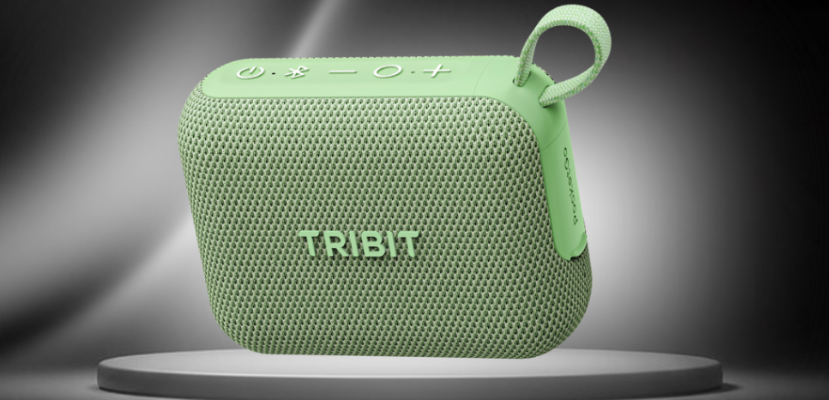
Tribit PocketGo Portable Wireless Speaker featured image

Tribit PocketGo Portable Wireless Speaker User Guide

Tribit PocketGo Portable Wireless Speaker To Charge the Speaker When the power is lower than 20%, the red light blinks. When charging, the red light is always on. When fully charged (about 3 hours), the red light turns off. Power On/Off Press and hold the power button to turn on/off. When there is no audio […]

Read More
Tribit Stormbox Mini Portable Bluetooth Speaker featured image

Tribit Stormbox Mini Portable Bluetooth Speaker User Manual

Tribit Stormbox Mini Portable Bluetooth Speaker To Charging The Speaker When the battery is lower than 20%, the white light of the power button blinks. When charging, the red light of the charging indicator is always on. When fully charged (about 2.5 hours), the red light goes out. Power On/Off Press the power button to […]

Read More
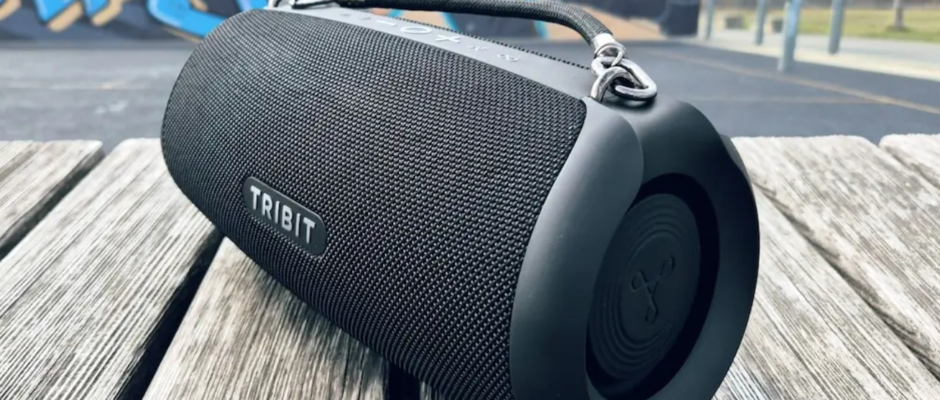
Tribit Stormbox Blast 2 Bluetooth Speaker featured image

Tribit Stormbox Blast 2 Bluetooth Speaker Instruction Manual

Tribit Stormbox Blast 2 Bluetooth Speaker To Charging The Speaker Note: If charging with Type-C, it will take about 12 hours to fully charge. Power On/Off Short-press the power button to turn on/off. When there is no audio input or any operation, the speakers will automatically turn off after 30 minutes. When the speaker cannot […]

Read More
Tribit Stormbox Lava Bluetooth Speaker featured image

Tribit Stormbox Lava Bluetooth Speaker Instruction Manual

Tribit Stormbox Lava Bluetooth Speaker To Charging The Speaker When the battery is lower than 20%, the red light blinks. When charging, the red light is always on. When fully charged(about 5 hours  ),  the red light turns off. Note: When charging, please keep the charging port and charging cable completely dry. To Charge Other […]

Read More
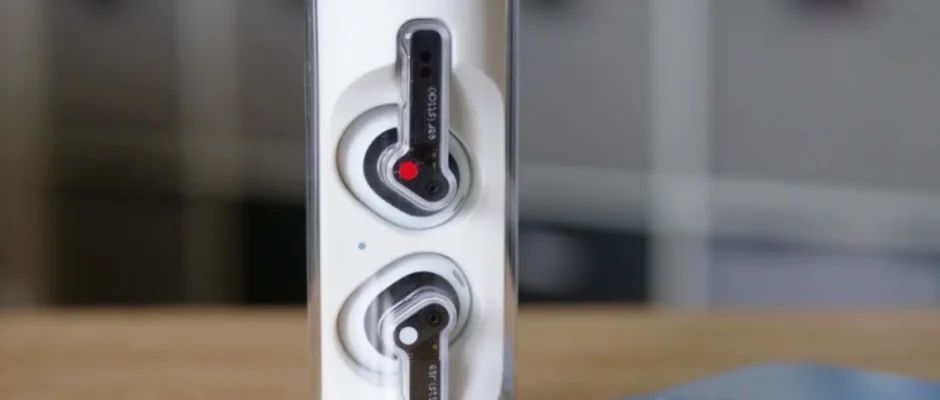
Nothing Ear(stick) Earbuds featured image

Nothing Ear Stick Earbuds User Manual

Nothing Ear Stick Earbuds WELCOME BT: Please make sure Bluetooth is turned on. App: The Nothing X app provides in-app pairing, EQ, and a complete user manual. Pair Android devices (Fast Pairing) New device connection While the buds are inside the charging case, open the Ear (stick) case and hold it near the Android device […]

Read More
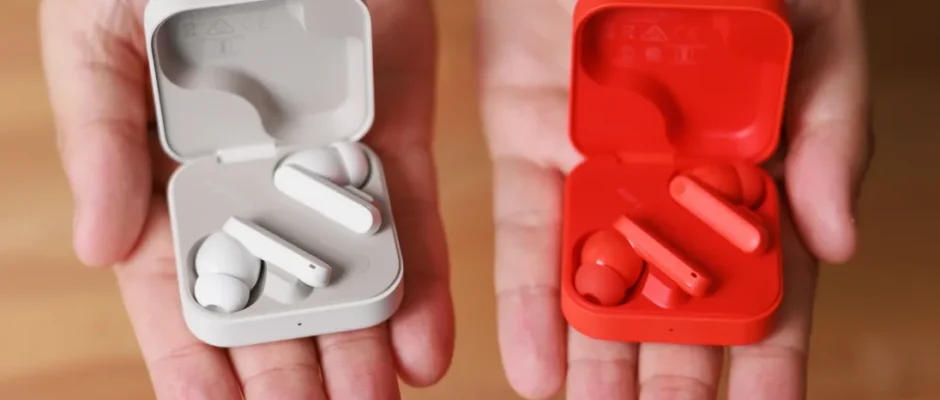
CMF Buds 2 Plus Earbuds featured image

CMF Buds 2 Plus Earbuds Instruction Manual

CMF Buds 2 Plus Earbuds   WELCOME Scan the QR code to see the user guide in other languages. Bluetooth: Please make sure Bluetooth is turned on. App: Get the most out of your products with the Nothing X app. Customize equalizer settings, assign gesture controls, update firmware, and more. CHARGING CASE REPLACING EAR TIPS […]

Read More
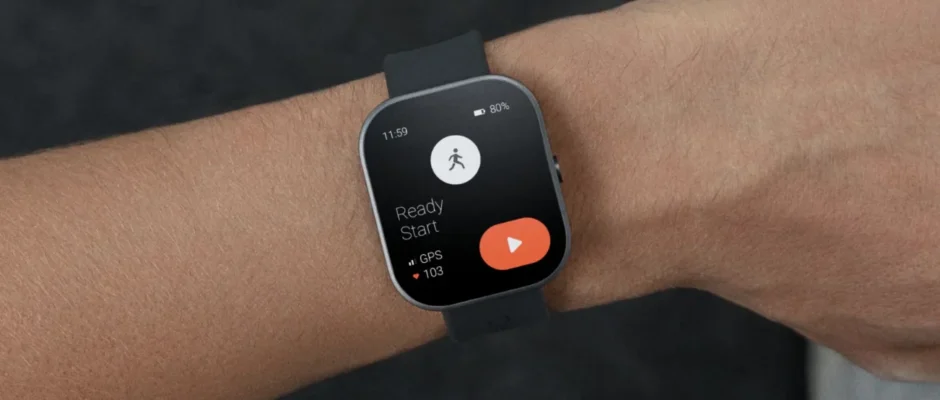
CMF Watch Pro D395 featured image

CMF Watch Pro D395 User Guide

CMF Watch Pro D395 Product Overview The bottom of the strap is the side with the logo. Refer to the straps included within the package. How to use For the best heart rate measurement results, wear the watch a 1-2 finger width distance from your wrist bone. Fit it comfortably, but not too tight. The […]

Read More