Blog Post

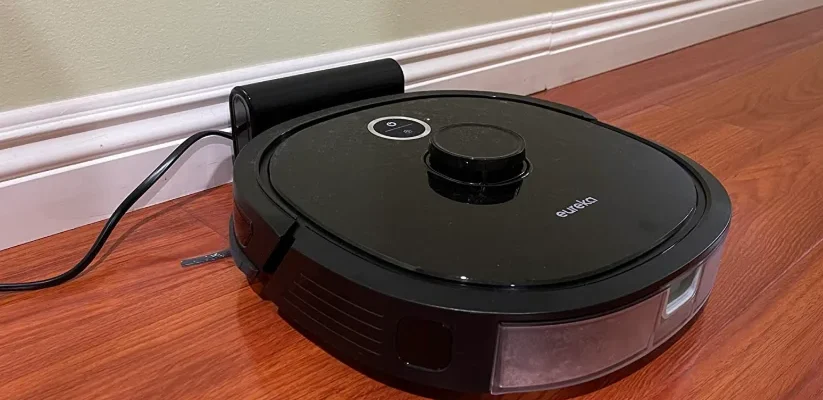
Eureka NER650 Robotic Vacuum Cleaner feat

Eureka NER650 Robotic Vacuum Cleaner Instruction Manual

Eureka NER650 Robotic Vacuum Cleaner TECHNICAL DATA Product Model: NER650 Host Charging Voltage: 16.7 V Host Rated Voltage: 14.4 V Host Rated Power: 55 W Docking Station Model: DC2106 Docking Station Input: 100-240V~, 50-60Hz, 24W Docking Station Output: 16.7V, 1A Battery Model: BP14433A Battery Rated Voltage: 14.4V Battery Capacity: 3350mAh 48.24Wh Charging Limit Voltage: 16.8V […]
Read More
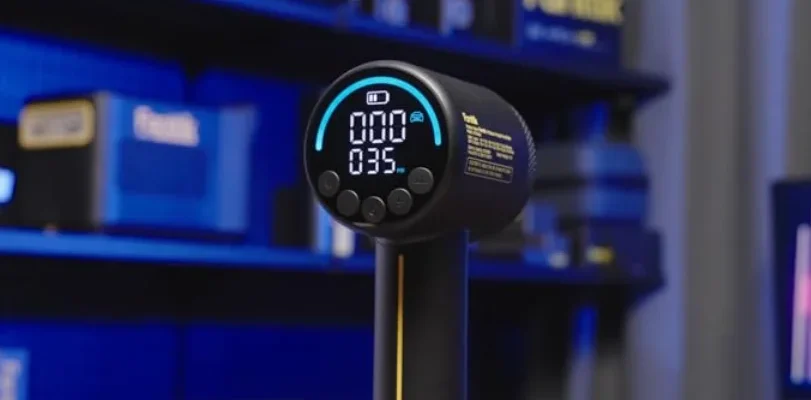
Fanttik X10 Cross Tire Inflator Portable Air Compressor featured image

Fanttik X10 Cross Tire Inflator Portable Air Compressor Manual

Fanttik X10 Cross Tire Inflator Portable Air Compressor SAFETY INSTRUCTIONS This product is not a toy and should not be used by children. Users should be above 16 years old. Keep a safe distance between children and the air pump while inflating. The product has a built-in lithium battery. Don’t place the product in fire or […]

Read More
Fanttik X9 Cross 4X Portable Tire Inflator featured image

Fanttik X9 Cross 4X Portable Tire Inflator Instruction Manual

Fanttik X9 Cross 4X Portable Tire Inflator SAFETY WARNINGS This product is not a toy and should not be used by children. Users should be above 16 years old. Keep a safe distance between children and the pump while inflating. There is a built-in lithium battery inside the product. Don’t place the product in a […]

Read More
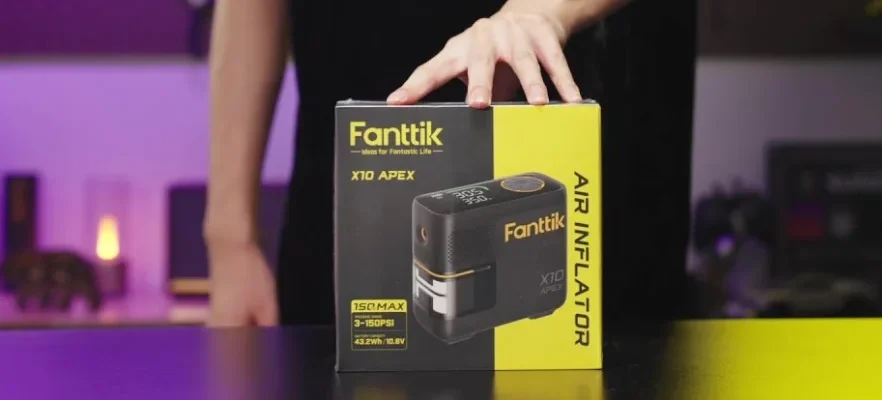
Fanttik X10 APEX Portable Tire Inflator feat

Fanttik X10 APEX Portable Tire Inflator User Manual

Fanttik X10 APEX Portable Tire Inflator 1. SAFETY INSTRUCTIONS This product is not a toy and should not be used by children. Users should be above 16 years old. Keep a safe distance between children and the inflator while inflating. There is a built-in lithium battery inside the product. Don’t place the product in fire […]

Read More
Fanttik X9 Classic 2-IN-1 Inflator-Blower Featured image

Fanttik X9 Classic 2-IN-1 Inflator-Blower User Manual

Fanttik X9 Classic 2-IN-1 Inflator-Blower SAFETY INSTRUCTIONS This product is not a toy and should not be used by children. Users should be above 16 years old. Keep a safe distance between children and the air pump while inflating. There is a built-in lithium battery inside the product. Don’t place the product in fire or […]

Read More
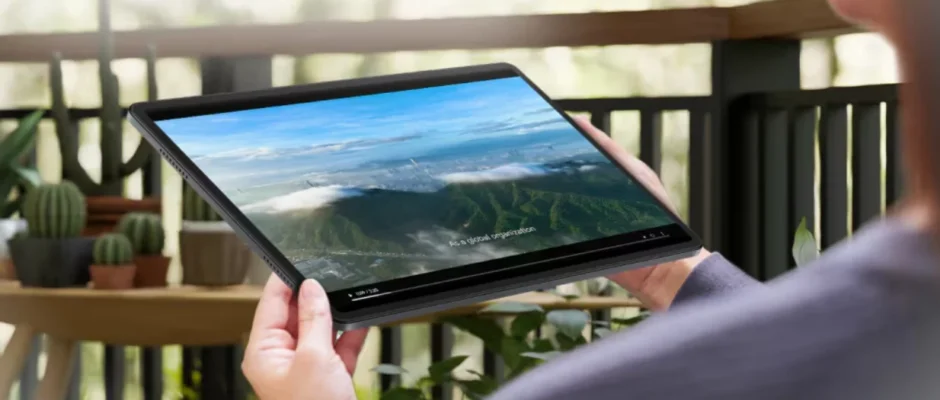
HONOR Pad 8 featured image

HONOR Pad 8 User Manual

HONOR Pad 8 Essentials System Navigation Change the System Navigation Mode Use gesture navigation Go to Settings > System & updates > System navigation and select Gestures. You can: Return to the parent menu: Swipe inward from the left or right edge of the screen. Return to the home screen: Swipe up from the middle […]

Read More
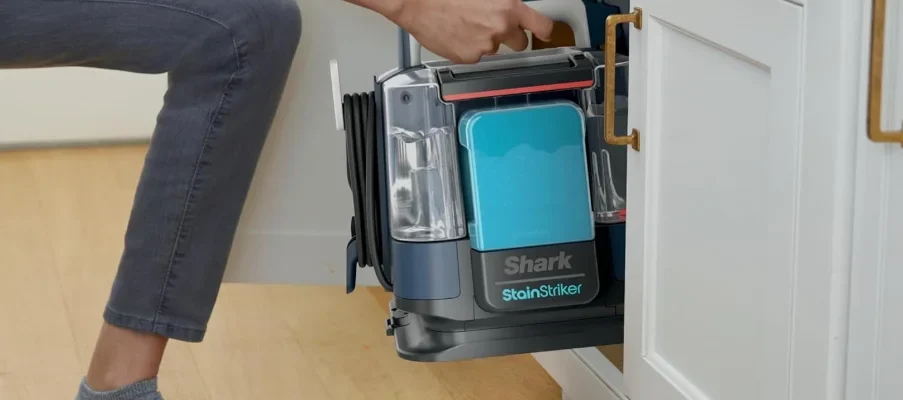
Shark PX202BRN StainStriker Portable Carpet Cleaner User Guide feat

Shark PX202BRN StainStriker Portable Carpet Cleaner User Guide

Shark PX202BRN StainStriker Portable Carpet Cleaner IMPORTANT SAFETY INSTRUCTIONS – FOR HOUSEHOLD USE ONLY WARNING: To reduce the risk of fire, electric shock, injury, or property damage: Do not put any object into openings. Do not use with any opening blocked; keep free of dust, lint, hair, and anything that may reduce air flow. DO […]

Read More
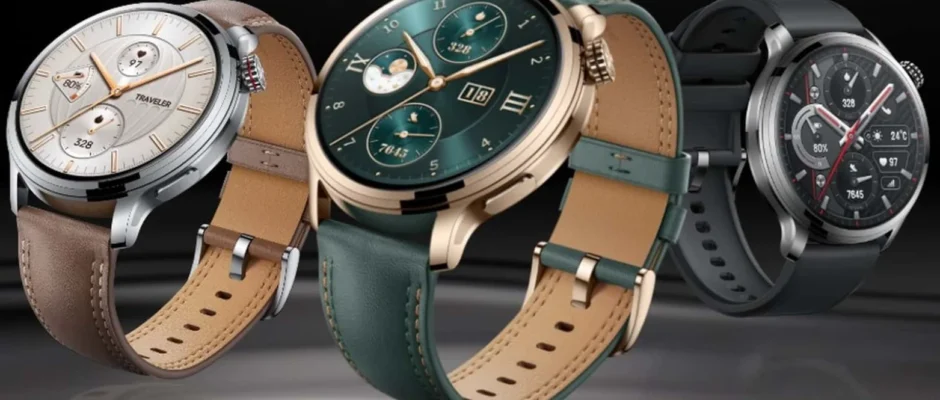
HONOR Watch 4 Pro featured image

HONOR Watch 4 Pro User Manual

HONOR Watch 4 Pro Charging Connect the metal contacts on the charging dock to those on the back of the device, then put them on a flat surface. Connect the charging dock to a power supply, and the device’s screen will light up and display the battery level. Downloading app Scan the QR code to […]

Read More
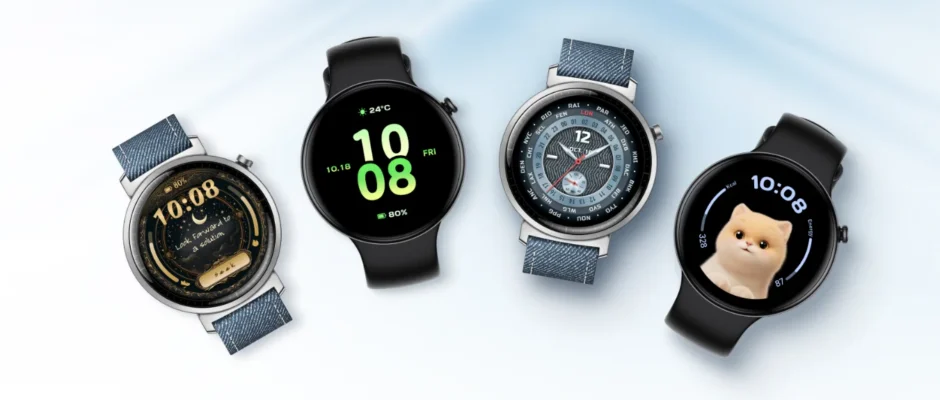
HONOR Watch Fit featured image

HONOR Watch Fit User Manual

HONOR Watch Fit Get Familiar Getting to know your watch Microphone Speaker Button Heart rate sensor Charging port Quick-release button Wearing the Device Properly Before putting on your watch, make sure the back of the watch is clean and dry. Adjust the strap so the watch sits snugly yet comfortably on your wrist. Avoid placing […]

Read More
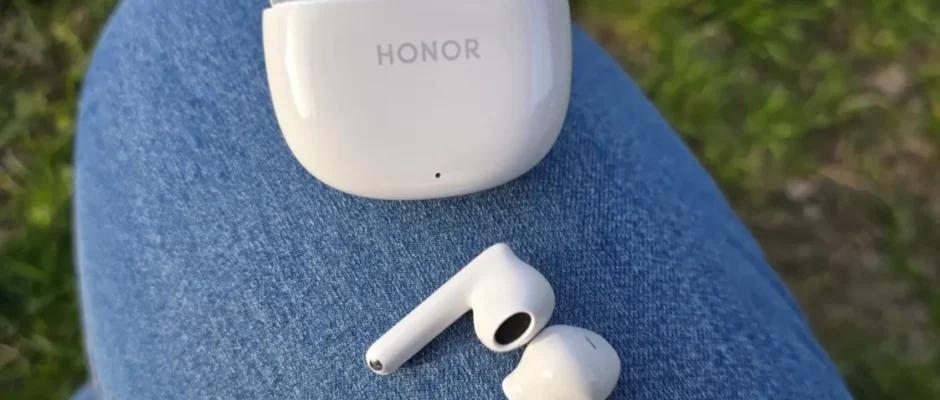
HONOR Earbuds X6 featured image

HONOR Earbuds X6 User Manual

HONOR Earbuds X6 Getting Started Appearance Front air outlet Sound hole Microphone Back air outlet Touch control area Indicator light USB-C port Pair by Bluetooth Rest the earbuds in the case, keep the lid open, and press the touch control areas of both earbuds for 3 seconds simultaneously. White light blinking indicates that the earbuds […]

Read More