
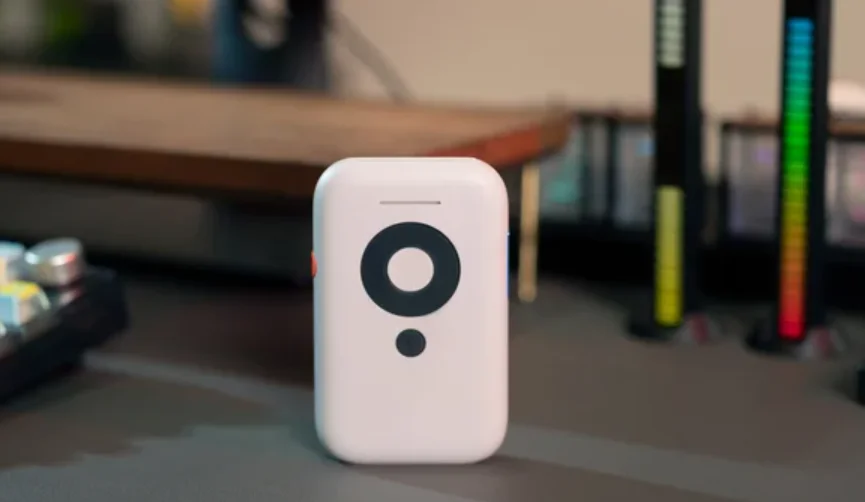

XREAL Beam AR Glasses
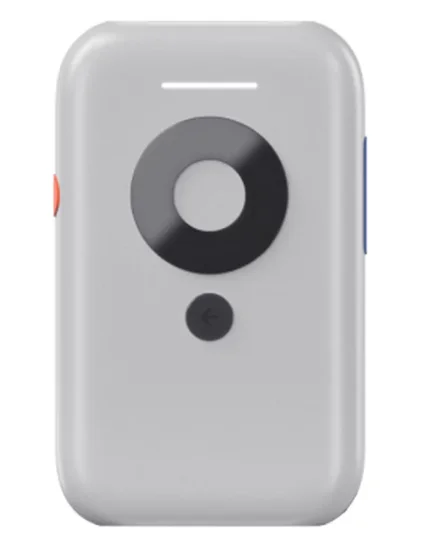
DESCRIPTION
The XREAL Beam AR Glasses are designed to transform how you experience digital content by turning everyday viewing into an immersive augmented reality experience. Built for portability and ease of use, XREAL Beam works seamlessly with XREAL AR glasses to deliver a large, floating virtual screen that feels like a personal theater or workspace wherever you go.
With intelligent spatial display technology, XREAL Beam allows content to stay anchored in space, reducing motion discomfort and enhancing viewing comfort during long sessions. Whether you’re watching movies, playing games, or browsing content, visuals appear smooth, stable, and vividly detailed. The device supports multiple viewing modes, giving users flexibility to switch between a fixed screen, smooth follow mode, or side-view display based on their preference.
XREAL Beam is lightweight and compact, making it ideal for travel, daily commuting, or home use. It connects easily to smartphones, gaming consoles, and other compatible devices, expanding how and where you can enjoy your content. Combined with high-quality audio support and intuitive controls, it offers a truly user-friendly experience.
Overall, the XREAL Beam AR Glasses solution is perfect for users who want a private, immersive, and portable display for entertainment and productivity, without the limitations of traditional screens.
Get to Know Your XREAL Beam
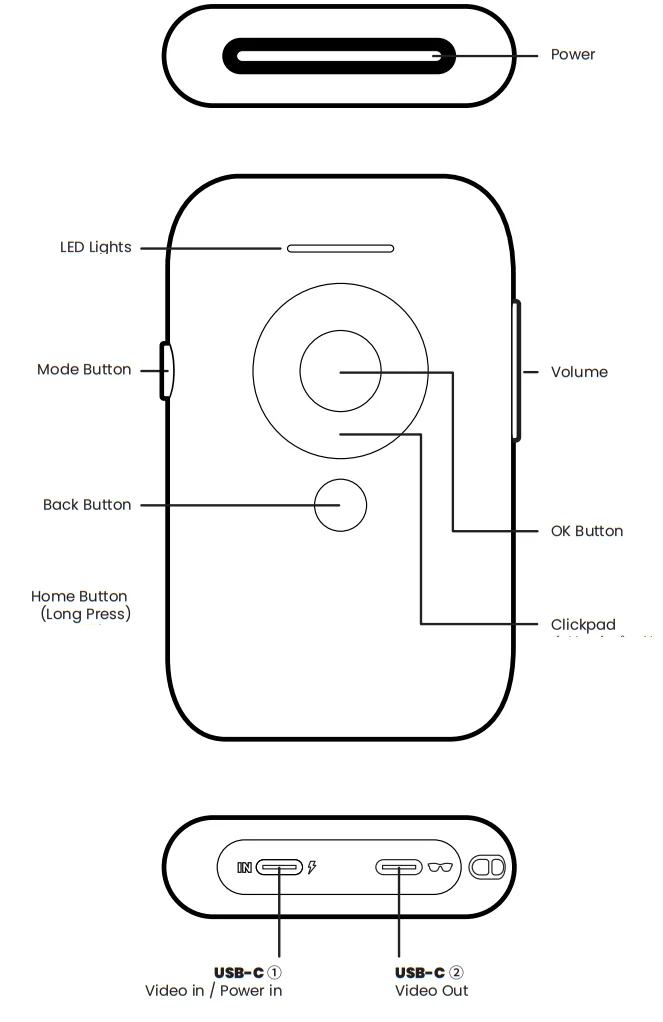
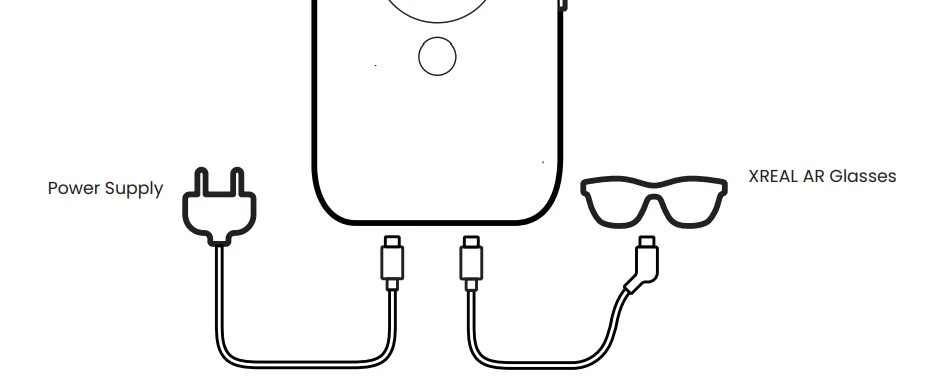
Plug & Go
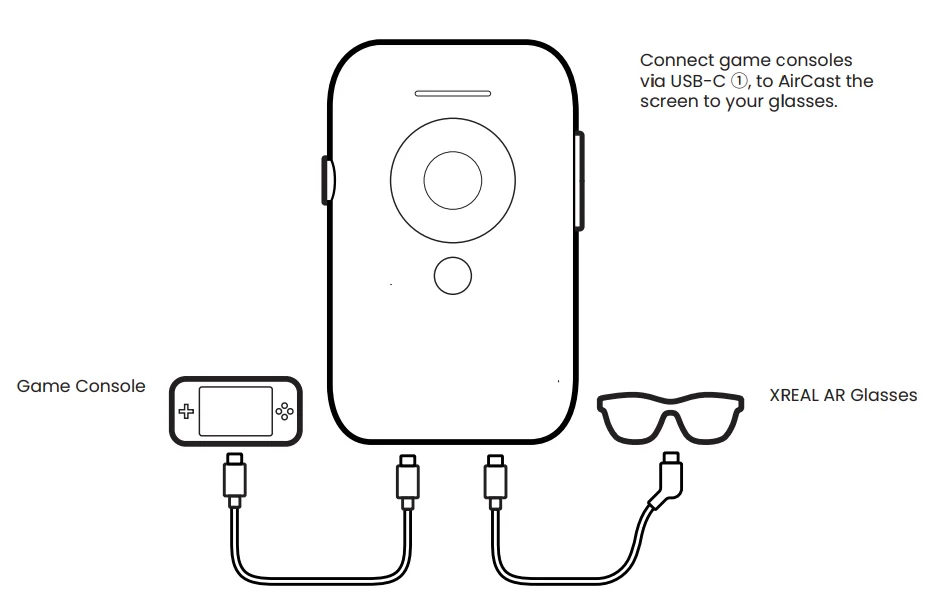
- XREAL Beam will start automatically once connected to XREAL AR glasses via USB-C ②.
- Connect power supply to USB-C ① to charge (simultaneous charge and use supported).
Wired Connection
Wireless Connection
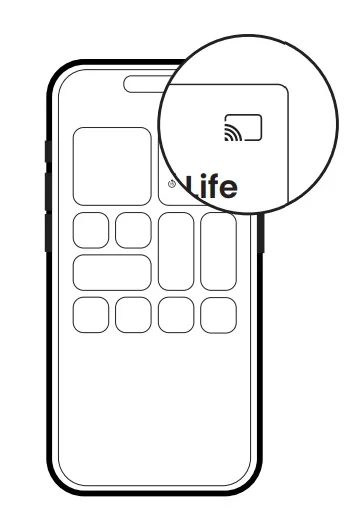
- Connect your device to the same Wi-Fi network as your XREAL Beam.
- For devices and apps that use AirCasting. Wirelessly AirCast your screen or app content to XREAL Beam.

Mode Switch
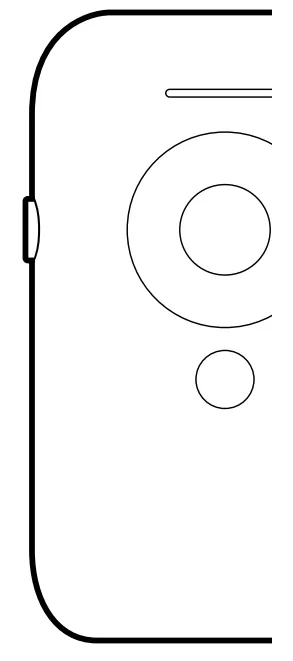
- Click
Body Anchor/ Smooth Follow / Sideview - Long Press
Re-center Screen
More Information

For more manuals by Xreal, visit ManualsLibraryy
XREAL Beam AR Glasses-FAQs
What is the purpose of XREAL Beam?
XREAL Beam acts as a spatial display enabler. It converts regular video output from devices like phones, PCs, or gaming consoles into a stable spatial AR display.
What does the XREAL Beam actually do?
When connected, the Beam transforms standard screen content into a floating, adjustable virtual screen, improving comfort and immersion while using AR glasses.
How do I use XREAL Beam with AR glasses?
Simply connect the Beam to your device and plug in your XREAL glasses using a USB-C cable. Once powered on, the display automatically switches to spatial mode.
Does XREAL Beam require special glasses?
For full AR features such as spatial display and AR Space, XREAL glasses are required. However, Beam can mirror screens to other displays using its DP Alt port.
What type of display does XREAL Beam support?
XREAL Beam supports a 1920 × 1080 (Full HD) LCD display with a 90Hz refresh rate for smooth visuals.
Can XREAL Beam connect wirelessly?
Yes, XREAL Beam supports wireless streaming via Wi-Fi for compatible devices, reducing the need for constant cable connections.
How do I connect XREAL Beam to my phone?
Connect the Beam using USB-C or HDMI (with an adapter if required). The system will recognize it as an external display.
Why are my XREAL glasses not displaying anything?
Check that the Beam is not in sleep mode. If needed, press the power button, reconnect the glasses, and ensure they are properly positioned close to your eyes.
Why are my XREAL glasses not displaying anything?
Check that the Beam is not in sleep mode. If needed, press the power button, reconnect the glasses, and ensure they are properly positioned close to your eyes.
How do XREAL glasses work with Beam?
XREAL glasses function like a plug-in external monitor. The Beam enhances this by adding spatial tracking and screen stabilization.