
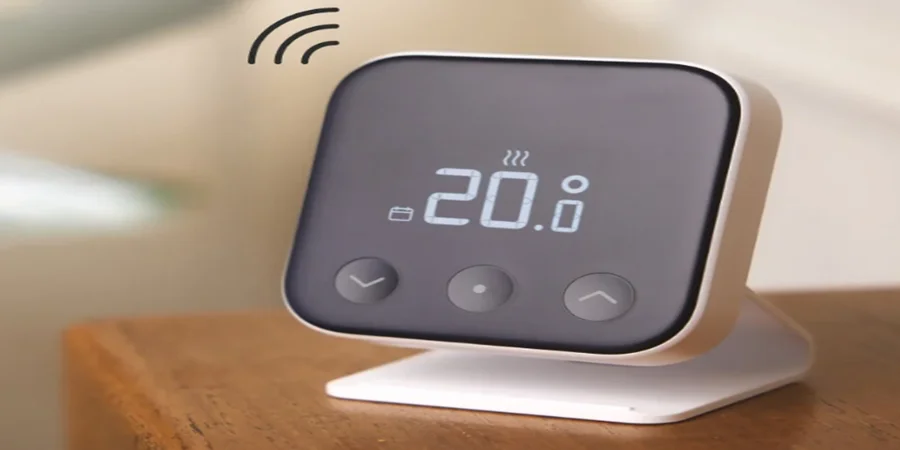

Tado Wired Smart Thermostat X
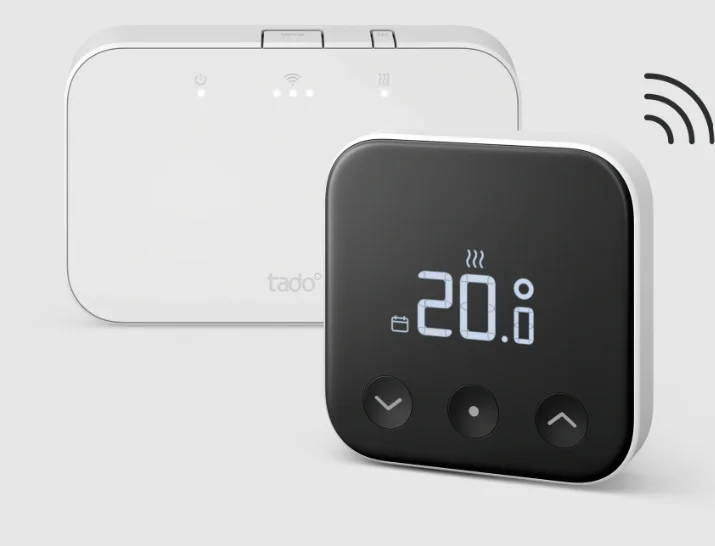
Introduction
The Wired Smart Thermostat X is a modern, intelligent climate-control device designed to deliver precision, efficiency, and convenience for home heating systems. Built for hardwired installation, it provides a stable, reliable connection to your HVAC system, ensuring consistent temperature control without interruptions. Unlike traditional thermostats, the Wired Smart Thermostat X integrates advanced smart technology that allows users to control heating settings remotely through a mobile app, offering complete flexibility whether you are at home or away. This smart thermostat is designed to optimize energy usage by learning your preferences and automatically adjusting heating schedules to reduce unnecessary consumption. With its intuitive interface, users can easily set temperatures, create schedules, and monitor energy usage in real time. It also supports compatibility with modern smart home ecosystems, making it easy to connect with voice assistants and other smart devices for a fully automated home experience. The Wired Smart Thermostat X is ideal for homeowners who prefer a dependable wired solution combined with smart functionality. Its sleek design blends seamlessly into any interior, while its advanced sensors ensure accurate temperature readings for maximum comfort. Whether you want to lower energy bills or improve indoor comfort, this thermostat delivers a balanced combination of performance, reliability, and modern smart home convenience.
Power the Smart Thermostat X
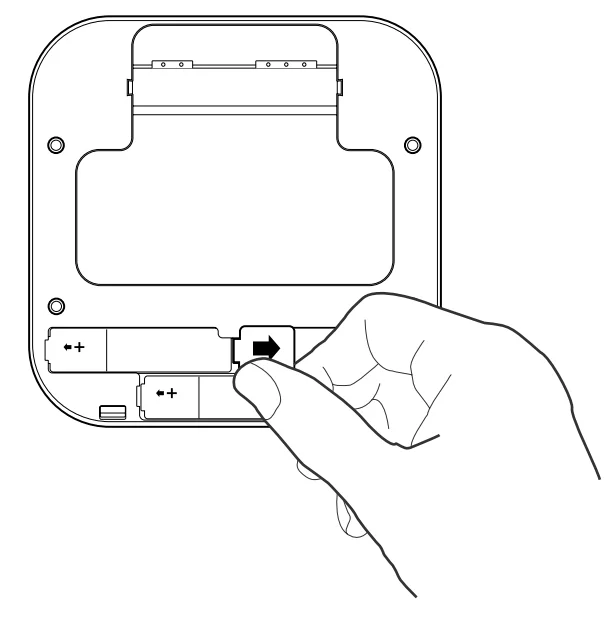
- Pull the transparent battery strip out from the back of the device to turn it on.
Mount the Smart Thermostat X
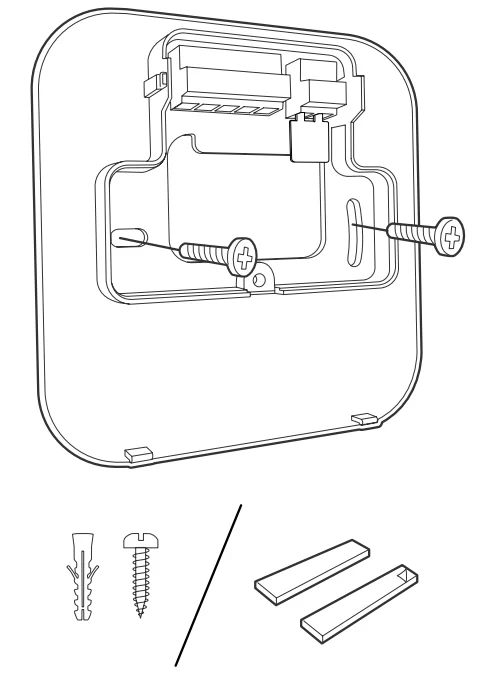
- Mount the backplate of the Smart Thermostat X to the wall using the included screws or the adhesive pads.
Wire the Smart Thermostat X
Warning:
- Turn off the power before wiring!
- Check the boiler manual before wiring. Identify the control interface and check if it is supported by tado°.
- For wiring to the zone valve/underfloor heating valve, check the manual of the valve.
RELAY
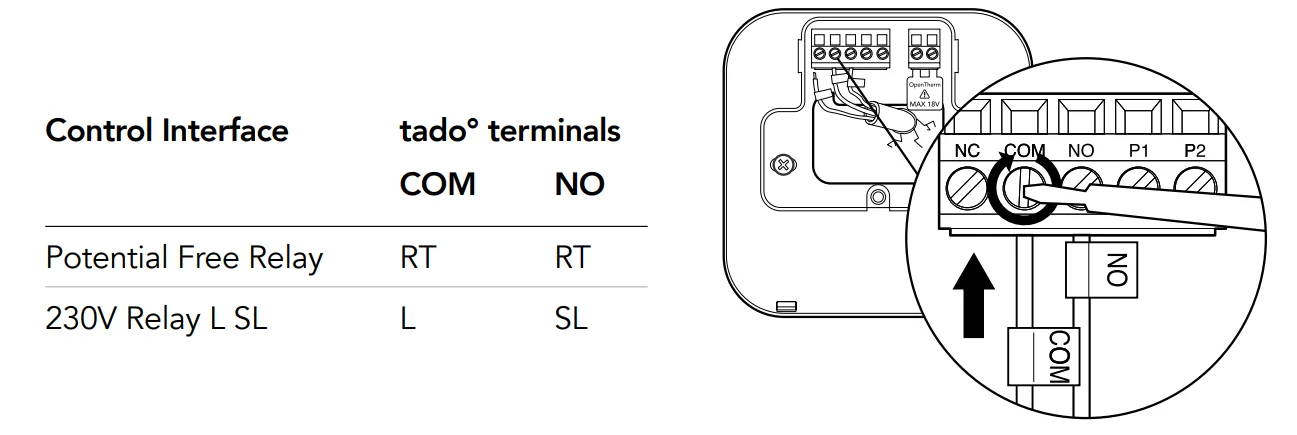
DIGITAL
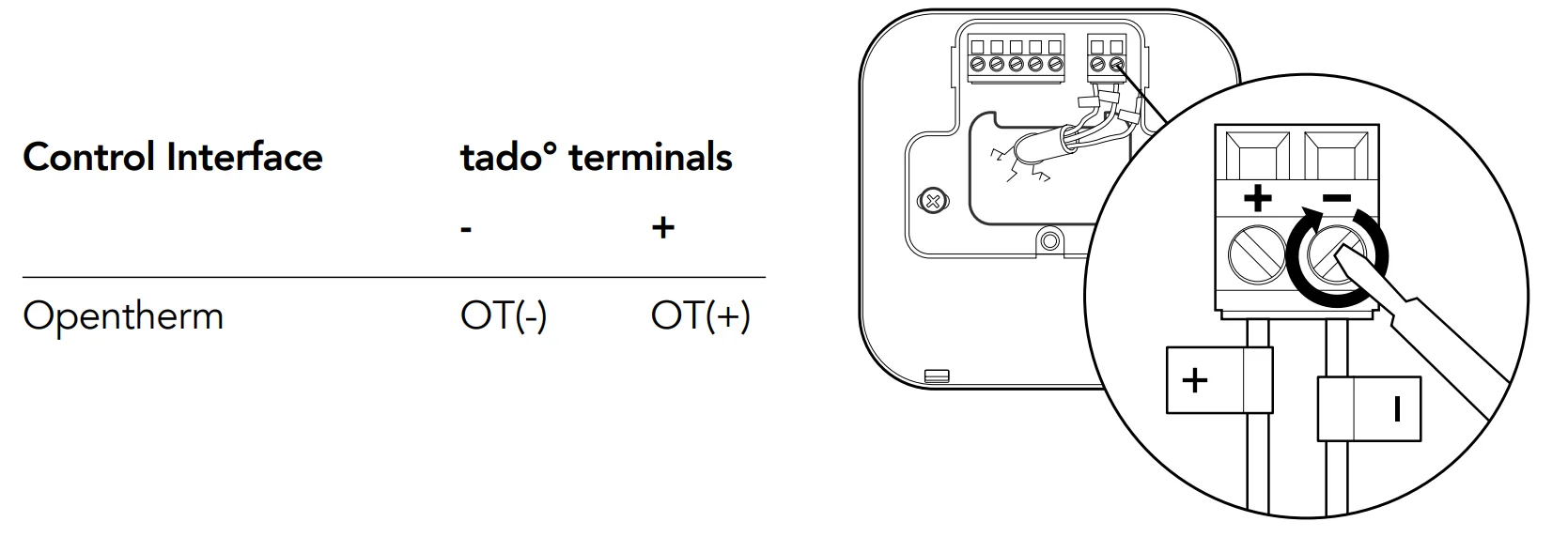
Warning: Common terminal labels on the boiler
Test the system
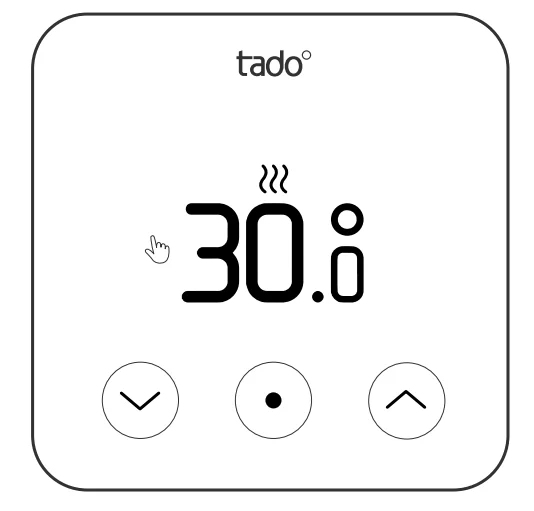
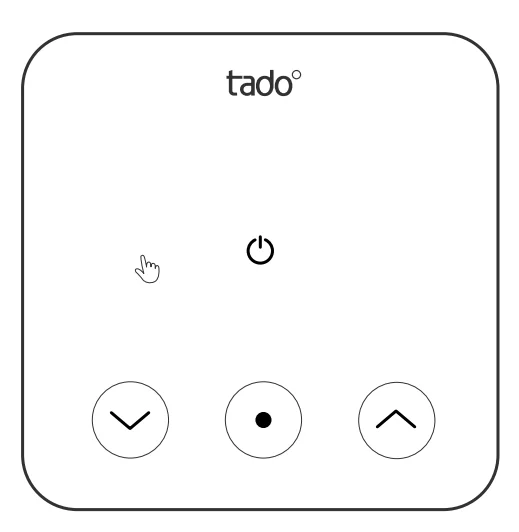
- A. Adjust to maximum temperature.

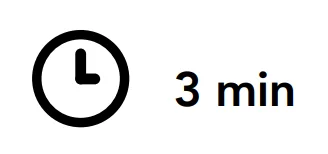
- B. Wait 3 min and check if the heating is ON.

- C. Turn the heating back OFF and check after 3 min.

- D. Your tado° installation is complete.
Handover to the customers
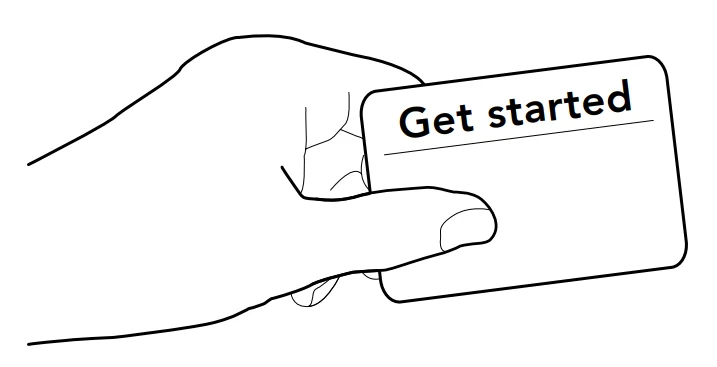
- Provide customers with the “Get started” card that includes instructions for setting up the device in the tado° app.
Need help?
- Need help?
+44 20 3893 2159
For more manuals by tado˚, visit ManualsLibraryy
Wired Smart Thermostat X-FAQs
How do I install the Wired Smart Thermostat X?
Start by turning off the power supply. Connect the thermostat wires according to the wiring diagram in the manual, then mount the device on the wall. Turn power back on and follow the on-screen or app setup instructions to complete installation.
Can I use the thermostat without Wi-Fi?
Yes, basic heating control will still work without Wi-Fi, but remote control and smart features through the app will not be available.
What do the indicator lights mean?
LED lights show system status such as power, connection, or errors. A blinking light usually indicates pairing or connectivity activity, while a solid light shows normal operation.
Why is my thermostat not responding?
This may be due to low power, wiring issues, or connection loss. Check the power supply, ensure correct wiring, and restart the device.
How do I reset the Wired Smart Thermostat X?
Remove power or batteries (if applicable) for a few seconds, then restart the device. Some models may also have a reset option in the settings menu.
What should I do if the thermostat is not connecting to Wi-Fi?
Check your internet connection first. Restart the thermostat and router, then try reconnecting using the app or WPS method again.
Can I control the thermostat manually without the app?
Yes. You can adjust temperature and basic settings directly from the thermostat interface even if the app or internet is unavailable.
How do I use the WPS button on the receiver?
Press and hold the WPS button for about 5 seconds until the light starts flashing. Then activate WPS on your router so both devices can connect automatically.
What is the WPS function used for?
WPS helps you quickly connect the thermostat to your Wi-Fi without manually entering a password. It simplifies pairing during initial setup.