
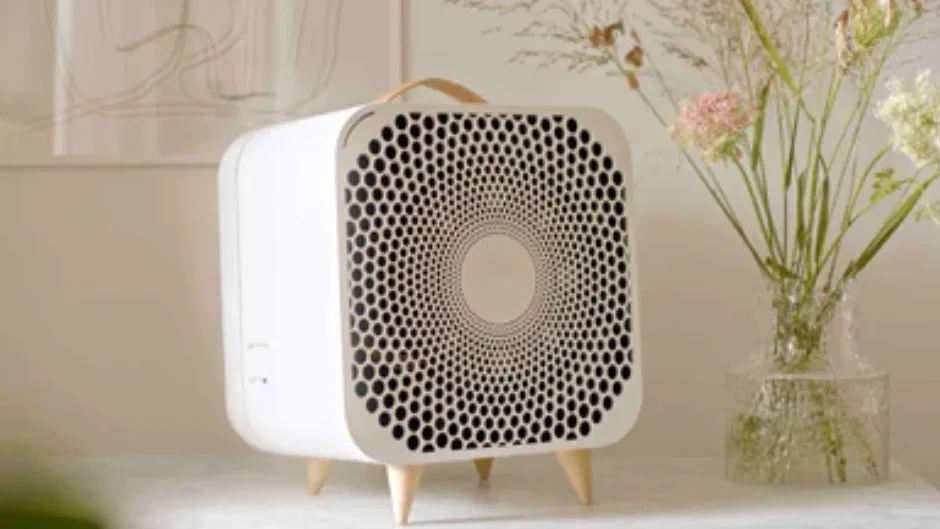

Blueair Blue Pure Fan Air Purifier
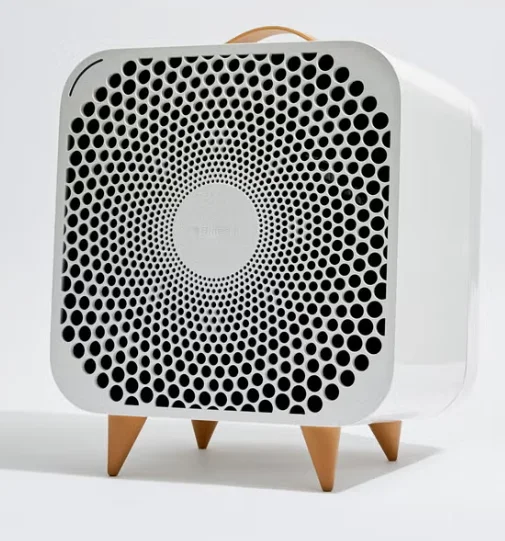
General safety instructions
Remember, Blue Pure Fan is an electrical appliance. Please read these safety instructions carefully before use and take the necessary precautions to reduce the risk of fire, electric shock or injury.
WARNING: Indicates a hazardous situation that, if not avoided, could result in death or serious injury.
CAUTION: Indicates a hazardous situation that, if not avoided, could result in minor or moderate injury.
CAUTIONS:
- Use the grounded power cable provided with your unit to plug directly into an appropriate, grounded electrical outlet. (Refer to the rating label on your unit)
- Do not alter the plug in any way.
- Remember to always disconnect the power supply before servicing the unit.
- Do not use the unit if the power cable or plug is damaged or malfunctions in any manner.
- Keep the power cable away from heated surfaces.
- Do not sit on, stand or climb onto the unit or use the unit either as a table or for storage.
- Do not place any objects on top of the unit, block air outlets or intakes, or allow foreign objects to enter the unit, as this may cause an electric shock or damage the unit.
Intended Use
CAUTIONS:
- Supervise children to ensure that they do not play with the appliance.
- This appliance is not intended for use by persons (including children) with reduced physical, sensory, or mental capabilities, or a lack of experience and knowledge, unless they have been given supervision or instruction concerning use of the appliance by a person responsible for their safety.
WARNING: Changes or modifications to this unit not expressly approved by the party responsible for compliance could void the user’s authority to operate the equipment.
NOTE: This equipment has been tested and found to comply with the limits for a Class B digital device, pursuant to Part 15 of the FCC Rules. These limits are designed to provide reasonable protection against harmful interference in a residential installation. This equipment generates, uses, and can radiate radio frequency energy and, if not installed and used in accordance with the instructions, may cause harmful interference to radio communications.
However, there is no guarantee that interference will not occur in a particular installation. If this equipment does cause harmful interference to radio or television reception, which can be determined by turning the equipment off and on, the user is encouraged to try to correct the interference by one or more of the following measures:
- Reorient or relocate the receiving antenna.
- Increase the separation between the equipment and receiver.
- Connect the equipment into an outlet on a circuit different from that to which the receiver is connected.
- Consult the dealer or an experienced radio/TV technician for help.
This device complies with Part 15 of the FCC Rules. Operation is subject to the following two conditions:
- This device may not cause harmful interference, and
- This device must accept any interference received, including interference that may cause undesired operation.
This device contains licence-exempt transmitter(s)/ receiver(s) that comply with Innovation, Science and Economic Development Canada’s licence-exempt RSS(s). Operation is subject to the following two conditions: (1) This device may not cause interference, and (2) This device must accept any interference, including interference that may cause undesired operation of the device. This Class B digital apparatus complies with Canadian ICES-003.
SYSTEM OVERVIEW
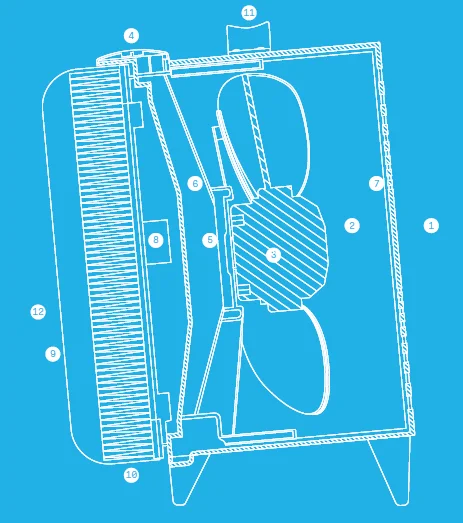
Blueprint
- Air outlet
- Air stream optimizer
- Fan
- Speed Control Button
- Motor
- Fan holder
- Protective grill
- Release button for filter
- Pre-filter
- Particle filter
- Handle
- Air inlet
Blue Pure Fan package
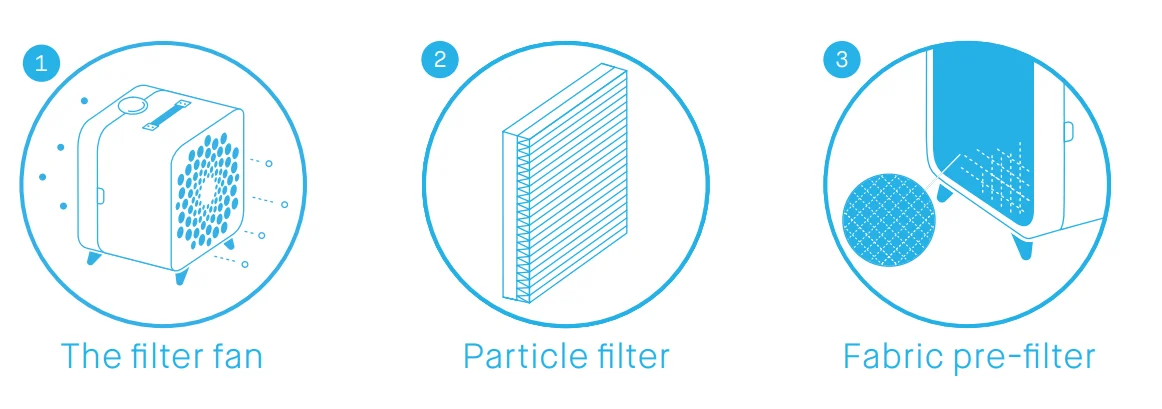
Options
- Choice of color and design for the fabric pre-filter.
Placement
Place the Blue Pure Fan in an upright position on the floor in your room. Be sure to place the unit where it won’t be knocked over by any person or pet in the household.
Using it in your bedroom: After 7 seconds, the light automatically dims.
Placing the unit:
- Place the unit in a location where air can circulate freely in, out, and around the unit.
- Do not place the unit closer than 10 cm (4”) from another object.
- Do not place the unit directly on or against soft furnishings such as bedding or linen.
- Do not place the unit near sources of heat, such as radiators, fireplaces, or ovens.
- Do not place the unit near wet areas, such as bathrooms or laundry rooms, where it may come into contact with water.
- Do not place the unit outdoors.
Getting started
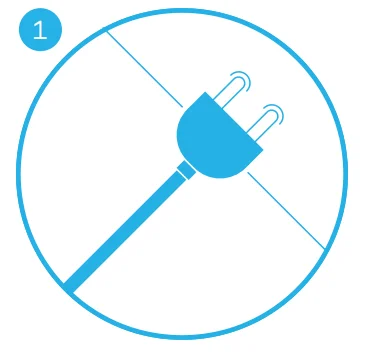
- Plug in your unit.

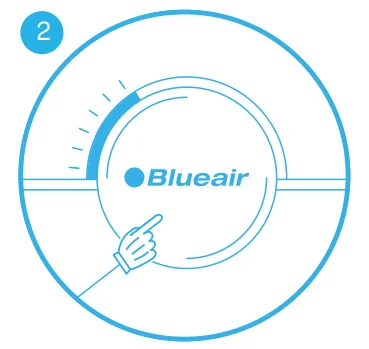
- On/Low
Press the button once to turn the unit on and set it to low speed 1.
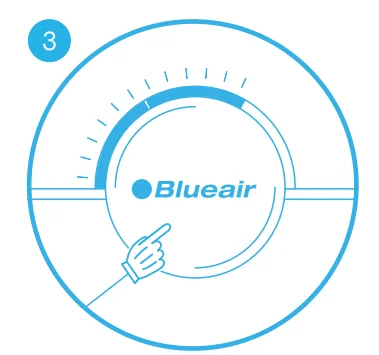
- Medium
Press twice to set to medium speed 2.
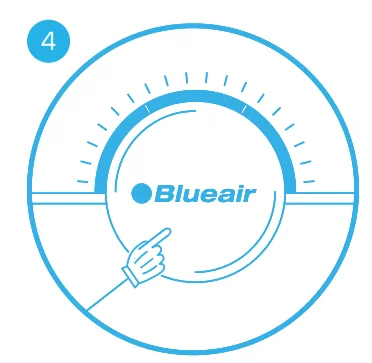
- High
Press three times to set to high speed 3.
- Off
Press a fourth time to turn the unit off.
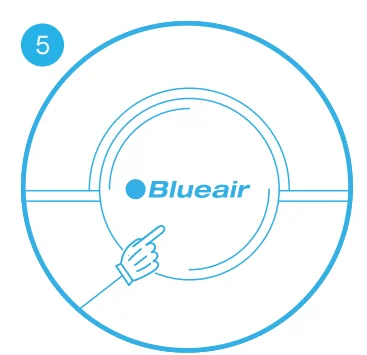
Moreover, Blue Pure Fan has an Autostart feature. This means that the unit will automatically restart at the set speed if a power failure occurs, the unit is unplugged or a power switch timer is used.
Filters
General information:
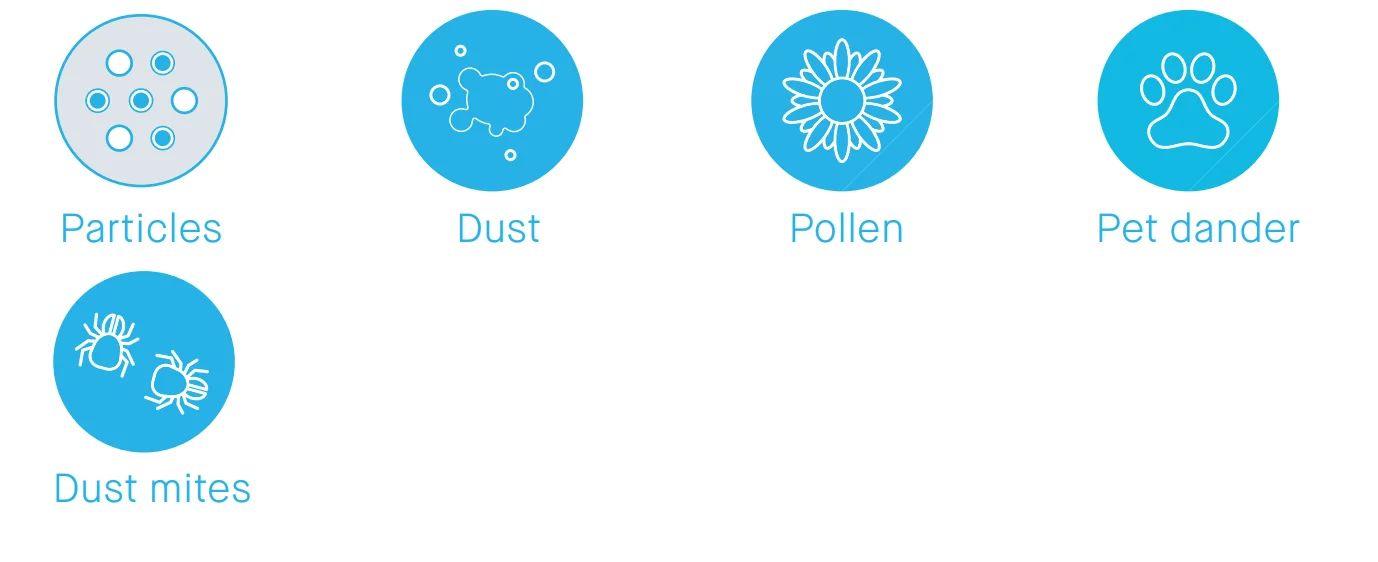
The unit is delivered with two fabric pre-filters and one particle filter, which removes the following pollutants:
Button control functions
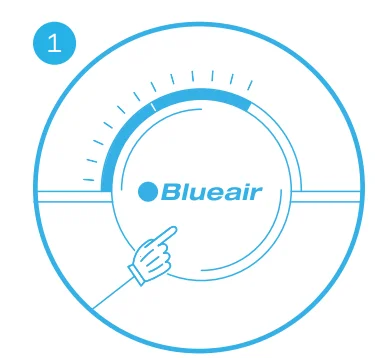
- Change filter indicator
When the indicator turns yellow (after 5 months of operation), it’s time to order a new filter.
- Change filter
When the indicator light turns red (after 1 extra month of operation), you should change the main filter.
- Reset filter alert
Press the button for three seconds to reset the filter alert.
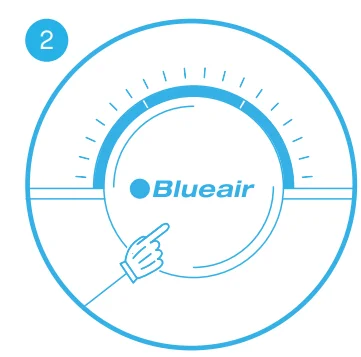
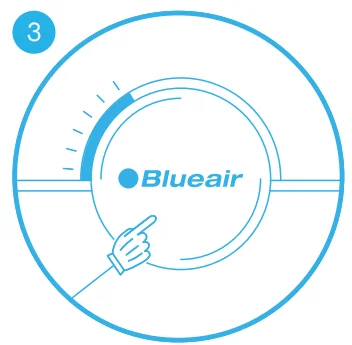
You can change the filter before the indicator light turns red, i.e. when it first turns yellow. In this case, just reset the unit after changing the filter and use for another 6 months. (see “Change the main filter”)
Vacuum or wash the pre-filter
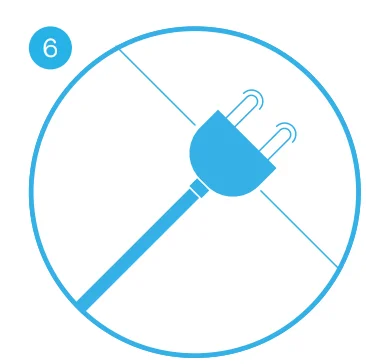
Occasionally, vacuum the exterior of the fabric pre-filter to remove dust. Before removing the fabric pre-filter, turn off and unplug the unit.
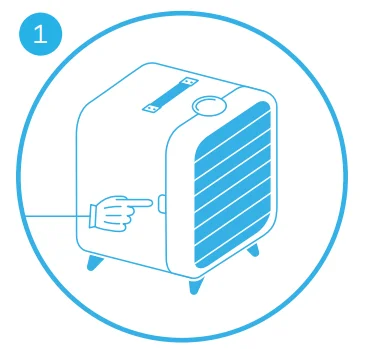
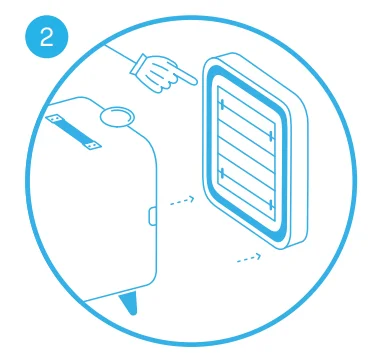
- Gently press the release buttons on both sides of the unit until you hear a click.

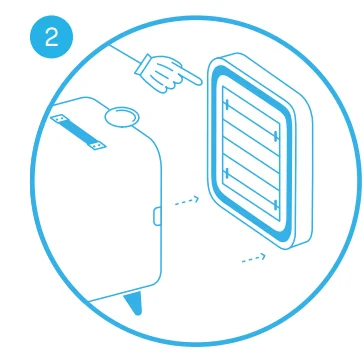
- Remove the back part of the unit.

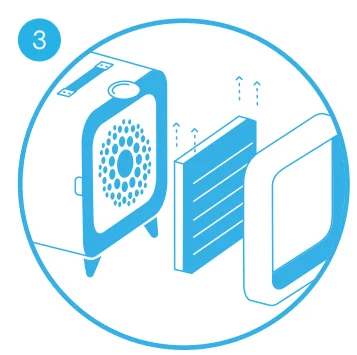
- Remove the main filter and pre-filter from the filter frame.

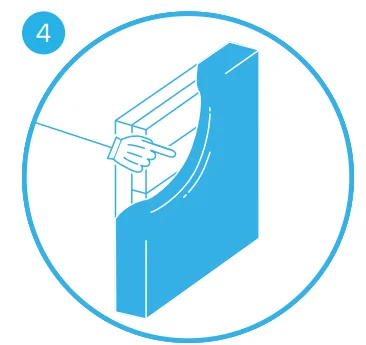
- Carefully remove the fabric pre-filter from the main filter.
- Wash the fabric pre-filter on a gentle, low temperature cycle in the washing machine.
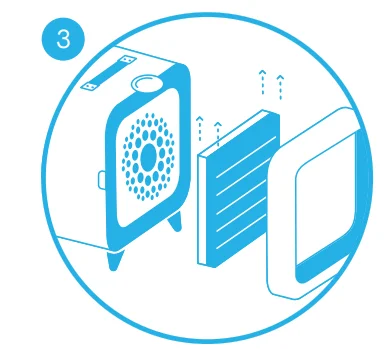
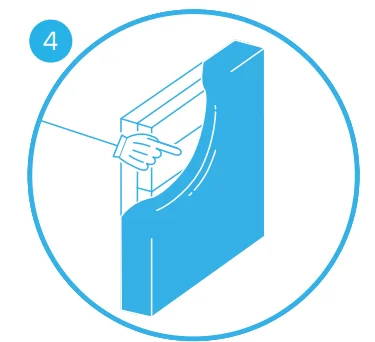
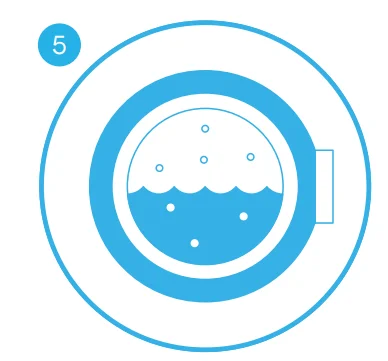
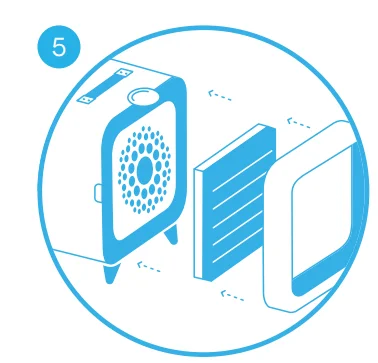
After washing the pre-filter, reverse this procedure (steps 4, 3, 2, and 1). Plug in and turn on the unit.
Change the main filter
Be sure to unplug the unit before changing the main filter.
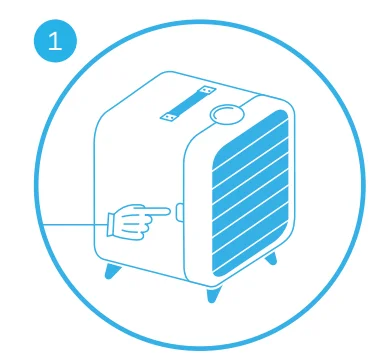
- Gently press the release buttons on both sides of the unit until you hear a click.

- Remove the back of the unit.

- Remove the main filter from the filter frame.

- Carefully detach the fabric pre-filter from the old main filter and attach it to the new main filter.

- Insert the new main filter back into the filter frame and lock it into position.

- Plug in the unit.

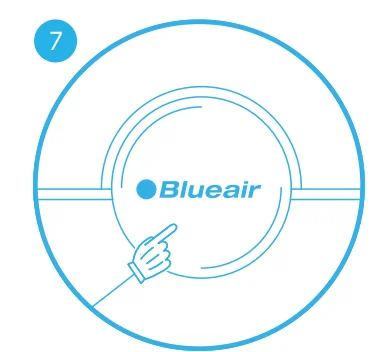
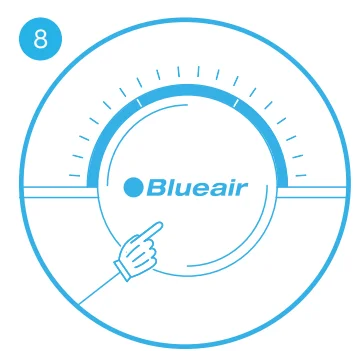
- Restart the unit. Press the button for a duration of 5 seconds to reset the unit.

- This lets the unit know that you have changed the filter. The indicator light will flash for five seconds, and then change from red to white.
General care
Take good care of your filter fan to ensure that it delivers optimal performance.
- Vacuum the pre-filter occasionally to remove dust, or wash it on a gentle, low-temperature cycle in the washing machine.
- Change the main filter every six months, depending on the operating conditions. Remember to unplug the unit before changing the main filter.
- When the unit is open to change the filter, vacuum any dust that may have accumulated inside the unit.
- Occasionally, wipe the top of the unit with a dry dust cloth.
Specifications
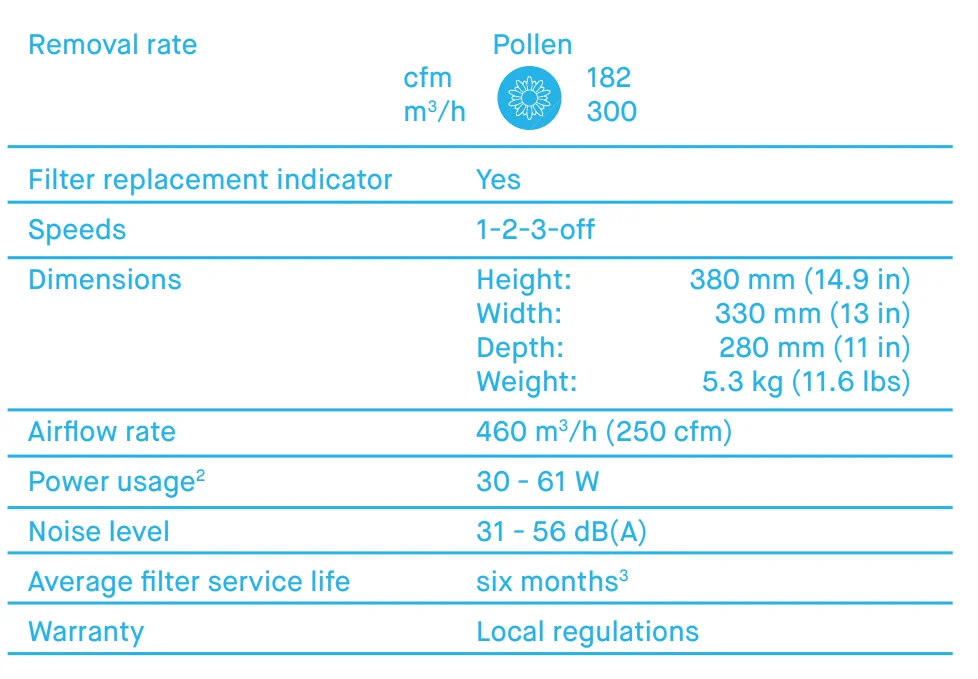
- Certified ratings as stated are based on U.S. version models (120VAC, 60Hz) with a particle filter. Ratings may be affected by the use of other Blue filter models.
- The available electrical power voltage and frequency affect the power consumption of the unit. The power consumption might therefore be different from the stated value.
- Depending on the air quality in the area of use, the recommended six-month filter lifetime may be longer.
For more manuals by Blueair, visit ManualsLibraryy
Blueair Blue Pure Fan Air Purifier -FAQs
Is the Blueair Blue Pure Fan Air Purifier a good choice for home use?
Yes, the Blueair Blue Pure Fan Air Purifier is designed to improve indoor air quality while also providing cooling airflow. It helps reduce dust, pollen, smoke, and other airborne particles, making it suitable for bedrooms, living rooms, and offices.
Can an air purifier help with allergies and breathing problems?
Air purifiers can help reduce airborne allergens such as dust, pet dander, and pollen. Cleaner indoor air may provide relief for people who experience allergies, asthma symptoms, or mild respiratory discomfort when used regularly in well-ventilated spaces.
Does using an air purifier make the air too dry?
No, air purifiers generally do not remove moisture from the air like a dehumidifier. However, extended use in already dry environments may make some people feel slight dryness or irritation.
Can an air purifier help with smoke and odors?
Yes, air purifiers with effective filtration can help reduce smoke particles and everyday household odors. Performance may vary depending on room size and the type of pollutants present.
What are the signs that I may need an air purifier?
You may benefit from an air purifier if you notice frequent dust buildup, lingering odors, allergy symptoms, pet hair, or poor indoor air quality. It can also help in rooms affected by smoke or seasonal allergens.
Is the Blueair Blue Pure Fan suitable for bedrooms?
Yes, it is commonly used in bedrooms because of its quiet operation and compact design. The fan and purification features can help create a more comfortable sleeping environment.
Can this air purifier reduce dust in the room?
Yes, the purifier helps capture common household dust and fine airborne particles. Regular use may reduce visible dust buildup and improve overall indoor freshness.
How often should I replace the filter?
Filter replacement depends on air quality and daily usage. In most cases, filters should be changed every few months to maintain strong performance and efficient airflow. Always check the filter indicator and product instructions.