


Philips Hue 570977 Motion Sensor
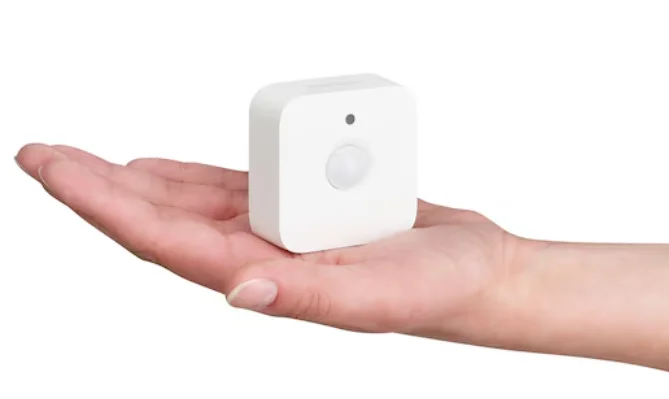
PRODUCT DESCRIPTION
The Philips Hue 570977 Motion Sensor is a smart, efficient way to automate your lighting and enhance convenience throughout your home. Designed to work seamlessly with the Philips Hue ecosystem, this motion sensor detects movement and triggers your Hue lights to turn on or off automatically—perfect for hallways, closets, bathrooms, or any space where hands-free lighting adds comfort and safety.
Compact and battery-powered, the sensor offers flexible placement without the need for wiring and can be easily mounted on walls, ceilings, or simply placed on a flat surface. With adjustable sensitivity and ambient light detection, it ensures lights only activate when needed, saving energy and extending the life of your bulbs. You can customize settings through the Philips Hue app, including which lights respond, motion sensitivity, and time-of-day behavior.
Whether you’re arriving home with your hands full, navigating dark hallways at night, or creating dynamic lighting scenes, the Philips Hue 570977 Motion Sensor brings intuitive automation to your smart home setup. Its reliable performance and smart customization make everyday lighting effortless and responsive.
PRODUCT OVERVIEW
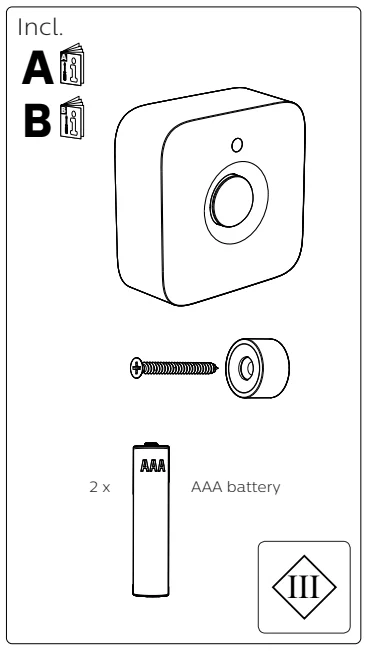
INSTALATION

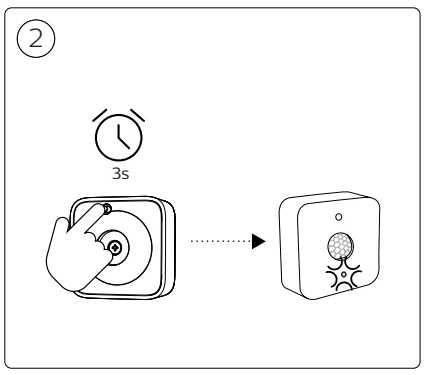
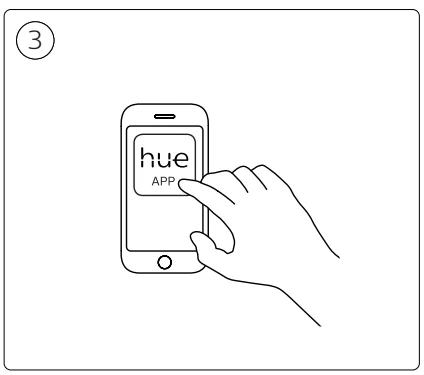

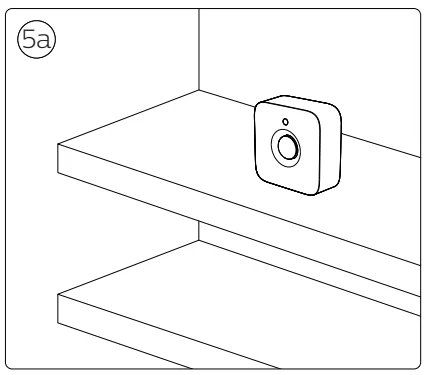
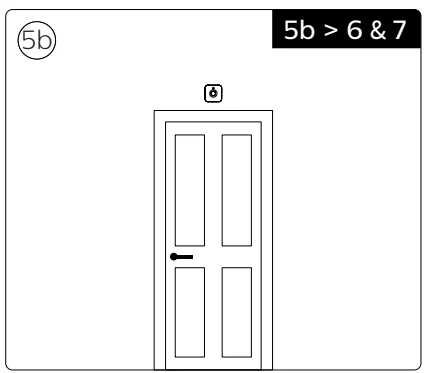
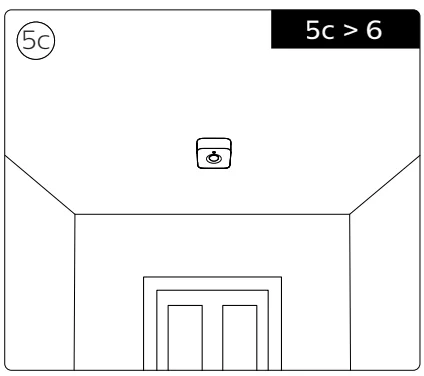
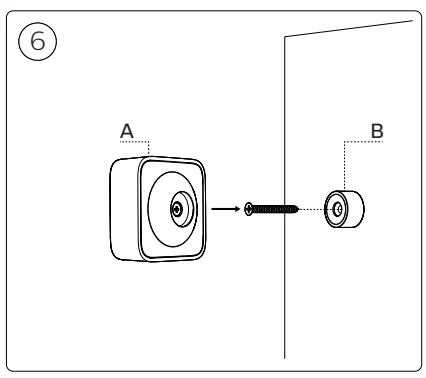
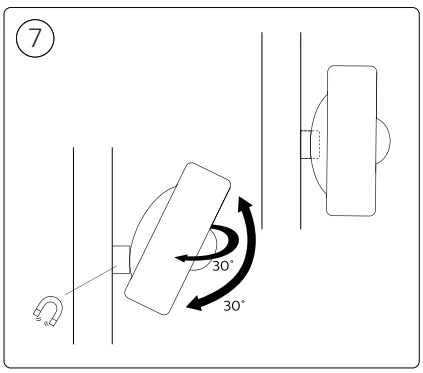
OPERATION
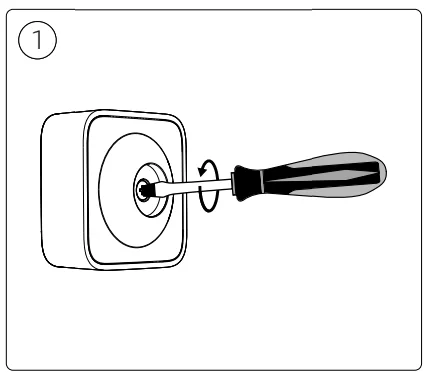
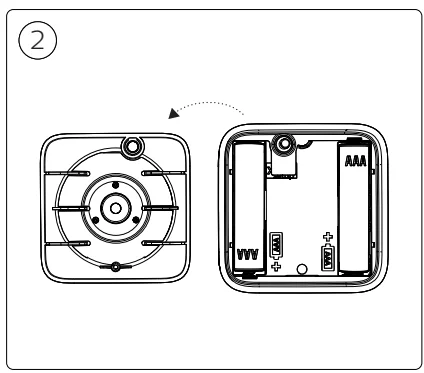
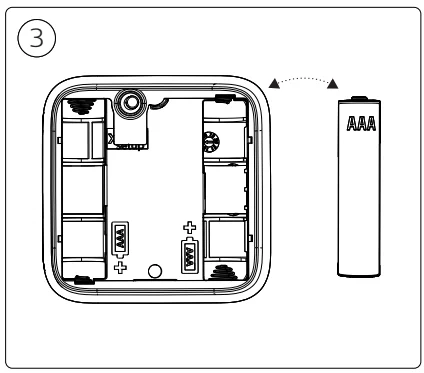
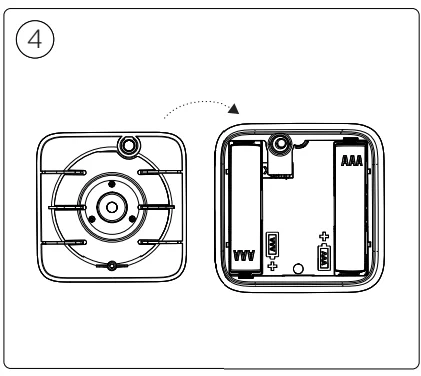
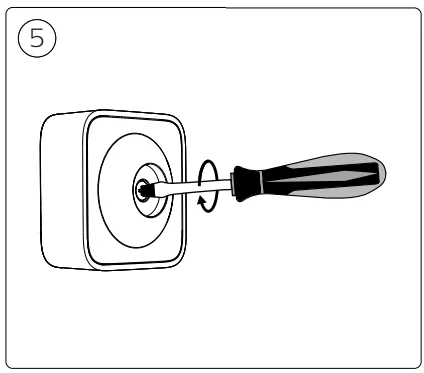
For more manuals by Philips, visit ManualsLibraryy
Philips Hue 570977 Motion Sensor- FAQs
Does Philips Hue have a motion sensor?
Yes, Philips Hue offers an indoor motion sensor that automatically turns smart lights on or off when movement is detected.
How does the Philips Hue motion sensor work?
The sensor detects body movement using passive infrared (PIR) technology and triggers connected Hue lights as you move through a room.
Do I need a Hue Bridge to use the motion sensor?
Yes, a Hue Bridge is required to connect the motion sensor, manage settings, and enable automations through the Hue app.
How do I set up the Philips Hue motion sensor?
Open the Hue app, go to Settings > Devices, select Add device, scan the QR code on the sensor, and assign it to a room.
Can I adjust the sensitivity of the Hue motion sensor?
Yes, motion sensitivity and daylight sensitivity can be adjusted in the Hue app under Accessory settings.
Can the Hue motion sensor trigger different lighting scenes?
Yes, you can program the sensor to activate specific scenes, brightness levels, or colors based on time of day.
Where should I place the motion sensor for best results?
Place it at about 6–8 feet high, facing entry points or walkways, and avoid direct sunlight or heat sources.
How do I know if the motion sensor is working?
When motion is detected, the sensor’s LED blinks and the connected lights respond according to your settings.
How do I reset the Philips Hue motion sensor?
Remove the sensor from the Hue app, then re-add it by scanning the QR code during setup.
Does the Hue motion sensor work wirelessly?
Yes, it is battery-powered, fully wireless, and does not require any rewiring.