


LAVA Probuds N21
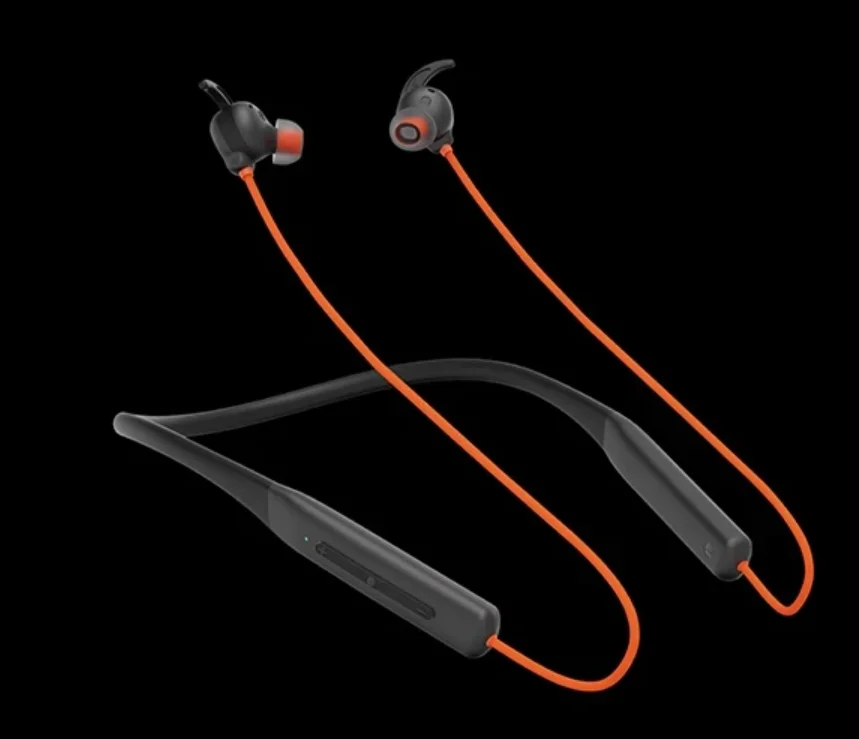
STEPS TO FOLLOW BEFORE USE
- CHARGING
Fully charge the headset before using it.
CELLPHONE: Choose a Cell Phone which is compatible with a Bluetooth headset or other Bluetooth devices to pair with the “Probuds N21”.
TIP: Keep the headset away from your credit card or other magnetic storage media. The stored information may get lost due to demagnetization.
FACTORY RESET
- RESET FACTORY SETTING
Press “Volume+” & “Volume-” for 8 seconds to reset. All pairing records are now deleted.
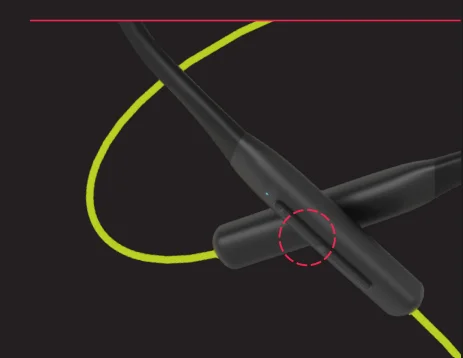
BUTTON OVERVIEW
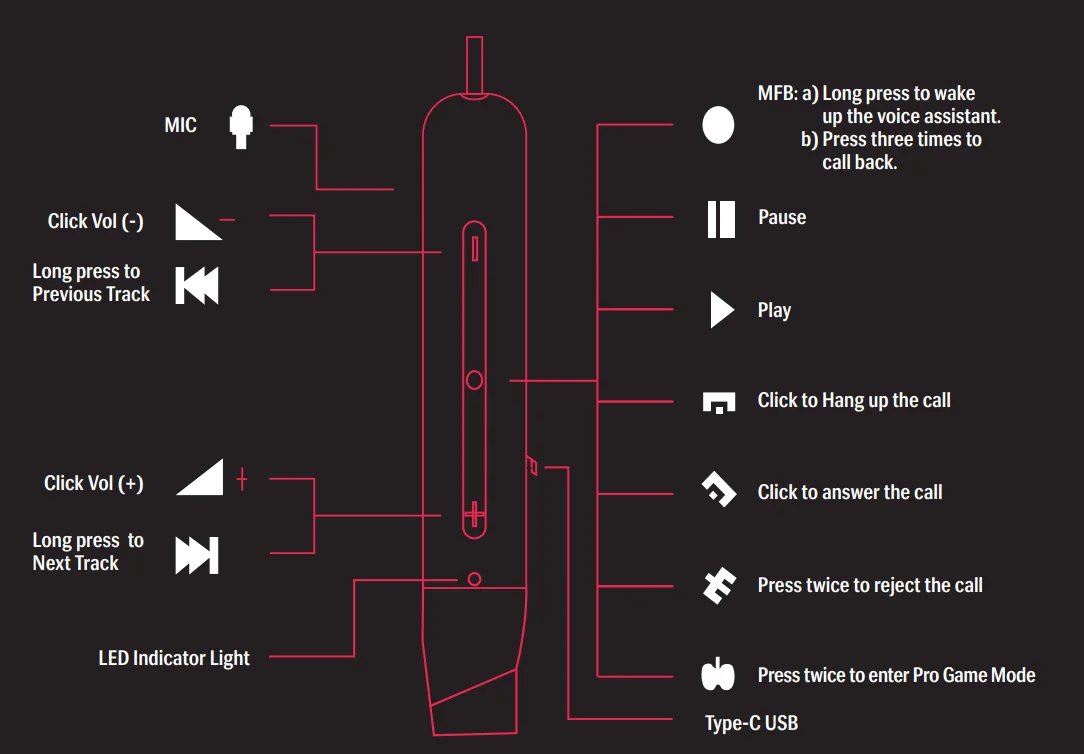
SWITCHING THE NECKBAND PLAY & PAUSE
- PLAY & PAUSE
- PLAY/PAUSE: Separate/Attach the earbuds to play/pause your device’s media content.
- ANSWER/CUT THE CALL: Separate the earbuds to answer the call, and re-attach them to cut the call.
CONNECTING WITH THE PHONE
- PAIRING
CONNECTION − SHUTDOWN STATE ENTER- STEP 1: Turn on your Device. Enter Bluetooth mode with Voice Prompt “Bluetooth Mode”. After 1 second Enter Pairing mode with Voice Prompt “Pairing”.
- STEP 2: Search for available devices with Bluetooth on your device.
- STEP 3: Choose “Probuds N21” (If a password is required, please input “0000”)*.
- STEP 4: *Blue LED + Prompt tone “Connected” on Probuds N21.
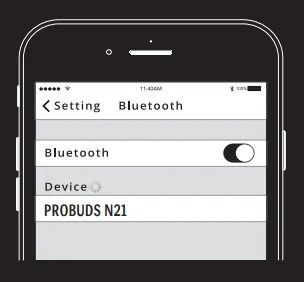
NOTE: When powered on “Probuds N21” automatically connects with the last paired Device if it is in the connection range with Bluetooth turned on: You get a voice prompt notification “Connected”. If the device disconnects, you get a voice prompt “Disconnected”.
- DUAL PAIRING
- Pair “Probuds N21” with “Device A”. Once pairing is done, disable the Bluetooth function of A.
- Pair “Probuds N21” with “Device B” and, after connecting successfully, enable the Bluetooth function of A.
- Both A & B are now connected in parallel.
CONTROLLING THE CALLS WITH MFB
- ANSWER/END CALL
Press the ‘Multi-function button’ once to Answer or End Call-It notifies with a voice Prompt “Incoming call”. - CALL WAITING/SWITCHING A CALL
Short single press the ‘Multi-function button’ to put the current call on hold and answer the call waiting. Long Single Press the ‘Multi-function button’ to switch back to the first call. Press the ‘Multi-function button,’ and you can end the current call. - REJECT CALL
Press the ‘Multi-function button’ twice during an incoming call. - REDIAL LAST DIALED
Triple-click the ‘Multi-function button’.
NOTE: After powering on, if the device is not connected for 5 minutes, the device will automatically be powered off. The above functions work in Standby Mode and Music Mode.
CONTROLLING THE MUSIC WITH MFB
- MUSIC PLAY/PAUSE
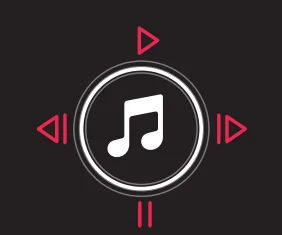
In music mode, press the “Multi-function button” once to pause, press it again to play. - VOLUME UP/DOWN
Short-press “Volume -” for volume down. Short Press “Volume +” for volume up. The beep sound indicates the maximum/minimum volume reached by the device. - PREVIOUS/NEXT SONG
Press for 2 seconds “Volume -” for the previous song. Press for 2 seconds “Volume +” for the next song.
GAME
- GAME MODE
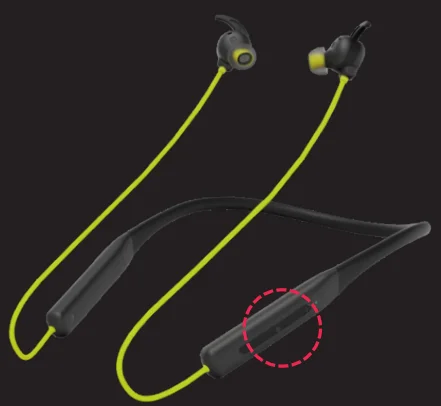
When the phone is connected, press the Multi-function button twice to enter/exit game mode with a Voice Prompt “Pro- Game Mode”.
CONTROLLING THE VOICE ASSISTANT
- ENABLING/DISABLING THE VOICE ASSISTANCE
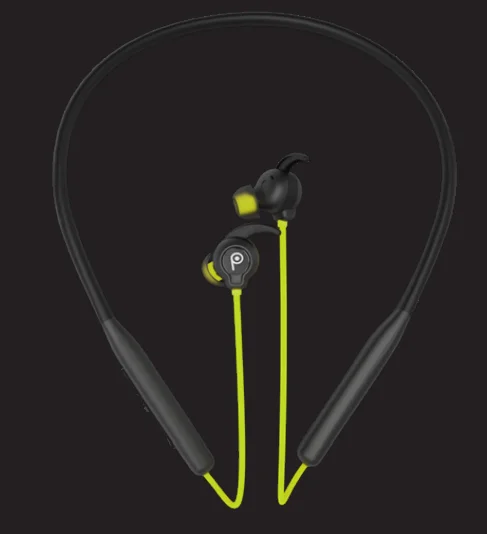
GOOGLE/SIRI:- In the Standby or Music mode, press the Multi-function button for 2 seconds and release. The beep sound is an indication that it is enabled. Press MFB again for 2 seconds to disable the same.
CHARGING
- LOW BATTERY
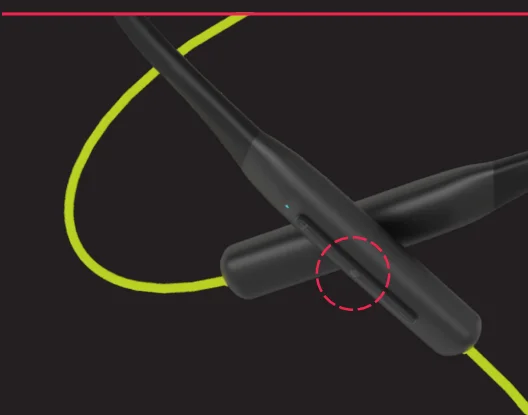
At 20% battery notification with Voice prompt “Battery Low” and red light flash after every 5 seconds to notify of low battery. - CHARGING
Red light indicator on. - FULL CHARGE
Blue Light on.
SAFETY AND MAINTENANCE
Please read the suggestions given below.
- Keep the product dry; do not put it in humid conditions to avoid a short circuit.
- Do not expose it to the sun or high heat. High heating will shorten the lifespan of electronic components, damage the battery, and deform some plastic parts.
- Do not put it in extreme cold conditions to avoid damage to the PCB.
- Do not attempt to take apart the product.
- Do not let it fall, shake it hard, or strike it with hard objects to avoid damage to the internal electronic circuit.
- Do not use any chemical products or detergents to clean the product.
- Do not scratch the surface with sharp objects to avoid damaging the case and its appearance.
- Do not overcharge continuously for the sake of lifespan.
For more manuals by LAVA, visit ManualsLibraryy
LAVA Probuds N21-FAQs
Which colors are available in LAVA Probuds N21?
The Probuds N21 is available in three attractive color options: Panther Black, Firefly Green, and Kai Orange, allowing users to choose according to their style.
How do I pair LAVA Probuds N21 with a phone?
Turn on the neckband, enable Bluetooth on your phone, and select “LAVA Probuds N21” from the available devices list. Pairing completes within seconds.
Is LAVA Probuds N21 good for workouts and travel?
Yes, its secure neckband design and wireless convenience make it a good choice for workouts, commuting, and casual listening.
What should I do if the Probuds N21 is not connecting?
If it fails to connect, turn Bluetooth off and on again, restart the neckband, or forget the device from Bluetooth settings and re-pair it.
How do I charge the LAVA Probuds N21?
You can charge the neckband using the charging cable provided. Connect it to a power adapter or USB port until fully charged.
How long does the battery last on LAVA Probuds N21?
Battery performance depends on usage, but the neckband is designed to last several hours on a single charge, suitable for daily use.
Does LAVA Probuds N21 support noise reduction for calls?
Yes, it features ENC (Environmental Noise Cancellation), which helps reduce background noise during calls for clearer voice quality.
What type of sound quality does LAVA Probuds N21 offer?
The Probuds N21 delivers clear audio with balanced bass, making it suitable for music, calls, and online streaming at this price range.
Is LAVA Probuds N21 comfortable for daily use?
Yes, the lightweight neckband design sits comfortably around the neck, making it suitable for long listening sessions, workouts, and daily travel.