

Featured on Product Hot

Blog Post

Tchibo Fully Automatic Coffee Machine-featured

Tchibo Fully Automatic Coffee Machine User Manual

Tchibo Fully Automatic Coffee Machine Safety warnings DANGER to children and people with restricted capabilities of operating appliances Children must not be allowed to play with the machine. Keep the machine and connection cable away from children under the age of 8 and from animals. This machine can be used by children aged 8 and […]
Read More
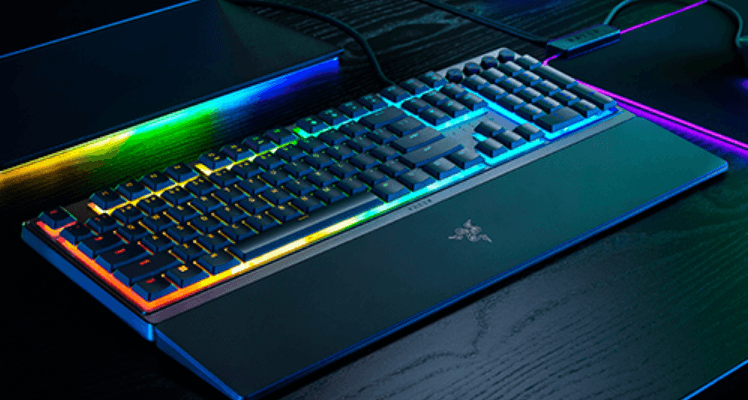
Razer Ornata V3 X Gaming Keyboard-featured

Razer Ornata V3 X Gaming Keyboard User Guide

Razer Ornata V3 X Gaming Keyboard WHAT’S INSIDE Razer Ornata V3 X A. Volume control keys B. Media keys C. On-the-fly macro record key D. Gaming mode key E. Backlight control keys F. Sleep mode key G. LED indicators H. Kickstand I Cable routing options Ergonomic wrist rest Important Product Information Guide WHATS NEEDED PRODUCT […]

Read More
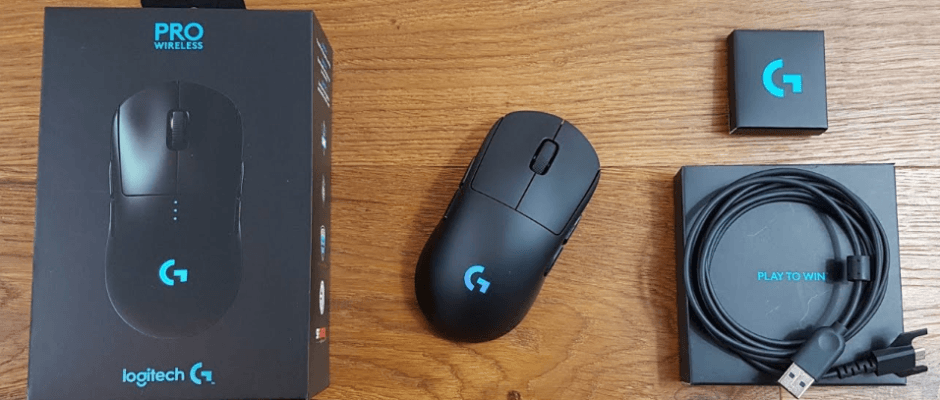
Logitech G Pro Wireless Gaming Mouse-featured

Logitech G Pro Wireless Gaming Mouse User Manual

Logitech G Pro Wireless Gaming Mouse What’s in the box SETUP INSTRUCTIONS A wireless receiver attached to the USB adapter can be found in the accessory box. Plug one end of the cable into your PC, and the other end into the USB adapter and receiver. The receiver can also be used plugged directly into […]

Read More
FIFINE AmpliGame A6T Gaming PC USB Microphone-featured1

FIFINE AmpliGame A6T Gaming PC USB Microphone User Manual

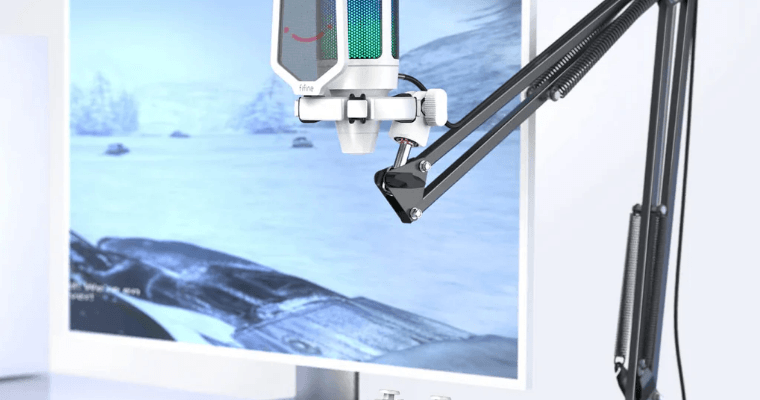
FIFINE AmpliGame A6T Gaming PC USB Microphone WHAT’S IN THE BOX? 1x Microphone with Shock Mount 1x 8.2ft (2.5m) USB Cable 1x Boom Arm Stand with Adapter 1x PopFilter 1x C-olamp 1x User’s Manual PRODUCT DESCRIPTION Mute Button Condenser Microphone Capsule USB-C Port Shock Mount Microphone Gain Pop Filter Boom Arm Stand 3/8″ to 5/8″ […]

Read More
Hunter Pro-C Residential Light Commercial Irrigation Controller User manual-feat

Hunter Pro-C Residential Light Commercial Irrigation Controller User manual

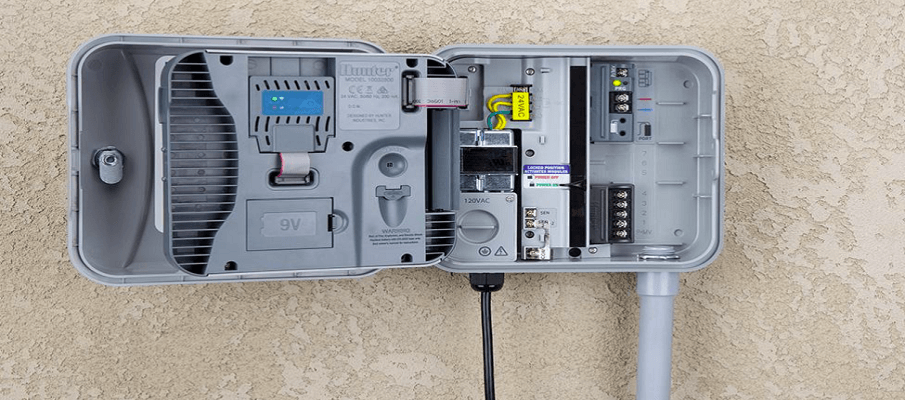
Hunter Pro-C Residential Light Commercial Irrigation Controller   A. – LCD Display Program Selector – Identifies the program in use: A, B, or C. Station Number – Identifies the currently selected station number. Main Display – Indicates various times, values, and programmed information. Year – Identifies current calendar year. Month – Identifies current calendar month. […]

Read More
Corsair SCIMITAR M65 RGB ELITE Gaming Mouse-featured

Corsair SCIMITAR M65 RGB ELITE Gaming Mouse User Manual

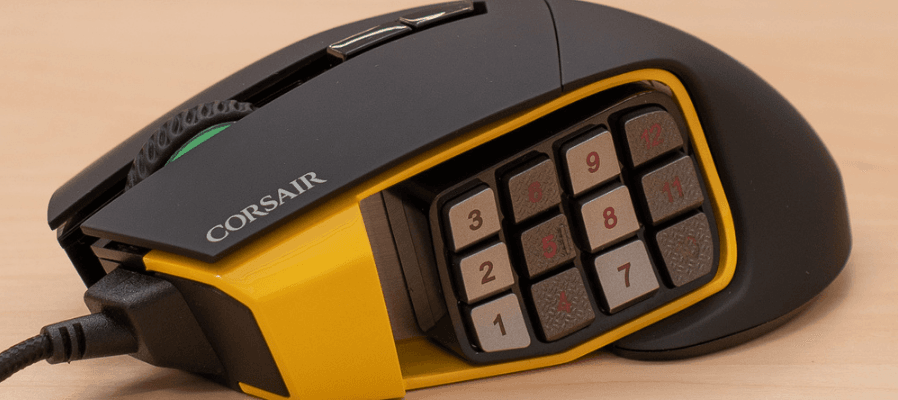
Corsair SCIMITAR M65 RGB ELITE Gaming Mouse GETTING TO KNOW YOUR MOUSE All mouse buttons are programmable through software. These represent the default settings. A — LEFT CLICK BUTTON B — RIGHT CLICK BUTTON C — MIDDLE CLICK BUTTON D — DPI UP BUTTON E — DPI DOWN BUTTON F — FORWARD BUTTON G — […]

Read More
TECKNET TK-GM001 Gaming Wireless Mouse-featured1

TECKNET TK-GM001 Gaming Wireless Mouse User Manual

TECKNET TK-GM001 Gaming Wireless Mouse Package Contents Product Overview Charging Indicator Left Button Scroll Wheel Right Button DPI Button Forward Button Back Button RGB Light USB-C Port Power Switch USB Receiver Specifications Operating voltage: 5V Operating current in 2.4G light-on mode: <26mA Operating current in 2.4G light-off mode: <12mA System Requirements USB-A Port Compatible Systems: […]

Read More
Razer Kraken V3 X Wired USB Gaming Headset-featured

Razer Kraken V3 X Wired USB Gaming Headset User Manual

Razer Kraken V3 X Wired USB Gaming Headset WHAT’S INSIDE / WHAT’S NEEDED WHAT’S INSIDE Razer Kraken V3 Pro A. Adjustable padded headband B. Backlit Razer logo Powered by Razer ChromaTM RGB C. Hybrid fabric and leatherette memory foam cushions D. HyperSense button E. Status indicator F. Microphone jack G. Charging port H. 3.5 mm […]

Read More
HyperX Pulsefire Haste Wireless Gaming Mouse-featured

HyperX Pulsefire Haste Wireless Gaming Mouse User Manual

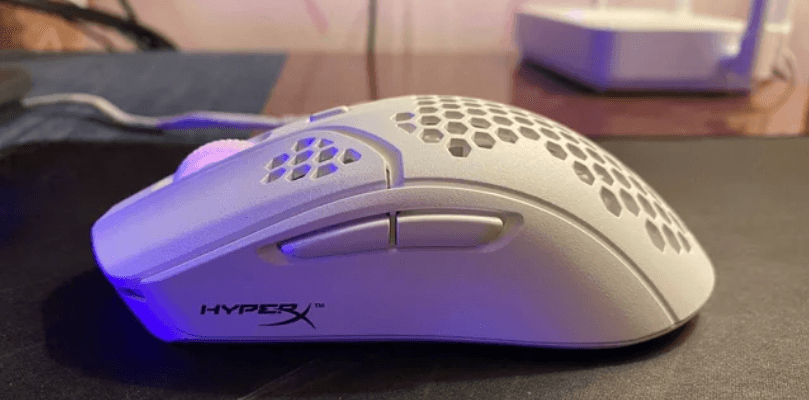
HyperX Pulsefire Haste Wireless Gaming Mouse Overview A. Left click button B. Right click button C. Mouse wheel D. DPI button E. Forward button F. Back button G. USB-C port H. Optical gaming sensor I. Power switch J. Grip tape K. Mouse skates L. HyperFlex USB-C/USB-A charge/data cable M. USB wireless receiver N. Wireless adapter […]

Read More
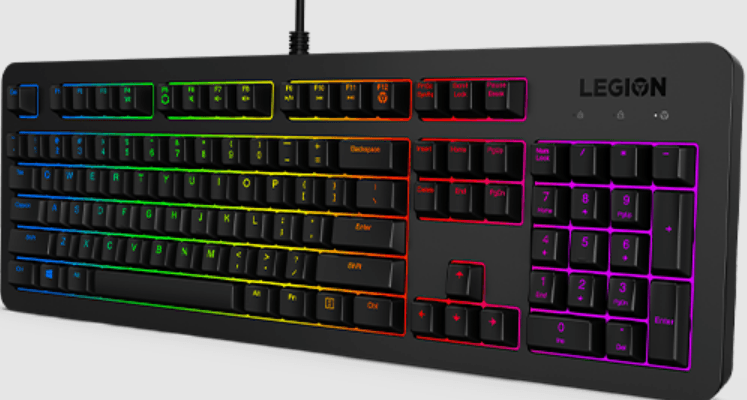
Lenovo Legion K310 RGB Wired Gaming Keyboard-featured

Lenovo Legion K310 RGB Wired Gaming Keyboard User Guide

Lenovo Legion K310 RGB Wired Gaming Keyboard Box Contents Information about key function Press Fn+F4-F12 to use the shortcut functions. The shortcut functions are denoted by the icons printed on the keys. Pay attention to the following key combinations: Switch the backlight illumination brightness in three levels: 100%, 50%, and 0%. Switch backlight color in […]

Read More