
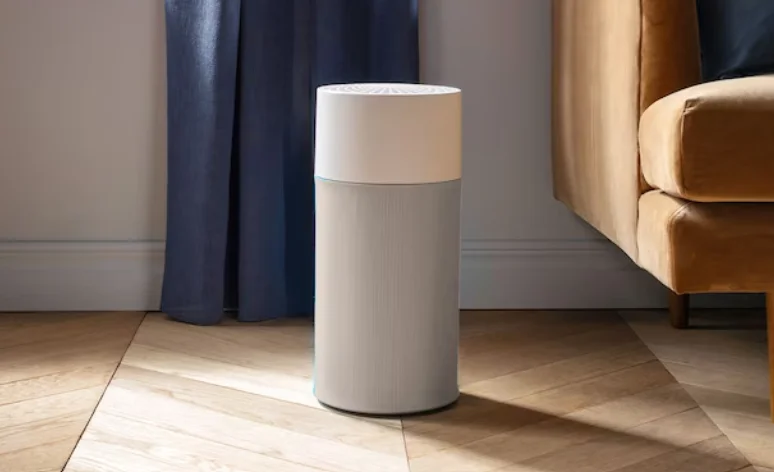

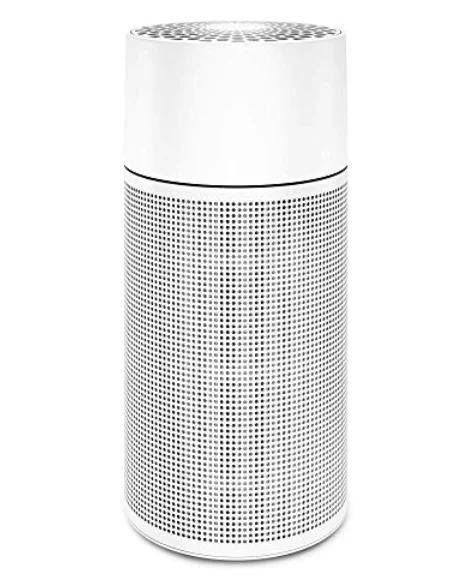
Blueair Blue Pure 411+ Air Purifier
General safety instructions
Remember, the 411+ is an electrical appliance. Please read these safety instructions carefully before use and take the necessary precautions to reduce the risk of fire, electric shock or injury.
WARNING: Indicates a hazardous situation that, if not avoided, could result in death or serious injury.
CAUTION: Indicates a hazardous situation that, if not avoided, could result in minor or moderate injury.
General
WARNING: To avoid hazardous conditions, only the manufacturer, a service center authorized by Blueair, or similarly qualified persons shall replace the power cord if damaged.
CAUTIONS:
- Use the power cable provided with your 411+ unit to plug directly into an appropriate electrical outlet. (Refer to the rating label on your unit).
- Do not alter the plug in any way.
- Remember to always disconnect the power supply before servicing the unit.
- Do not use the unit if the power cable or plug is damaged or malfunctions in any manner.
- Keep the power cable away from heated surfaces.
- Do not sit on, stand, or climb onto the unit or use the unit either as a table or for storage.
- Do not place any objects on top of the unit, block air outlets or intakes, or allow foreign objects to enter the unit, as this may cause an electric shock or damage the unit.
Intended Use
CAUTIONS:
- Supervise children to ensure that they do not play with the appliance.
- This appliance is not intended for use by persons (including children) with reduced physical, sensory or mental capabilities, or a lack of experience and knowledge, unless they have been given supervision or instruction concerning use of the appliance by a person responsible for their safety.
SYSTEM OVERVIEW
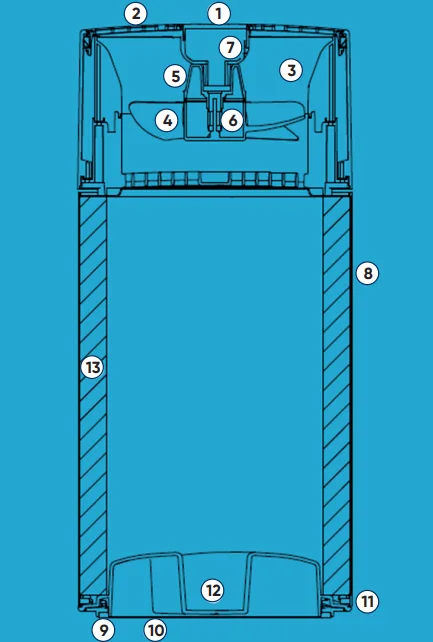
Blueprint
- Touch button
- Air outlet
- Ion chamber
- Fan blades
- Fan holder
- Fan motor
- PCB (Printed Circuit Board)
- Metal Frame
- Rubber foot
- Bottom lid
- Bayonet connection
- Locking handle
- Main filter (Particle + Carbon filter or Sandwich filter)
411+ package
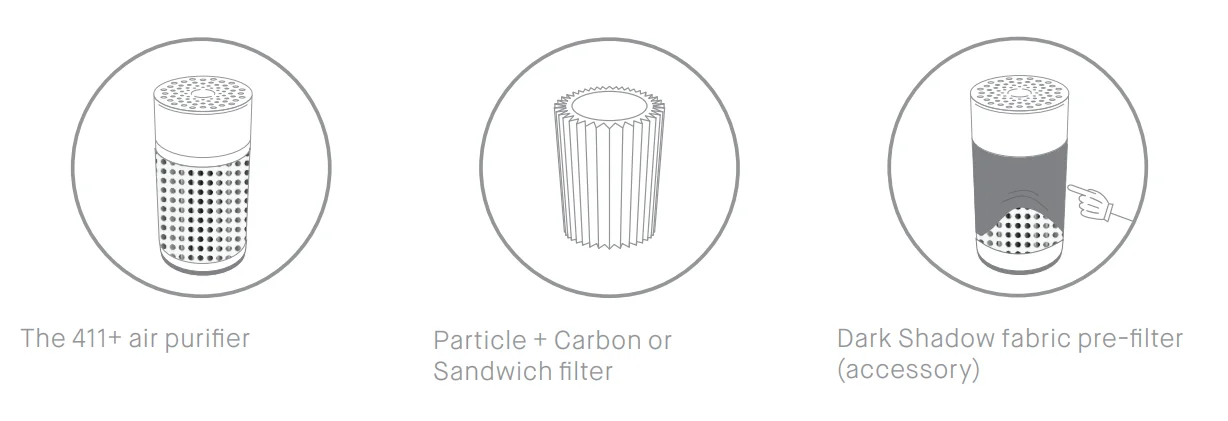
Options
- Particle + Carbon filter (replacement filter)
- Sandwich filter (replacement filter)
- Choice of color and design for the fabric pre-filter
Placement
Place the 411+ in an upright position on the floor in your room. Be sure to place the unit where it won’t be knocked over by any person or pet in the household.
Using the unit in your bedroom?:
After 7 seconds, the light automatically dims, and speed control goes into sleep mode. When the light is dimmed down, tap once to activate the button and tap one more time to change the speed.
Placing the unit:
- Place the unit in a location where air can circulate freely in, out and around the unit.
- Do not place the unit closer than 10 cm (4”) from another object.
- Do not place the unit directly on or against soft furnishings such as bedding or linen.
- Make sure that the unit is placed in an upright position, standing on its circular rubber foot.
- Do not place the unit near sources of heat, such as radiators, fireplaces, or ovens.
- Do not place the unit near wet areas, such as bathrooms or laundry rooms, where it may come into contact with water.
- Do not place the unit outdoors.
Getting started

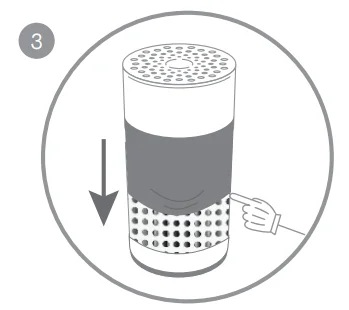
- Plug in your 411+ air purifier.

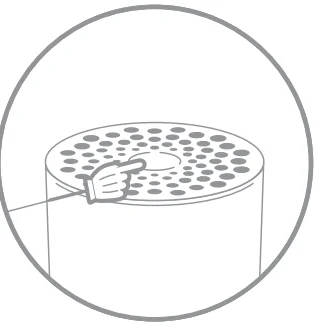
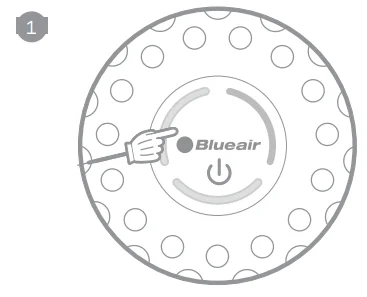
- Press the top button to turn the unit on. Adjust the speed setting to the required level (see “On/off and speed control”).
On/off and speed control
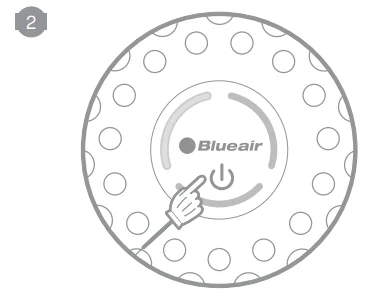
- On/Low
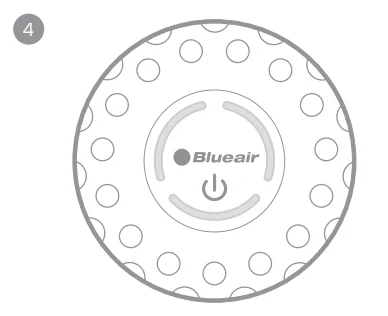
Press once to turn the unit on and set it to the recommended energy-efficient speed 1.
- Medium
Press twice to set to medium speed 2.
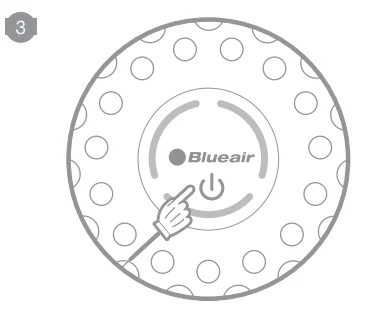
- High
Press three times to set to high speed 3.
- Off
Press a fourth time to turn the unit off.
INFORMATION
The indicator light(s) on the touch button indicate the selected speed for a period of 7 seconds. After 7 seconds, the light(s) dim down indicating a a non-active speed control mode. Press the touch button once to reactivate the on/off and speed control. The indicator light(s) light up and you can adjust the speed setting again.
Moreover, 411+ has an Autostart feature. This means that 411+ will automatically restart at the set speed if a power failure occurs, the unit is unplugged or a power switch timer is used.
Filters
General information
An additional colored pre-filter is delivered in the package to both enhance the unit´s appearance and to initially capture any dust particles. The main filter removes:
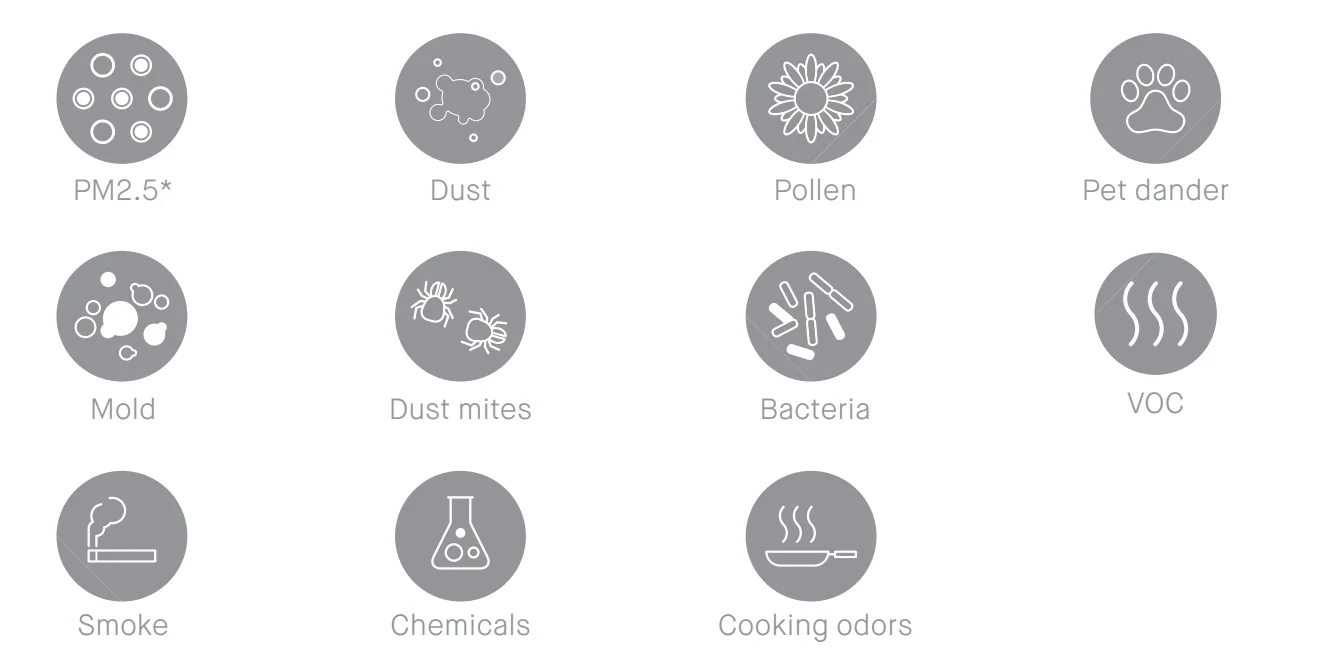
*Particle matter smaller than 2.5 microns
Vacuum or wash the pre-filter
Occasionally, vacuum the exterior of the fabric pre-filter to remove any dust that has collected. Always unplug the unit before removing the fabric pre-filter.
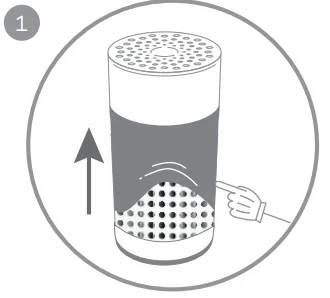
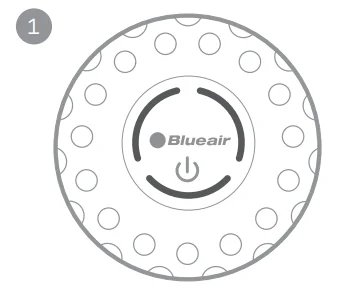
- Remove the prefilter from the unit´s metal frame.

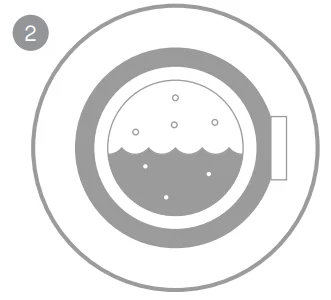
- Wash the pre-filter in the washing machine, according to instructions on the pre-filter´s label.

- Refit the pre-filter back onto the unit´s metal frame by guiding the elastic edge into the slot between the top cylinder and the metal frame.

- Attach the bottom edge of the pre-filter to the edge of the bottom lid.
Changing the main filter
- When the indicator lights turn red (after 6 months of operation) it is recommended to change the main filter.

- Turn off the unit and unplug it.

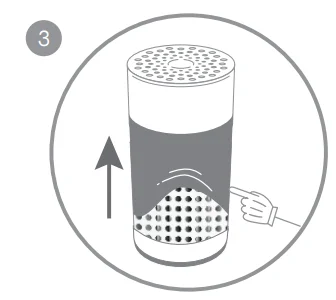
- Remove the prefilter from the unit´s metal frame.

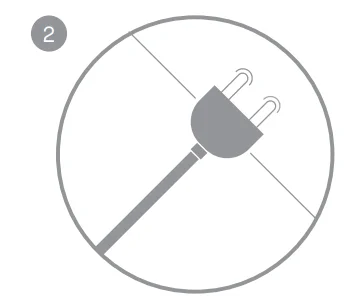
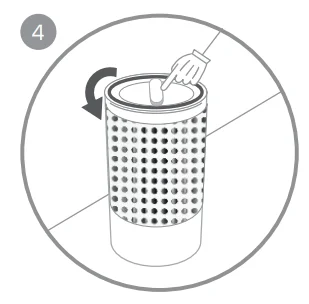
- Carefully place the unit upside down on a flat surface and open the bottom lid by rotating counterclockwise while holding the unit.

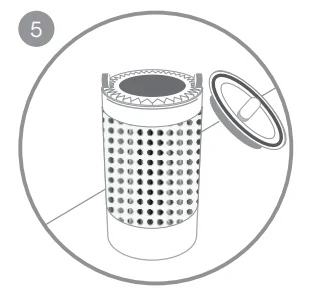
- Remove the lid from the unit.

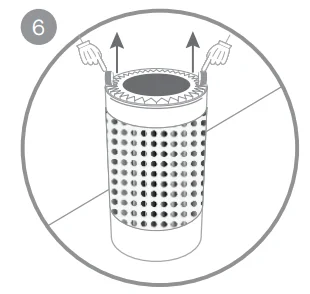
- Grip the handles on the main filter and pull upwards to remove the main filter from the unit.

- Position the new main filter into the metal frame. Ensure that the filter retains its cylindrical shape by pressing it against the metal frame from inside the unit.

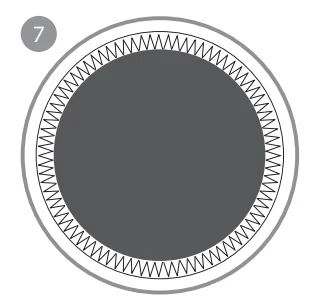
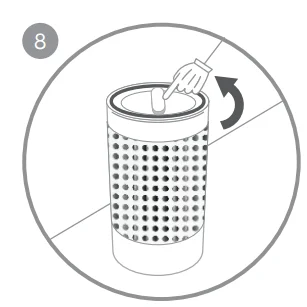
- Replace the bottom lid by gently pushing it down and simultaneously rotating it clockwise to secure it back into the bayonet lock.

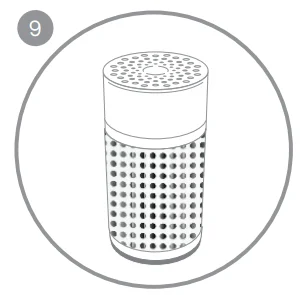
- Turn the unit back into its correct position and place on the floor (see section “Placement”).

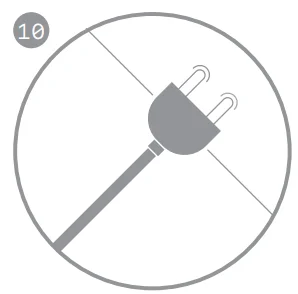
- Plug and turn on the 411+ unit.

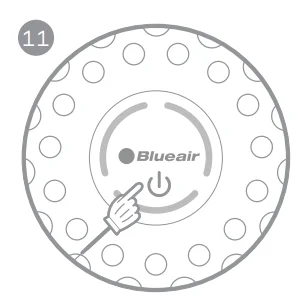
- Press the touch button for a duration of 5 seconds to reset the filter replacement timer. This lets 411+ know that you have changed the filter. The indicator light flashes 3 times and then changes from red to white.
General care
Take good care of your 411+ to ensure that it delivers optimal performance.
- During use, vacuum the pre-filter occasionally to remove dust, or wash it on a gentle, low temperature cycle in the washing machine.
- Change the main filter every six months, depending on the operating conditions. Remember to unplug the unit before changing the main filter.
- Occasionally, wipe the top of the unit with a dry dust cloth.
Specifications
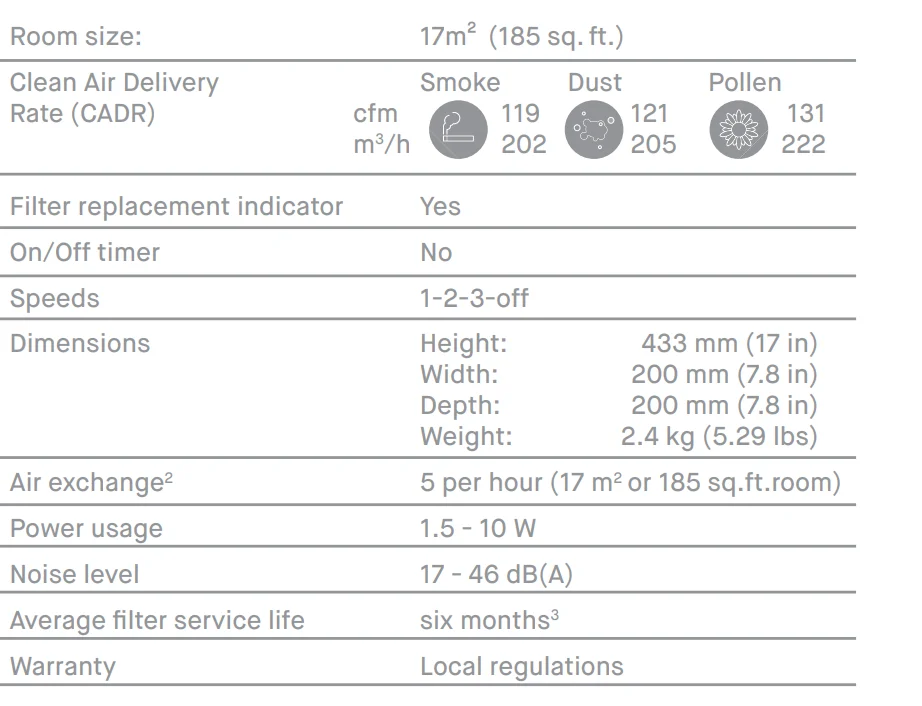
- Certified ratings as stated are based on models with Particle+Carbon Filter for JOY S.
- Air changes per hour are calculated on the recommended room size, assuming 8-foot (2.4-m) ceilings. For smaller rooms, the air changes per hour will increase.3Depending on air quality in the area of use, the recommended six-month filter lifetime may be longer.
For more manuals by Blueair, visit ManualsLibraryy
Blueair Blue Pure 411+ Air Purifier-FAQs
Is the Blueair 411 discontinued?
Yes, the original Blue Pure 411 has been phased out in some markets and replaced by updated versions like the 411+ and similar improved models with better features and performance.
Does it remove odors and smoke?
Yes, it helps reduce common household odors and can trap smoke particles when used in appropriate room sizes.
Is the Blueair 411+ noisy?
No, it is known for very quiet operation, especially on lower fan speeds, making it suitable for bedrooms and offices.
How often should I change or clean the filter?
You should replace the filter every 6–9 months. The pre-filter can be gently vacuumed or cleaned if it gets dusty.
Does the Blueair 411+ help with allergies?
Yes, it can significantly reduce airborne allergens such as dust, pet dander, and pollen, which may help ease allergy symptoms.
Is it safe to use while sleeping?
Yes, it is designed for quiet operation, making it suitable for bedrooms and generally safe to run overnight for cleaner air while you sleep.
Can I run the air purifier all day?
Yes, it is safe and recommended to run it continuously for best results since indoor air quality changes throughout the day.