
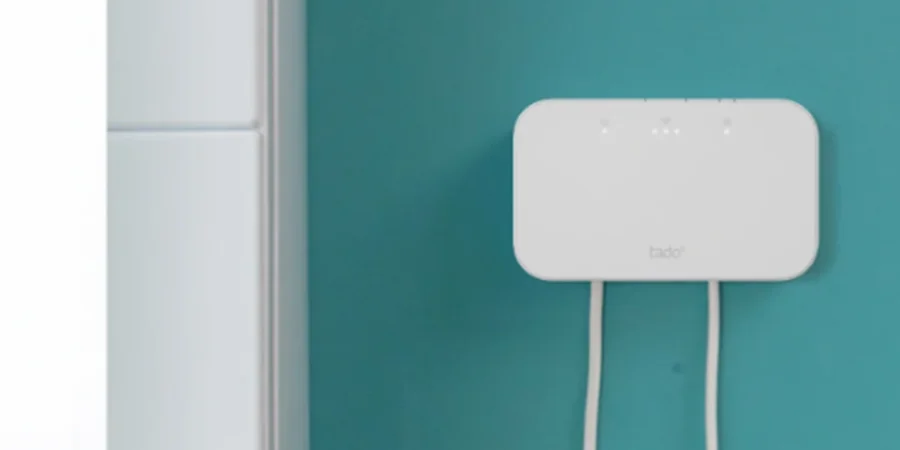

Tado Wireless Receiver X
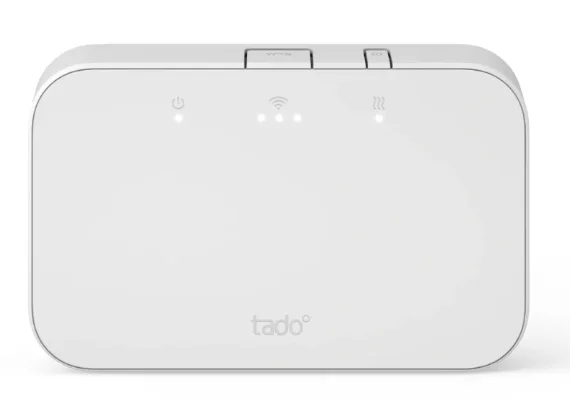
Mount the Wireless Receiver X
- Remove the main and the terminal cover to mount the Wireless Receiver X to a standard flush-mounted box or the wall using the included screws.
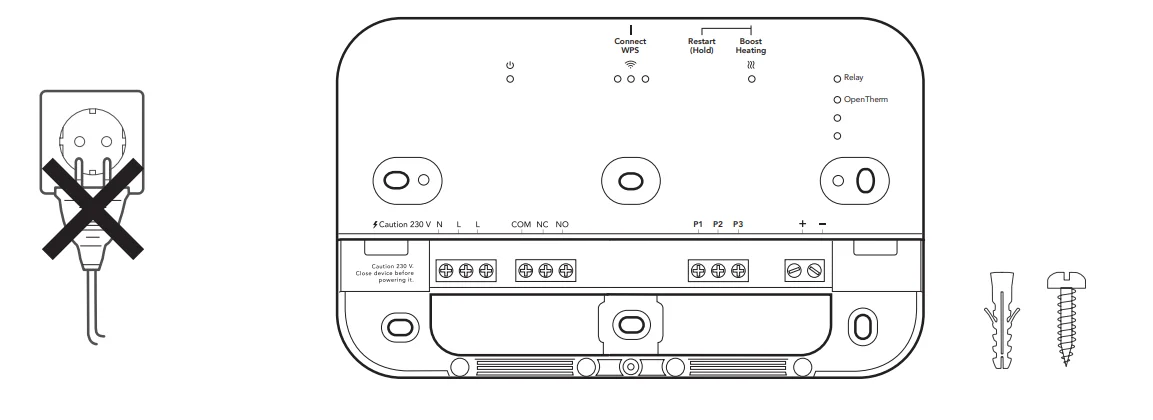
Warning: Don’t power on while the cover is off.
Wire the Wireless Receiver X
Caution! Turn OFF the power before wiring!
Warning:
- Always use the included strain reliefs and position them on the outer insulation layer of the cable.
- Check the boiler manual before wiring. Identify the control interface and check if it is supported by tado°.
- Mount the Wireless Receiver X to the wall before wiring.
Relay
The default configuration of the Wireless Receiver X supports boilers with a relay (On/Off).
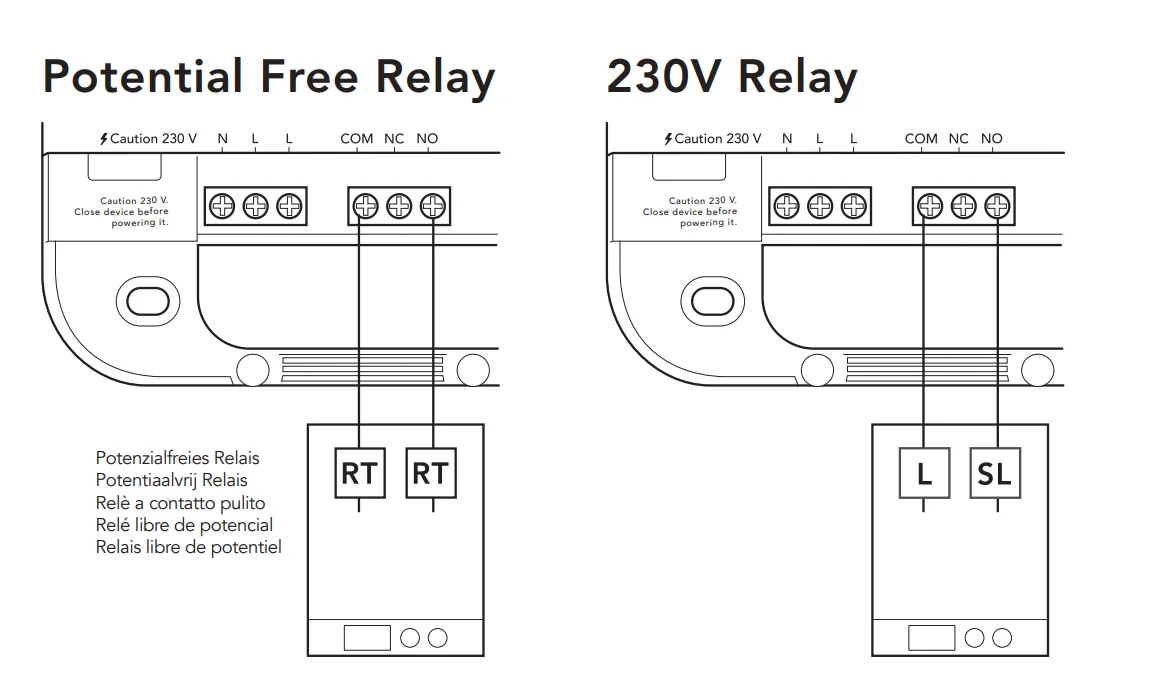
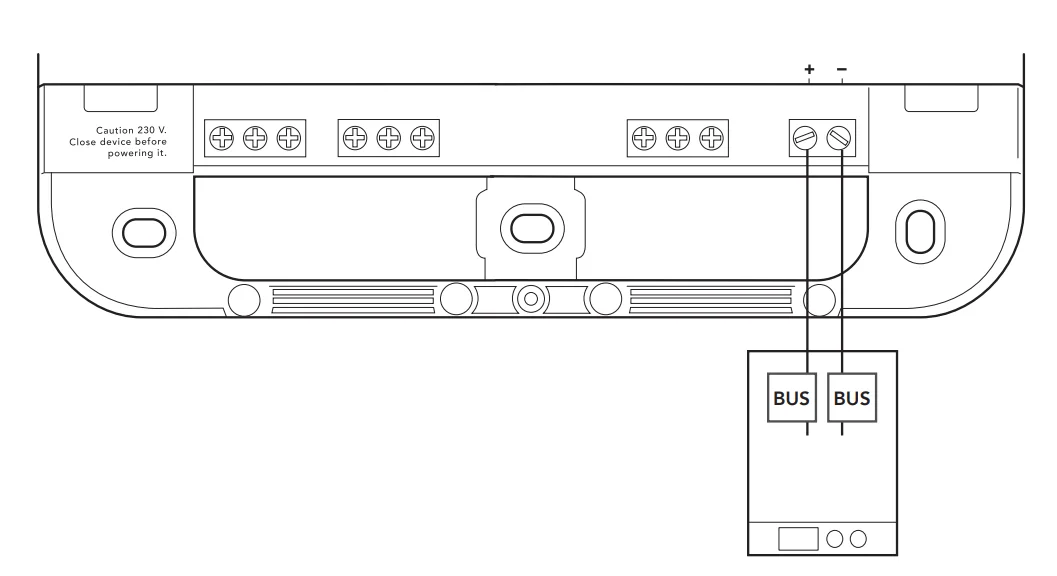
OpenTherm

- The Wireless Receiver X will automatically detect successful digital wiring and communicate with the boiler using OpenTherm.
Power the Wireless Receiver X
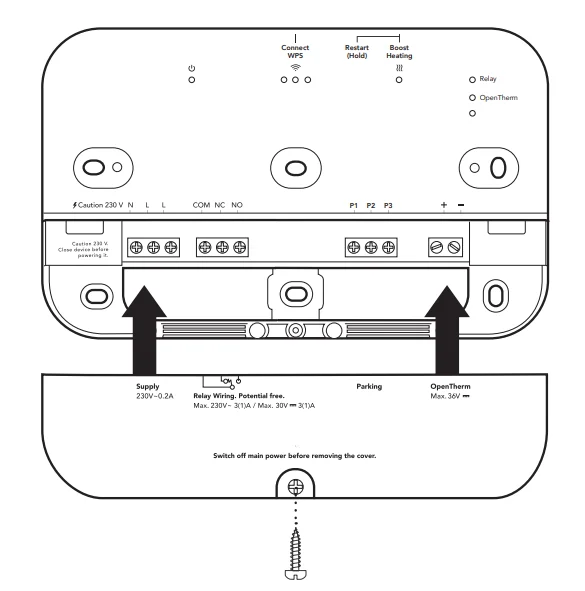
- A. Put the terminal cover on the device. Tighten the screw to secure it.

- B. Put the main cover on the Wireless Receiver X.

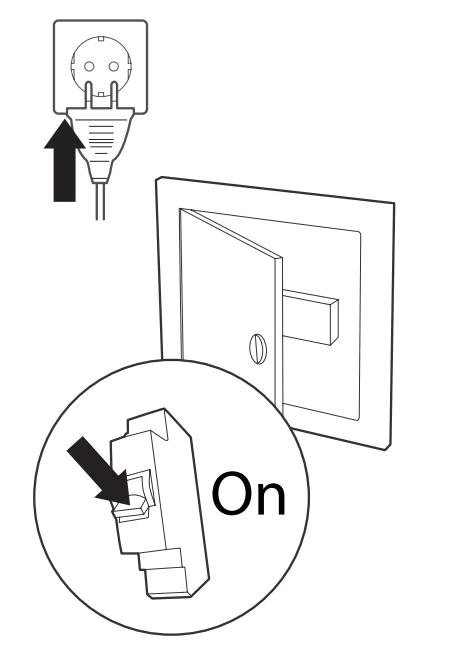
- C. Plug in the power supply cable and turn the power back ON.
Test the system
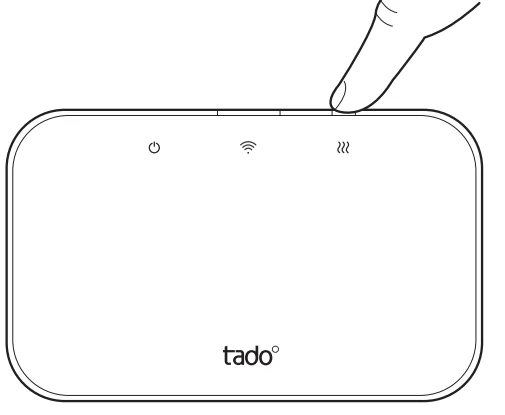
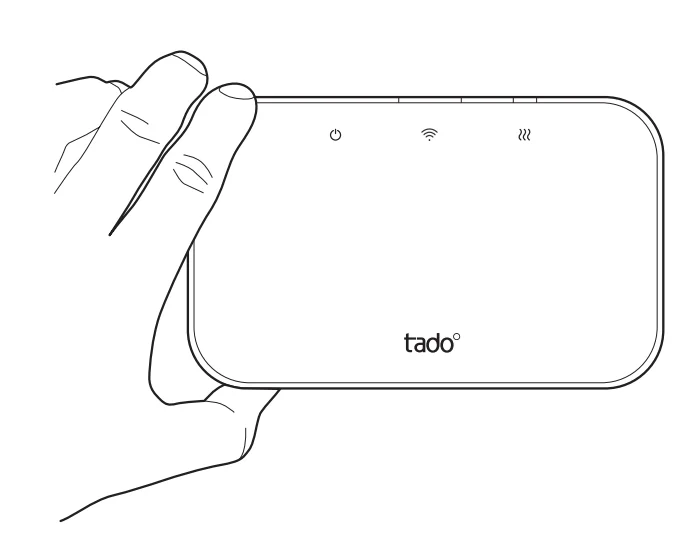
- A. If not already active, press the Boost Heating button on the Wireless Receiver X to turn it on. The corresponding LED will light up.

- B. Wait 3 min and check if the heating is ON.

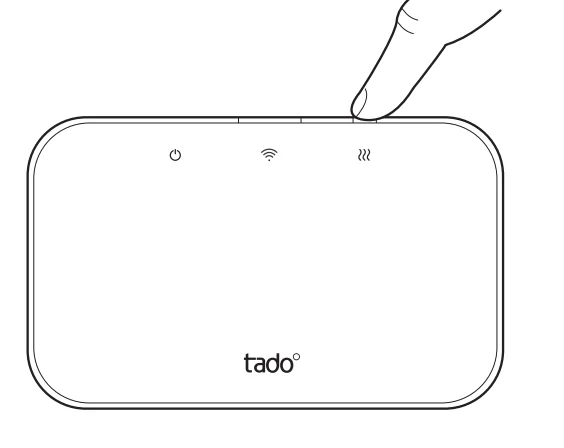
- C. Press the button on the Wireless Receiver X again to stop testing and turn the heating OFF.

- D. Your tado° installation is complete.


Handover to the customers
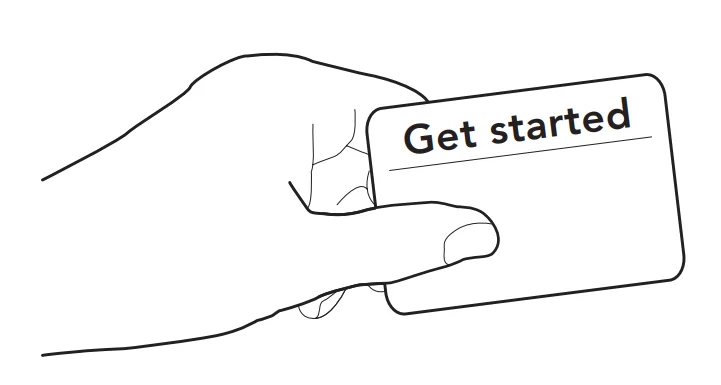
- Provide customers with the “Get started” card that includes instructions for setting up the device in the tado° app.
- Sign up and unlock a 5-year warranty with your Installer ID.
Need help?

- Need help?
+44 20 3893 2159

For more manuals by tado˚, visit ManualsLibraryy
Wireless Receiver X-FAQs
How do I install the Wireless Smart Thermostat X receiver?
To install it, make sure the receiver is powered and placed near your boiler. Then follow the step-by-step setup inside the manufacturer’s mobile app, which will guide you through connecting it to your heating system and completing the configuration.
What is the WPS button on the Wireless Receiver X used for?
The WPS button is used to connect the receiver to your Wi-Fi network easily. During setup, press and hold it for about 5 seconds until the indicator light starts flashing. The app will then complete the connection process automatically.
What do the LEDs and symbols on the Wireless Receiver X mean?
The LEDs and symbols show the device’s current status. For example, normal lights indicate proper operation, while warning or triangle symbols may signal a communication issue between the receiver and other thermostat devices in the system.
How can I control the Wireless Receiver X manually?
You can control it manually through the device settings in the app. Go to Rooms & Devices, select your room, and enable manual control. This allows you to adjust heating without relying on automation.
Why is my Wireless Receiver X not working properly?
Common issues include low batteries in connected devices, weak Wi-Fi signals, or temporary connection errors. Restarting the receiver or checking your internet connection usually resolves most problems.
How do I restart the Wireless Receiver X?
Press and hold the main button on the receiver for about 10 seconds until the LEDs turn off. Release the button, and the device will restart automatically.
What should I do if the Wireless Receiver X shows a warning triangle light?
A triangle warning light usually means the receiver is not communicating properly with one or more connected devices. Check the connection, restart the system, and ensure all devices are within range and powered correctly.
What is the best temperature setting for smart heating systems?
For energy efficiency, it is generally recommended to set around 68°F (20°C) for heating in winter and about 78°F (25–26°C) for cooling in summer, depending on comfort and usage.
How do I reset the Wireless Receiver X if needed?
To reset it, follow the device instructions or use the reset option in the app (if available). A reset may help fix pairing or connection issues, but it will remove previous settings.
Can the Wireless Receiver X work without Wi-Fi?
Yes, basic heating control can still work without Wi-Fi once it is properly installed. However, remote control, app features, and smart scheduling will not be available until the internet connection is restored.