
Featured on Product Hot

Blog Post

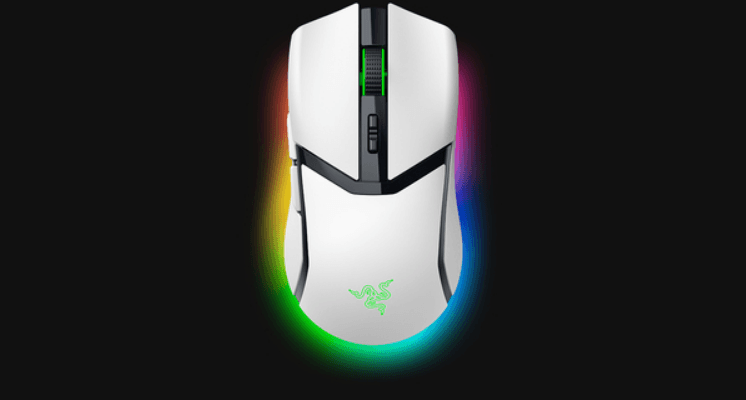
Razer RZ01 Cobra Gaming Mouse-featured

Razer RZ01 Cobra Gaming Mouse User Manual

Razer RZ01 Cobra Gaming Mouse  WHAT’S INSIDE  Razer Cobra A. Razer TM Speed flex cable B. Left mouse button C. Right mouse button D. Scroll wheel E. Mouse button 5 F. Mouse button 4 G. DPI cycle button* H. PTFE mouse feet I. Razer TM 8,500 DPI optical sensor J. Chroma lighting with gradient under […]
Read More
MageGee K1 RGB Gaming Keyboard and Mouse Combo-featured

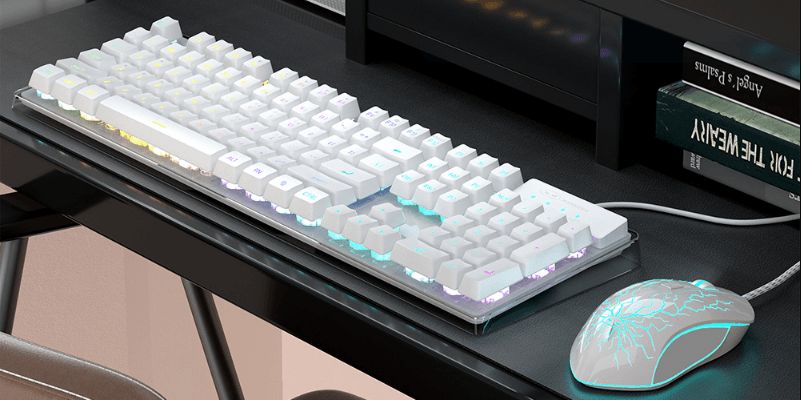
MageGee K1 RGB Gaming Keyboard and Mouse Combo User Manual

MageGee K1 RGB Gaming Keyboard and Mouse Combo Keyboard Features Ergonomic design. Support combination function keys. Cool lighting effect with different lighting modes. Support 19 keys anti-ghosting. Support keyboard starting sleep if no pressing in 10min, and waking up by pressing any key. Keyboard Specification Multimedia Keys Combination Keys Instruction Mouse Button Left Button Right […]

Read More
PDP Gaming LVL40 Airlite Stereo Headset-featured

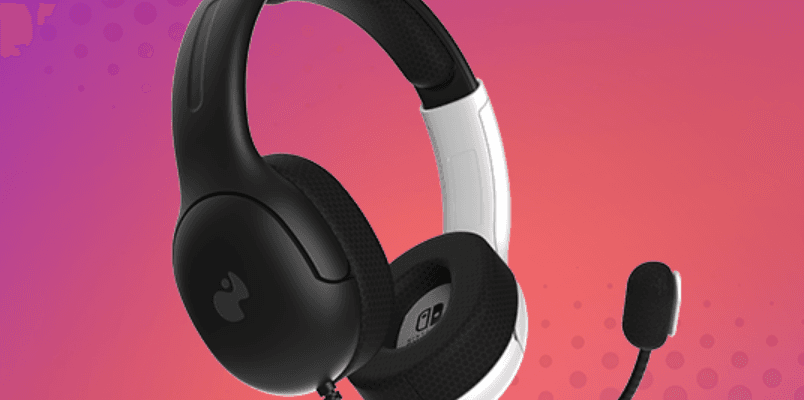
PDP Gaming LVL40 Airlite Stereo Headset User Guide

PDP Gaming LVL40 Airlite Stereo Headset Initial Setup Connecting the Headset Plug the 3.5mm jack into your Nintendo Switch device or into a controller that has an audio jack (like our REMATCH Wired Controllers). Mic Mute Flip the mic boom up to mute and down to unmute. Audio Control Use the volume dial on the […]

Read More
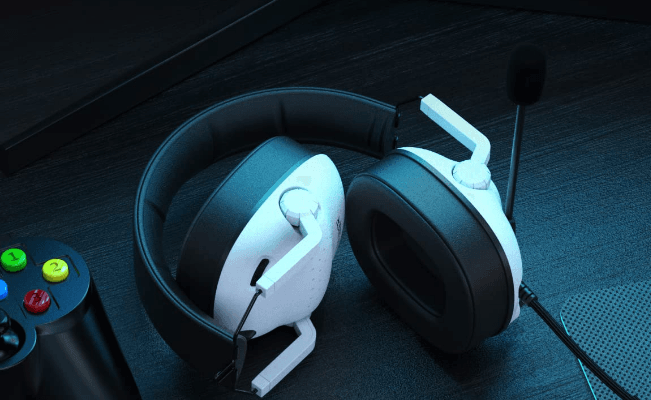
SENZER SG500 Surround Sound Pro Gaming Headset-featured

SENZER SG500 Surround Sound Pro Gaming Headset User Manual

SENZER SG500 Surround Sound Pro Gaming Headset Product Introduction Headband Telescopic arm Ear pads Microphone Braided wire 3.5mm interface PC connection diagram Plug directly into the computer audio output jack Xbox One connection diagram For the latest Xbox One, direct access to the audio output jack For Older Xbox Ones requires Microsoft adapter PS4 connection […]

Read More
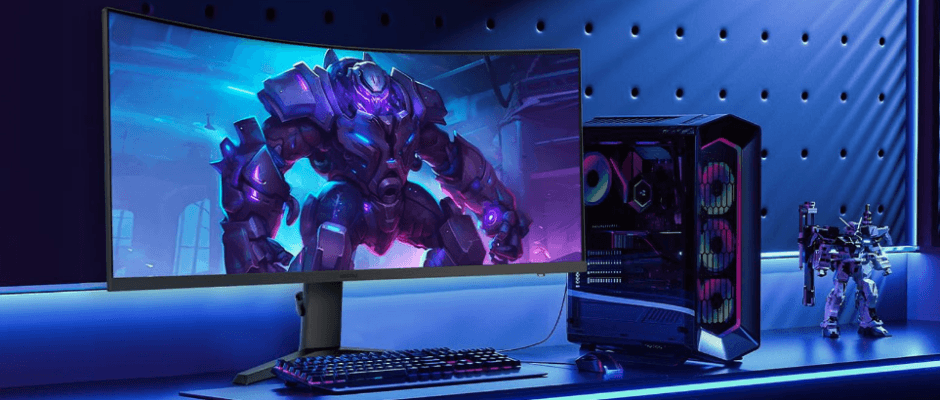
KOORUI KR-34E6UC 34-inch Curved Ultrawide WQHD Gaming Monitor-featured

KOORUI KR-34E6UC 34-inch Curved Ultrawide WQHD Gaming Monitor User Manual

KOORUI KR-34E6UC 34-inch Curved Ultrawide WQHD Gaming Monitor Product Specification Display Screen Form: Curved surface 1000R, VA Screen Size: 34 Inches Reaction Time: 1ms(MPRT) Display Color: 16.7M Colors Aspect Ratio: 21:9 Perspective(type): 400cd/m2 Resolution: 3440*1440 Pixel Distance: 0.23175*0.23175mm Maximum Refresh Rate: 165Hz Viewing Angle (H / V): 178°/178° Static Contrast Ratio: 3000:1 Dynamic Contrast Ratio: 20000000:1 Color Gamut: DCI-P3 90% Product Features Output Model Type: Digital Signal Language: Chinese, English, […]

Read More
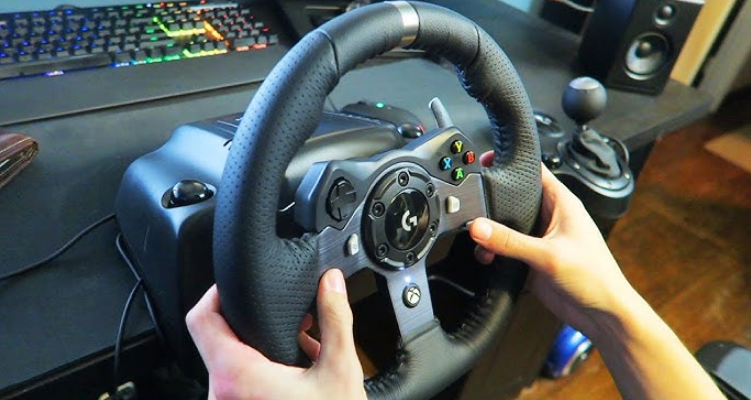
Logitech G920 Driving Force Racing Wheel-featured

Logitech G920 Driving Force Racing Wheel User Guide

Logitech G920 Driving Force Racing Wheel What’s in the box Racing wheel Pedal unit Power adapter User documentation Installation Attach the power adapter and USB cables as shown. Every time your Racing Wheel connects with your system, it will rotate fully to each side and then to the center to calibrate. Your wheel will be […]

Read More
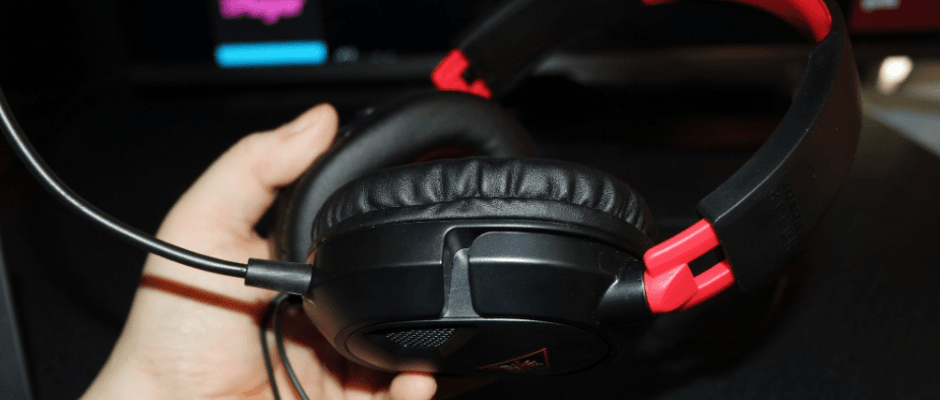
Turtle Beach Recon 50 Xbox Gaming Headset-featured

Turtle Beach Recon 50 Xbox Gaming Headset User Manual

Turtle Beach Recon 50 Xbox Gaming Headset PACKAGE CONTENTS Recon 50 Headset (A) Removable Mic Boom (B) PC Splitter Cable (C) IN-LINE CONTROLS Mic Mute SwitchSwitch to    to mute the microphone Master VolumeAdjusts the master volume of the incoming game and chat audio. PC SETUP XBOX ONE SETUP Press the Xbox Button on your […]

Read More
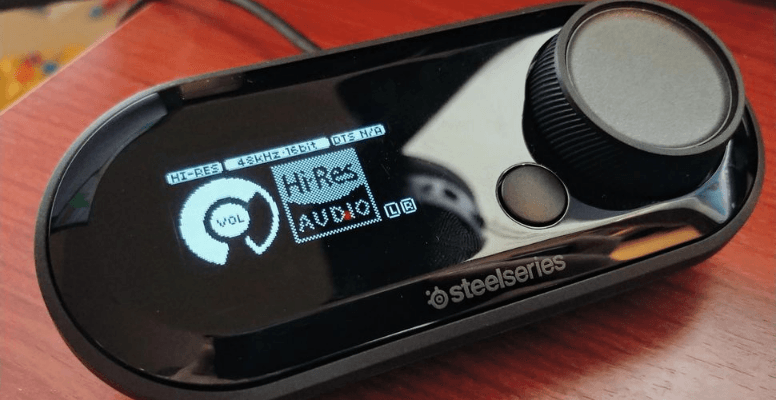
SteelSeries GameDAC Certified Hi-Res Gaming DAC-featured

SteelSeries GameDAC Certified Hi-Res Gaming DAC User Guide

SteelSeries GameDAC Certified Hi-Res Gaming DAC WELCOME TO GAMEDAC History showed us that gaming headsets rarely looked good and sounded worse, so we made Arctis and put all other headsets on notice. Next, the audiophiles said that a gaming headset could never stand up to dedicated headphones, so we made Arctis Pro and changed the […]

Read More
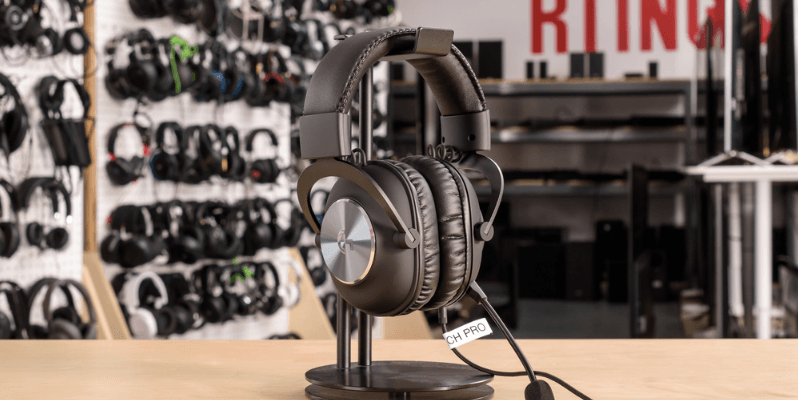
Logitech G Pro X Wired Gaming Headset-featured

Logitech G Pro X Wired Gaming Headset User Guide

Logitech G Pro X Wired Gaming Headset PC SETUP Plug in the microphone Plug the console/PC cable into the headset Using USB DAC: Plug the console/PC cable into the USB DAC Plug the USB DAC into PC1 Using a PC sound card: Plug the console/PC cable into the PC splitter Plug the PC splitter into […]

Read More
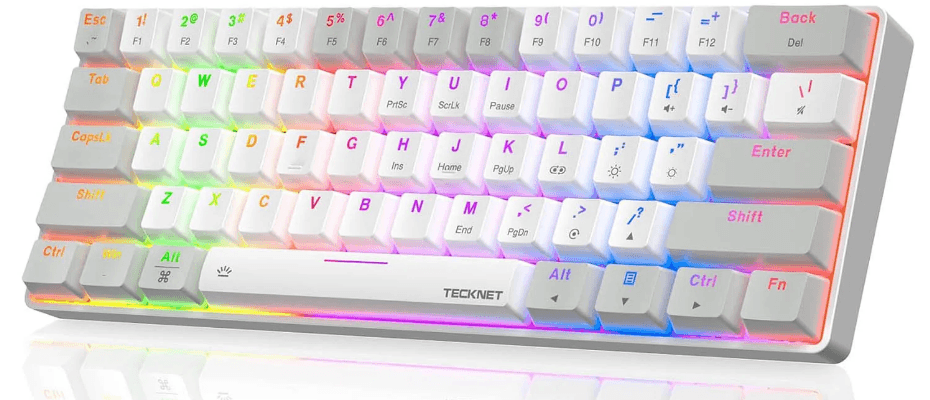
Tecknet TK-KB013 Gaming Keyboard-featured

Tecknet TK-KB013 Gaming Keyboard User Manual

Tecknet TK-KB013 Gaming Keyboard Download and Install the Software Access the following link to download and install the software: https://tecknet.com. Scroll to the bottom of the webpage and click on “Support” > “Downloads”. Please select TK-KB013 and click to download the Software and User Manual. After downloading, please select the language you want before installation: […]

Read More