Blog Post

SteelSeries Arctis 3 Bluetooth Wired Gaming Headset-featured

SteelSeries Arctis 3 Bluetooth Wired Gaming Headset User Manual

SteelSeries Arctis 3 Bluetooth Wired Gaming Headset WELCOME TO ARCTIS Your new headset is the result of more than 15 years of gaming expertise and our unyielding pursuit of perfection. We poured our hearts into making your new Arctis, giving it the best gaming mic available, 7.1 surround sound, and comfort and style unlike anything […]

Read More
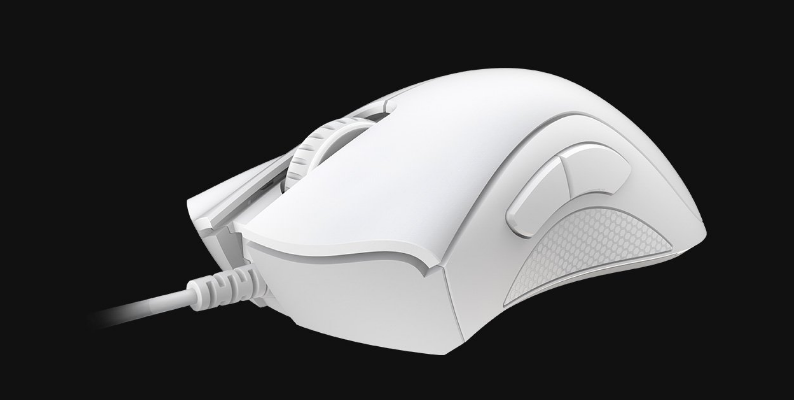
Razer DeathAdder Essential Gaming Mouse-featured

Razer DeathAdder Essential Gaming Mouse User Manual

Razer DeathAdder Essential Gaming Mouse WHAT’S INSIDE / WHAT’S NEEDED WHAT’S INSIDE Razer DeathAdder Essential A. Left mouse button B. Right mouse button C. Scroll wheel D. Mouse button 5 E. Mouse button 4 F. True 6,400 DPI optical sensor G. Ultraslick mouse feet WHAT’S NEEDED PRODUCT REQUIREMENTS USB Type-A port RAZER SYNAPSE REQUIREMENTS Windows® […]

Read More
Nuphy Air75 V2 Wireless Mechanical Keyboard-featured

Nuphy Air75 V2 Wireless Mechanical Keyboard User Manual

Nuphy Air75 V2 Wireless Mechanical Keyboard System Selection Win mode Mac mode Connection Mode Selection Power Off Wired mode Wireless mode* In the wired mode, it is necessary to use a data cable to connect with the device. Wireless Device ConnectionFN+1/2/3/4=Bluetooth 1 / Bluetooth 2 / Bluetooth 3 / 2.4GhzShort press to switch between devices; […]

Read More
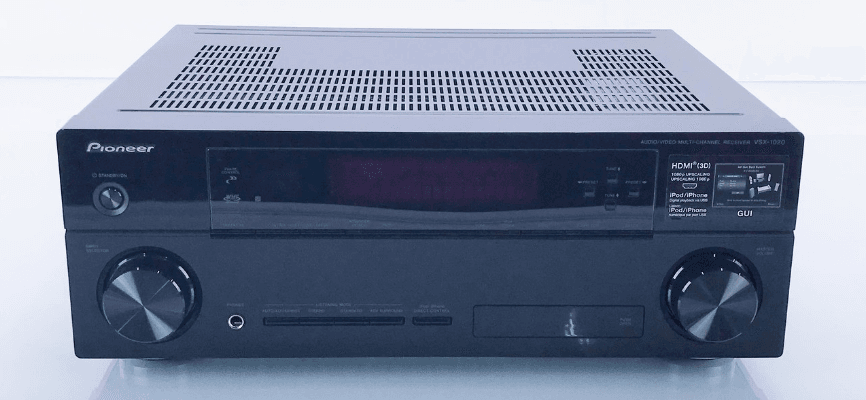
Pioneer VSX 1020 Audio Video Multi Channel Receiver-featured

Pioneer VSX 1020 Audio Video Multi Channel Receiver Manual

Pioneer VSX 1020 Audio Video Multi Channel Receiver Before you start Checking what’s in the box Please check that you’ve received the following supplied accessories: Set up the microphone (cable: 5 m (16.4 ft.)) Remote control unit AAA size IEC R03 dry cell batteries (to confirm system operation) x2 AM loop antenna FM wire antenna […]

Read More
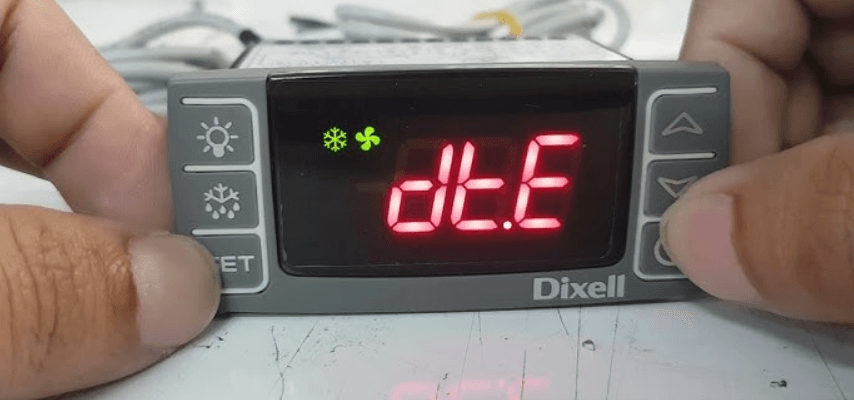
dixell UNIVERSAL XR60CX Installation And Operating-featured

Dixell UNIVERSAL XR60CX Installation And Operating Instructions Manual

Dixell UNIVERSAL XR60CX Installation And Operating GENERAL DESCRIPTION Model Universal-XR is a 71×29 mm format microprocessor-based controller, suitable for applications on high, medium, orlow temperature refrigeration units. It is provided with three relay outputs to control the compressor, defrost, which can be both electrical and hot gas, and evaporator fans. It can work with PTC […]

Read More
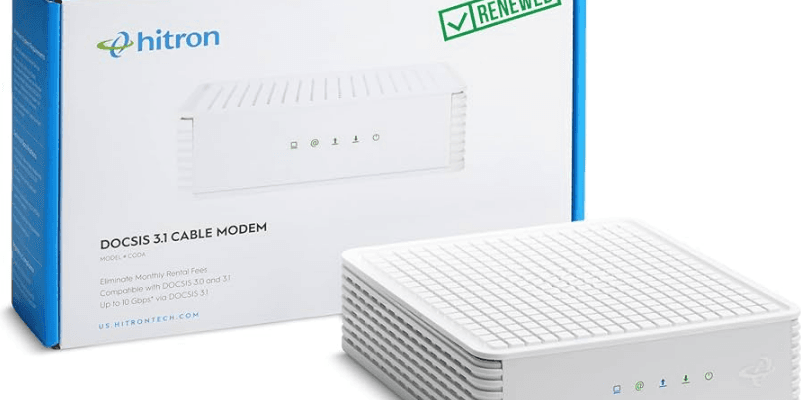
Hitron CODA DOCSIS 3.1 Internet Modem-featured

Hitron CODA DOCSIS 3.1 Internet Modem Installation Manual

Hitron CODA DOCSIS 3.1 Internet Modem   Step 1: Set up the Cable Modem Find your Cable Internet Account Number and login information (your email address or username, password) and have it ready for Step 3. Login Username: Login Password: If you are replacing a Cable Modem that is currently connected in your home, unplug […]

Read More
Beats Flex Wireless Earbuds-featured

Beats Flex Wireless Earbuds User Manual

Beats Flex Wireless Earbuds Set up and use your Beats Flex earphones after service Learn how to charge, pair, and use your Beats Flex. Turn on and charge your Beats Flex The power button is on the right control module. Press and hold the button for 1 second to turn your earphones on or off. […]

Read More
ASUS TUF VG34VQ3B Ultra-Wide Curved Gaming Monitor-featured

ASUS TUF VG34VQ3B Ultra-Wide Curved Gaming Monitor User Manual

ASUS TUF VG34VQ3B Ultra-Wide Curved Gaming Monitor Package contents Check your package for the following items: LCD Monitor Monitor Stand Monitor Base Quick Start Guide Warranty Card Power Cord HDMI Cable (optional) DP Cable (optional) USB Cable (optional) 1x L-shaped Screwdriver (optional) 4x Screws Note: If any of the above items are damaged or missing, contact […]

Read More
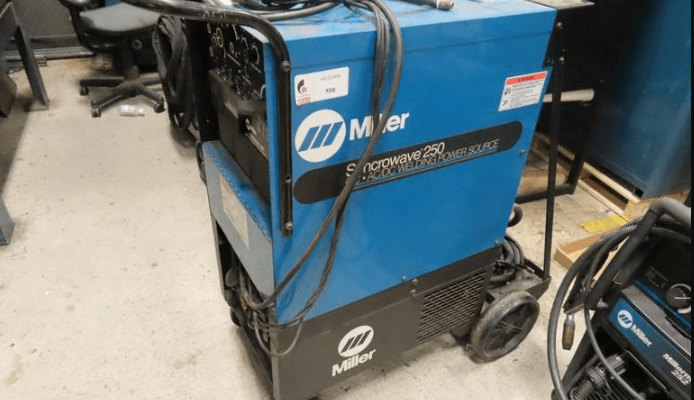
Miller Electric Syncrowave 250 Welder-featured

Miller Electric Syncrowave 250 Welder User Manual

Miller Electric Syncrowave 250 Welder SAFETY PRECAUTIONS FOR SERVICING Servicing Hazards ELECTRIC SHOCK can kill. Do not touch live electrical parts. Stop the engine or turn OFF the welding power source and wire feeder, and disconnect and lockout the input power using the line disconnect switch, circuit breakers, or by removing the plug from the […]

Read More