
Featured on Product Hot

Blog Post

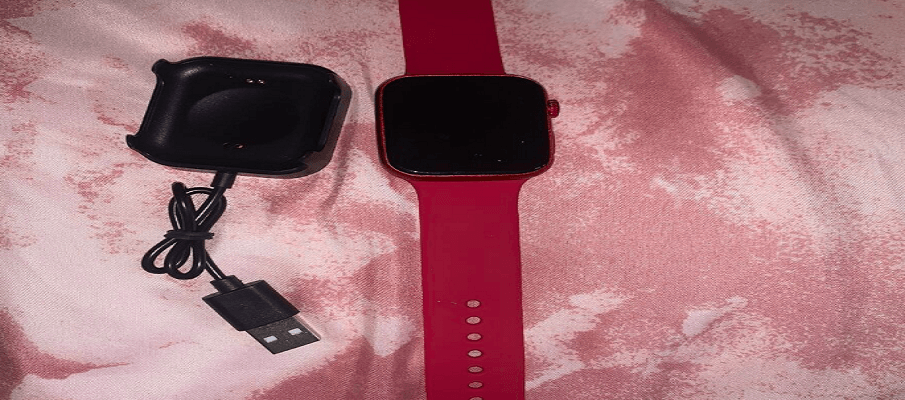
SLIDE SW375 Smart Watch User Manual-feat

SLIDE SW375 Smart Watch User Manual

SLIDE SW375 Smart Watch   Chapter 1 Basics Introduction The SLIDE SW375 is a high-performance, lightweight, and fashionable smartwatch. Designed to work seamlessly with your phone, you can make and receive calls, get notifications, and more. In addition, it can help you learn more about your health, and provide professional fitness guidance, with useful features […]
Read More
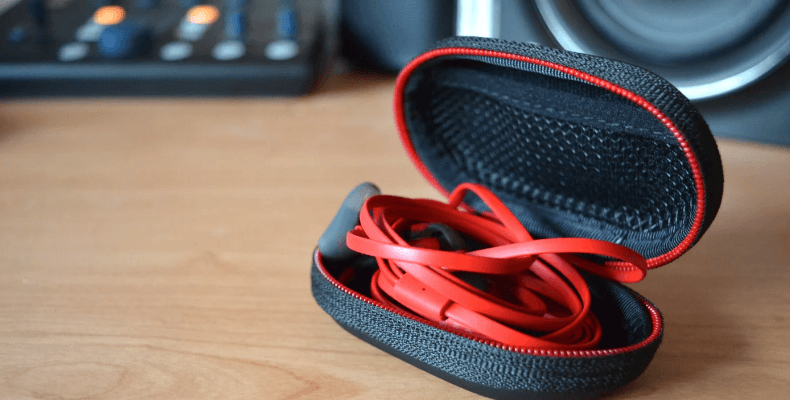
HyperX Cloud Earbuds II-featured

HyperX Cloud Earbuds II User Guide

HyperX Cloud Earbuds II Overview A Left earbud B Right earbud C Mobile multifunction button D In-line microphone E 3.5mm plug F Interchangeable ear tips. (extra small, small, medium (preinstalled), large) G Carrying case Fitting the HyperX Cloud Earbuds II to your ears Changing ear tips Using with Nintendo Switch™ Using with mobile device’ Requires […]

Read More
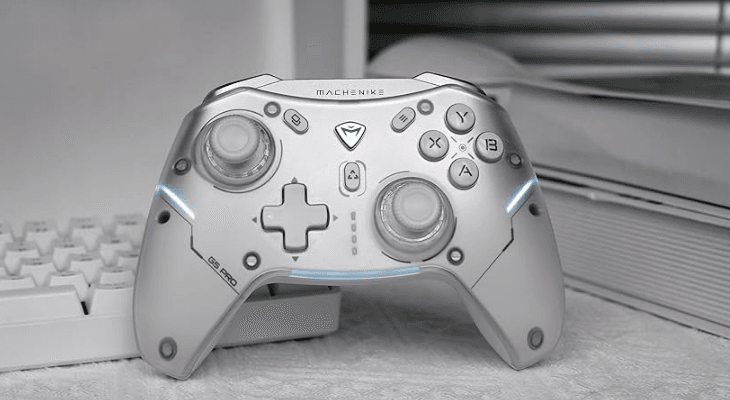
Machenike G5 Pro Wireless Gaming Controller-featured

Machenike G5 Pro Wireless Gaming Controller User Manual

Machenike G5 Pro Wireless Gaming Controller Safety Precautions Do not spray flammable insecticides or sprays near the handle. Do not allow liquids such as water or juice to come into contact with the device. This may cause the keys to malfunction or become damaged. Do not unplug the USB cable with wet hands. Do not […]

Read More
RK ROYAL KLUDGE R65 Wired Gaming Keyboard-featured

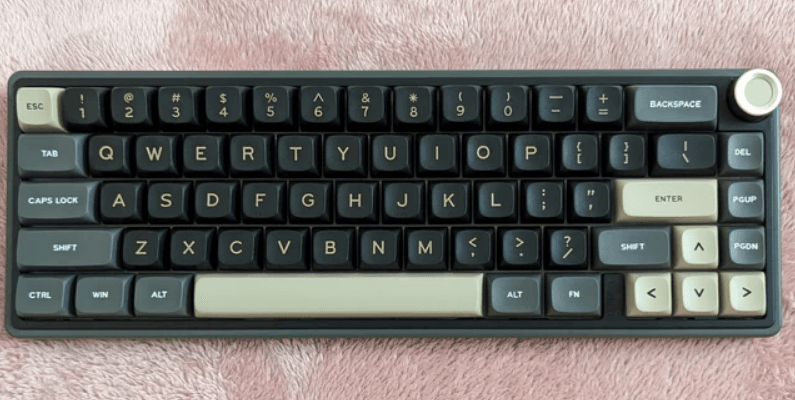
RK ROYAL KLUDGE R65 Wired Gaming Keyboard User Manual

RK ROYAL KLUDGE R65 Wired Gaming Keyboard Product Basic Specifications Size: 322.3(L)x 116.8(W)*40.5(H)‡2 Layout: 66keys Backlighting: Monochrome/RGB Switch: Mechanical Switches Version: USB Wired Structure: Gasket Mount Package Contents 1xKeyboard 1xManual 1xKeycaps & Switch Puller 1×USB Type-C cable WIRED MODE/INDICATOR LIGHTS/KNOB FUNCTION BACKLIGHT CONTROL   Backlight Brightness +   Backlight Brightness –   Backlight Speed – […]

Read More
Redragon M801 Gaming Mouse-featured

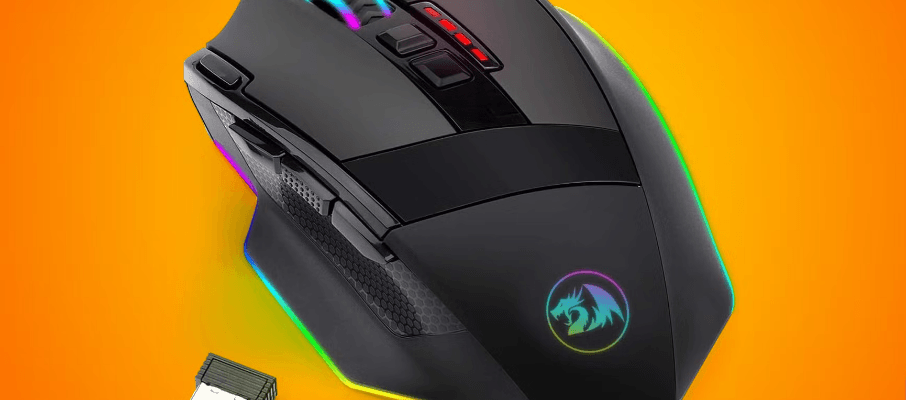
Redragon M801 Gaming Mouse User Manual

Redragon M801 Gaming Mouse Dear user Thank you for you choosing RedRagon Brand, to protect your rights and for better customer service, we ask that you note our warranty rules. Within guaranty period, repair is guaranteed for failure due to electrical circuit problem:;;. Man-made damages, such as disassembly, hard impacts, submersion Into water, plugging Imo […]

Read More
SteelSeries Apex 3 RGB Gaming Keyboard-featured

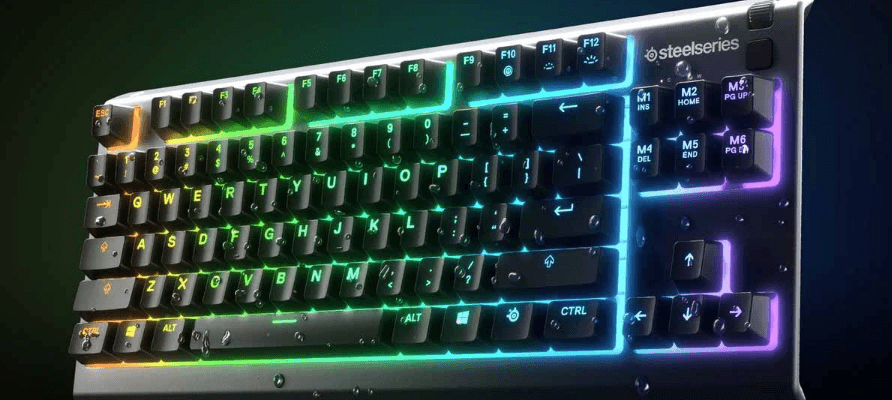
SteelSeries Apex 3 RGB Gaming Keyboard User Manual

SteelSeries Apex 3 RGB Gaming Keyboard PRODUCT OVERVIEW Multimedia Volume Roller Multimedia Button SteelSeries Function Key USB Keyboard Plug Profile Switching Key On-the-fly Macro Recording Key Illumination Brightness Down Key Illumination Brightness Up Key PACKAGE CONTENTS Apex 3 Keyboard Magnetic Wrist Rest ENGINE REQUIREMENTS Windows 7 – Windows 10 Mac OSX 10.8 – 10.12 120 […]

Read More
KLIM Chroma Wireless RGB Gaming Keyboard-featured

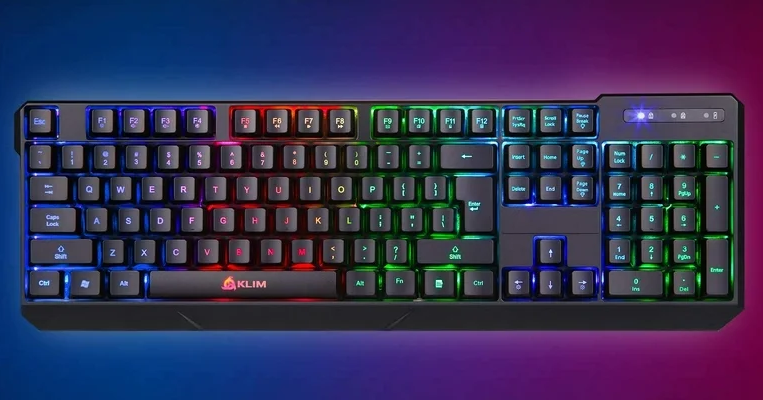
KLIM Chroma Wireless RGB Gaming Keyboard User Manual

KLIM Chroma Wireless RGB Gaming Keyboard   Keyboard Specifications Model: KLIM Chroma Wireless Wireless frequency bond: 2.4 Ghz Wireless distance: up to 10 m Mini Receiver: Plug and Ploy Battery capacity: 1300 mAh Charging time: 4 hours Continuous usage time at max brightness: 17 hours Voltage: 3.7V Key life expectancy: 10 million keystrokes Waterproof rating: […]

Read More
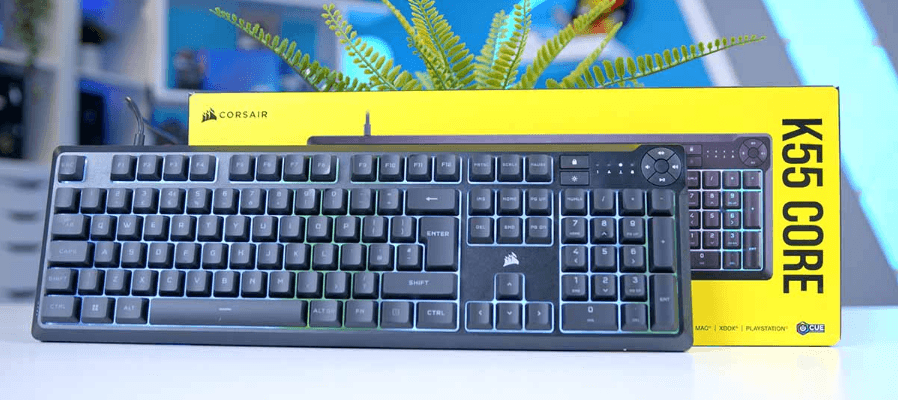
Corsair K55 CORE RGB Membrane Wired Gaming Keyboard-featured

Corsair K55 CORE RGB Membrane Wired Gaming Keyboard User Manual

Corsair K55 CORE RGB Membrane Wired Gaming Keyboard CONGRATULATIONS! The K55 RGB is your first step towards enhanced performance. Stay one step ahead with 6 dedicated on-the-fly programmable macro keys. Multi-key anti-ghosting ensures your simultaneous keypress combos are executed the way you wanted. The dedicated volume and media playback buttons enable control of all of […]

Read More
Razer Naga V2 HyperSpeed Wireless Gaming Mouse-featured

Razer Naga V2 HyperSpeed Wireless Gaming Mouse User Manual

Razer Naga V2 HyperSpeed Wireless Gaming Mouse WHAT’S INSIDE Razer Naga V2 HyperSpeed A. DPI stage up button* B. DPI stage down button* C. Left mouse button D. Right mouse button E. Left tilt-click F. Scroll wheel G. Right tilt-click H. Scroll mode button Free-Spin Scrolling mode Tactile Cycling mode I. Status indicator J. 12-button […]

Read More